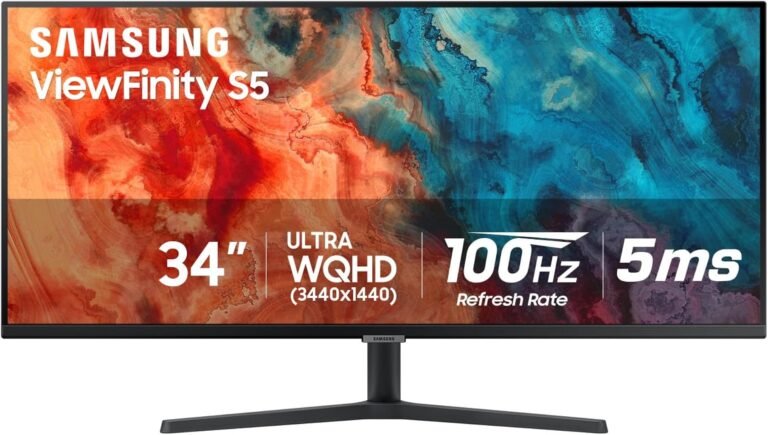
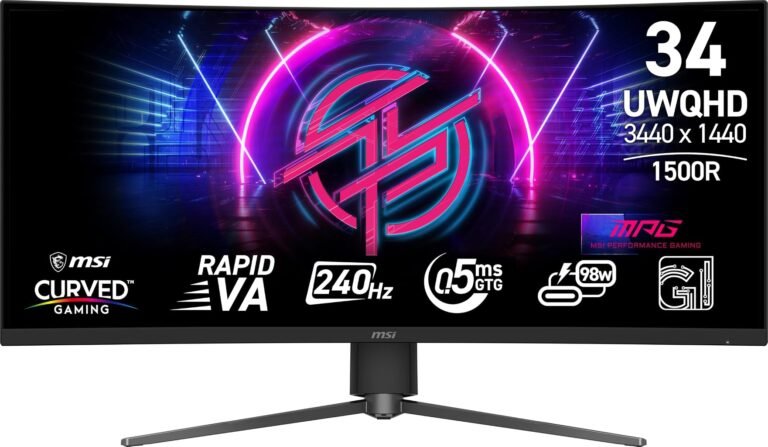
The 34-inch ultrawide monitor has settled into an unusually useful middle ground. It is large enough to replace a conventional two-window office arrangement, wide enough to make games feel materially different from 16:9, yet generally compact enough for a normal desk. More significantly, the category now spans hardware designed for very different purposes.
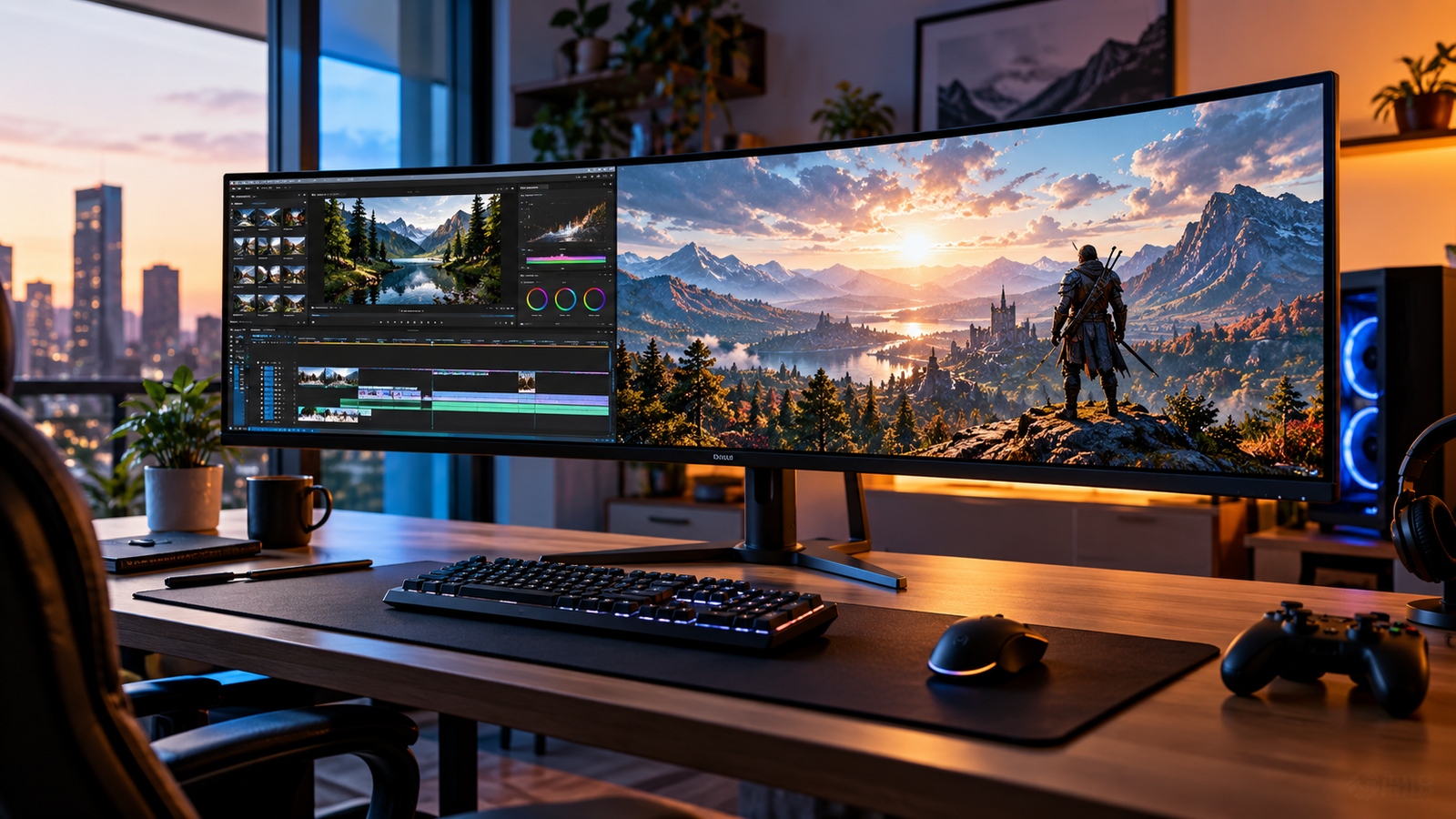
At one end are 100Hz and 120Hz productivity monitors with USB-C charging, Ethernet, KVM switching and adjustable stands. At the other are 180Hz and 240Hz gaming displays, including OLED and QD-OLED models capable of pixel response times measured in hundredths of a millisecond. Between them sit relatively inexpensive VA gaming monitors, smart displays with integrated streaming software and hybrid models that can plausibly handle a workday before running a game at night.
The common denominator is usually 3440 × 1440 resolution. That represents 4,953,600 pixels, about 34% more pixels than standard 2560 × 1440 QHD, while remaining substantially less demanding on a graphics processor than 3840 × 2160 4K.
At roughly 110 pixels per inch on a 34-inch 21:9 panel, 3440 × 1440 also lands in a useful desktop-density range. Text remains reasonably dense without requiring the aggressive interface scaling commonly associated with smaller 4K monitors, while spreadsheets, timelines, browser windows and development environments gain considerable horizontal room.
The harder question is no longer whether a 34-inch ultrawide makes sense. It is which version of the idea fits the desk.
The Shortlist
After weighing price, panel technology, connectivity, refresh rate, ergonomics and our editorial scoring signals, several models establish particularly distinct positions.
- The Dell S3425DW is the strongest balanced work-and-play option in this group. Our score is 8.51/10, with Buyer Confidence at 9.57. Its 3440 × 1440 VA panel runs at 120Hz, while USB-C provides DisplayPort Alt Mode, 5Gbps data and up to 65W of power. Dell’s official specification page documents the monitor’s hardware and connectivity.
- The LG 34WR55QK-B earns the highest overall editorial score here at 8.72/10 among the productivity-oriented models. It combines 3440 × 1440 resolution, a 100Hz VA panel, 1800R curvature, 99% sRGB coverage and USB-C with 65W charging, according to LG’s 34WR55QK-B specifications.
- The Alienware AW3425DWM reaches our highest score across the entire selection at 8.83/10. It is a 3440 × 1440, 180Hz VA gaming monitor with 95% DCI-P3 coverage, DisplayHDR 400, HDMI 2.1 connectivity and Adaptive-Sync support, as detailed by Dell’s Alienware monitor specifications.
- The Alienware AW3425DW QD-OLED is the more display-performance-focused Alienware. Its 34.2-inch QD-OLED panel runs at 3440 × 1440 and 240Hz, with a specified 0.03ms gray-to-gray response time and 99.3% DCI-P3 coverage. Dell lists the complete AW3425DW specifications.
- The MSI MPG 346CQRF X24 is one of the more interesting non-OLED hybrids: 3440 × 1440 Rapid VA, 240Hz, HDMI 2.1, KVM functionality and USB-C with up to 98W Power Delivery. MSI provides the detailed specification sheet.
Those are not interchangeable recommendations. Their differences reveal how buyers should approach the category.
Why 3440 × 1440 Is the 34-Inch Sweet Spot
Any useful ultrawide monitor resolution guide starts with workload rather than diagonal size.
A 2560 × 1080 ultrawide can reduce GPU load, but the vertical resolution is identical to ordinary 1080p. At 34 inches, that compromises desktop density. Moving to 3440 × 1440 raises vertical resolution to 1440 pixels while expanding horizontal working room to 3440 pixels.
The result is especially useful for applications built around timelines or multiple panels. Video editors can spread a timeline horizontally. Developers can keep source code beside documentation or a browser. Financial and operational work can place adjacent spreadsheet regions on one physical panel. Games that properly support 21:9 expose more horizontal scenery without the central seam of a dual-monitor configuration.
There is a performance cost. Rendering 4.95 million pixels at 240 frames per second is dramatically more demanding than driving the same display at 100Hz for office work.
That is why 100Hz vs 240Hz ultrawide is less about declaring one number superior and more about matching the monitor to the system producing the frames.
Best Balanced Choice: Dell S3425DW
A Dell S3425DW Monitor review has to begin with its unusually sensible combination of specifications.
The panel is 34 inches, 3440 × 1440, VA and 120Hz. Dell lists a native 3000:1 contrast ratio, 300-nit brightness, 99% sRGB and 95% DCI-P3 coverage. It also supports AMD FreeSync Premium.
Its more consequential feature for mixed work is USB-C. One upstream USB-C connection supports DisplayPort 1.4 Alt Mode, 5Gbps USB data and up to 65W power delivery. There are also downstream USB connections and two HDMI inputs.
At the editorial reference price of $399.99, our score of 8.51/10 reflects that balance. Customer Sentiment is 8.28, Buyer Confidence 9.57 and Value 8.15.
A 120Hz refresh rate deserves more attention in an office monitor than it often receives. Scrolling, window movement and cursor motion are visibly smoother than at 60Hz. It does not transform spreadsheet calculations or word processing, but it makes interaction with the operating system feel more immediate.
Gaming is equally straightforward. It cannot match the 180-240Hz models for high-frame-rate play, yet 120Hz and FreeSync Premium are enough to make it far more capable after hours than a conventional 60Hz business display.
For a single monitor expected to handle office work, browsing, media and moderate gaming without pushing into OLED pricing, the S3425DW has unusually coherent priorities.
Best Work-Focused Value: LG 34WR55QK-B
The LG 34WR55QK-B UltraWide Curved Monitor review reaches a similar destination through slightly different engineering choices.
LG documents the 34WR55QK-B as a 34-inch 3440 × 1440 VA display with a 21:9 aspect ratio, 1800R curvature and 100Hz maximum refresh rate. Typical contrast is 3000:1, brightness is 300 nits and specified color coverage reaches 99% sRGB. USB-C provides up to 65W charging.
Our score is 8.72/10, supported by Customer Sentiment of 8.72, Buyer Confidence of 9.13 and Value of 8.40.
At the reference price of $344.99, that combination makes sense for users whose working day matters more than competitive gaming. A 100Hz ceiling is already well beyond the traditional 60Hz office baseline, while the USB-C connection reduces desk clutter for notebook users.
Its 1800R curve is also comparatively restrained. That matters for anyone examining a curved vs flat ultrawide monitor because curvature is not a binary characteristic. An 1800R display is considerably gentler than an 800R gaming OLED.
For document work, browsing and conventional creative applications, the gentler geometry is less visually assertive.
The Productivity Specialists: Samsung S65UA, S65UC and S65TC
The Samsung S65UA vs S65UC vs S65TC comparison is mostly a connectivity story.
A Samsung ViewFinity S65UA LS34A654UBNXGO Curved Monitor review starts with the older S65UA platform: 34 inches, 3440 × 1440, 1000R curvature, VA technology, 100Hz maximum refresh, HDR10 and 350-nit typical brightness. Samsung lists the S65UA specifications with a 4000:1 typical static contrast ratio. Our score is 8.15/10 at the $329.99 reference price.
The Samsung ViewFinity S65UC Curved Monitor review produces a newer, more desk-centric proposition. The S65UC remains a 34-inch, 3440 × 1440, 100Hz VA display with 1000R curvature, but it incorporates a KVM switch, USB-C, Ethernet and built-in speakers. Its USB-C connection can supply up to 90W. Samsung documents the S65UC connectivity and display specifications. Our score is 8.14/10.
The Samsung ViewFinity S65TC Curved Monitor review moves further toward high-end docking. The S65TC uses Thunderbolt 4, including 90W charging, alongside Ethernet, KVM functionality, speakers, 100Hz refresh and the same basic 3440 × 1440 34-inch format. Samsung’s S65TC documentation details the Thunderbolt implementation. Our score is lower at 7.86/10 because its $399.99 reference price raises the value threshold.
That creates a fairly rational hierarchy. The S65UA suits simpler USB-C desks. The S65UC makes more sense where KVM and Ethernet integration matter. The S65TC is built around Thunderbolt workflows.
The distinction illustrates why a USB-C ultrawide monitor guide cannot stop at the presence of a USB-C-shaped socket. Charging wattage, video transport, USB data, Ethernet, KVM support and Thunderbolt capability determine whether the monitor genuinely replaces a dock.
LG 34U650A-B: A Work Monitor With an IPS Argument
The LG 34U650A-B UltraWide Curved Monitor review stands apart because its panel is IPS rather than VA.
LG specifies the 34U650A-B as a 34-inch 3440 × 1440 IPS monitor running at 100Hz, with up to 99% sRGB coverage, USB-C and up to 96W charging. LG also includes a built-in KVM.
Our score is 8.30/10, with Customer Sentiment at 8.28, Buyer Confidence at 8.54 and Value at 8.15.
This is where the OLED vs IPS vs VA ultrawide discussion becomes practical.
VA typically offers substantially stronger native contrast than IPS. The Dell S3425DW, for example, is specified at 3000:1, while LG lists the 34U650A-B at 1000:1 typical contrast in its detailed specifications. IPS, however, remains attractive for broad viewing consistency and conventional productivity work.
OLED changes the equation again by allowing individual pixels to emit their own light, creating effectively black pixels when they are switched off. That produces much stronger dark-scene behavior, but OLED monitors also require mitigation against long-term image retention when displaying persistent static interface elements.
The right panel technology therefore follows the workload rather than a universal hierarchy.
Best Midrange Gaming Choice: Alienware AW3425DWM
The Alienware AW3425DWM Curved Gaming Monitor review demonstrates how far conventional VA gaming displays have moved.
The AW3425DWM is not OLED. It uses a VA panel running at 3440 × 1440 and 180Hz. Dell specifies a 1500R curve, 400-nit brightness, 3000:1 native contrast, 95% DCI-P3 coverage, AMD FreeSync Premium and VESA AdaptiveSync.
Its response-time specification reaches 1ms gray-to-gray in Extreme mode, with 2ms Super Fast and 4ms Fast settings also listed.
Our 8.83/10 score is the highest in the group. Customer Sentiment is 8.72, Buyer Confidence 9.66 and Value 8.40. At the $363.22 reference price, the economics are persuasive because the monitor delivers a high refresh rate without the price jump associated with OLED.
The trade-off is straightforward. Buyers prioritizing perfect blacks and extremely rapid pixel transitions still have reasons to move toward OLED. Buyers prioritizing high refresh, ultrawide resolution and lower acquisition cost have less reason to assume OLED is mandatory.
Alienware AW3425DW: The QD-OLED Alternative
The Alienware AW3425DW QD-OLED Curved Gaming Monitor review addresses a different buyer.
The AW3425DW runs at 3440 × 1440 and 240Hz. Dell specifies QD-OLED technology, a 0.03ms gray-to-gray response time, 99.3% DCI-P3 coverage, DisplayHDR True Black 400, G-SYNC compatibility, FreeSync Premium Pro and VESA AdaptiveSync.
Our score is 8.62/10. Customer Sentiment reaches 8.50, Buyer Confidence 9.35 and Value 8.28. The reference price is $699.99.
That nearly doubles the cost of several capable VA alternatives. The additional money is purchasing display behavior rather than additional resolution. Both the AW3425DW and cheaper AW3425DWM display 3440 × 1440 pixels. The QD-OLED model instead raises refresh from 180Hz to 240Hz and changes the underlying light-emission technology.
That distinction is central to evaluating premium ultrawides: image quality and motion performance can increase substantially even when pixel count remains unchanged.
Alienware AW3425DW vs ASUS XG34WCDG
An Alienware AW3425DW vs ASUS XG34WCDG comparison reveals another useful warning about model numbers and headline specifications.
The ASUS ROG XG34WCDG Ultrawide OLED Gaming Monitor review finds a 34-inch 3440 × 1440 QD-OLED panel with 1800R curvature, 99.3% DCI-P3 coverage, a specified 0.03ms response time and a 175Hz maximum refresh rate. ASUS lists its complete specifications. The company also specifies a three-year warranty including panel burn-in coverage.
Our score is 8.45/10 at a $749 reference price.
The Alienware is therefore the higher-refresh design at 240Hz, while ASUS counters with its own OLED protection package, including OLED Care Pro and a proximity sensor designed to black out the panel when the user leaves.
For users who spend much of the day displaying static productivity interfaces, those OLED-care mechanisms deserve consideration alongside gaming specifications.
LG’s OLED Pair: 34GS95QE vs 34GX900A-B
The LG UltraGear 34GS95QE OLED Curved Gaming Monitor review describes a 34-inch 3440 × 1440 OLED with a dramatic 800R curve, 240Hz refresh and 0.03ms specified response time. It supports DisplayHDR True Black 400 and covers 98.5% of DCI-P3. LG provides the 34GS95QE specifications.
Our score is 8.31/10 at $694.99.
The LG UltraGear 34GX900A-B OLED Curved Gaming Monitor review looks remarkably similar on the central display metrics. The newer 34GX900A-B is also 3440 × 1440, 240Hz, 0.03ms and 800R, with FreeSync Premium Pro and G-SYNC compatibility. LG’s 34GX900A-B product documentation also identifies USB-C as part of the connection set, while regional specifications identify USB-C Power Delivery up to 65W.
Our score is 8.21/10 at the $689.99 reference price.
In an LG 34GS95QE vs 34GX900A-B decision, the later model’s USB-C connectivity is the more meaningful differentiator for mixed laptop-and-gaming use. Neither changes the underlying argument for OLED: deep blacks, extremely fast pixel response and 240Hz motion are the attractions, while static desktop usage demands more care than on conventional LCD hardware.
High Refresh Without OLED: LG, MSI and SANSUI
OLED is not the only route to 240Hz.
The LG UltraGear 34G630A-B Curved Gaming Monitor review is particularly revealing. LG specifies a 34-inch 3440 × 1440 VA panel, 1500R curve, 240Hz maximum refresh, 1ms GtG response, 95% DCI-P3 coverage, DisplayHDR 400 and FreeSync Premium. It also includes USB-C, though power delivery is only 15W. LG documents the 34G630A-B specifications.
Our score is 8.25/10 at $349.99.
The MSI MPG 346CQRF X24 Gaming Monitor review presents a stronger connectivity package. Its Rapid VA panel runs at 3440 × 1440 and 240Hz with a specified minimum 0.5ms GtG response. HDMI 2.1, DisplayPort 1.4a and USB-C can all support the native resolution at up to 240Hz, while USB-C Power Delivery reaches 98W. MSI also provides KVM functionality.
At the $359 reference price, our score is 8.28/10.
The SANSUI UWQHD 240Hz Curved Gaming Monitor review sits at $329.99 with an 8.71/10 editorial score, Customer Sentiment of 8.50, Buyer Confidence of 9.80 and Value of 8.28. Those decision signals make it difficult to ignore in a price-led shortlist. Exact hardware claims beyond the established UWQHD/240Hz positioning should be checked against the specific regional SKU before purchase, however, because manufacturer documentation for this exact listing is less readily verifiable than for the Dell, LG, Samsung, ASUS and MSI models.
The Lower-Cost Gaming Middle Ground
Not every gaming system needs 240Hz.
The LG UltraGear 34G600A-B Curved Gaming Monitor review is a useful example. LG specifies 3440 × 1440 resolution at up to 160Hz on a 34-inch 1800R VA panel. It supports FreeSync Premium, HDR10 and 99% sRGB, with 5ms GtG and a 1ms Motion Blur Reduction mode.
Our score is 8.51/10 at $376.99.
This is a sensible ceiling for many mainstream graphics cards. A game does not benefit from a 240Hz monitor merely because the panel can refresh 240 times each second. The rendering system must also produce sufficiently high frame rates, and the benefit becomes increasingly workload-specific.
That is why buyers comparing 100Hz vs 240Hz ultrawide monitors should start with actual games and GPU capability. Strategy games, simulations and slower single-player titles may gain relatively little from the final jump to 240Hz. Fast shooters and racing titles have more to gain.
Philips 346E2CUAE: The Traditional Productivity Formula
The Philips 346E2CUAE Curved Monitor review represents the older but still practical USB-C ultrawide formula.
Philips specifies the 346E2CUAE as a 34-inch VA panel, 3440 × 1440 maximum resolution at 100Hz, 1500R curvature, 300-nit brightness, 3000:1 typical contrast and roughly 110 pixels per inch.
Our score is 8.21/10 at the $309.73 reference price.
Its attraction is not headline speed. It is the combination of usable pixel density, curvature and work-oriented connectivity at a relatively restrained cost. For users migrating from dual basic office displays, that can be more consequential than gaming specifications they will rarely exploit.
Samsung S50GC: Why Flat Ultrawides Still Matter
The Samsung ViewFinity S50GC LS34C50DGANXZA Ultrawide Monitor review is useful precisely because it rejects the assumption that a 34-inch display must be curved.
Samsung’s S50GC documentation describes a flat 34-inch VA ultrawide with 3440 × 1440 resolution, 100Hz refresh, HDR10 and 300-nit typical brightness.
Our score is 8.51/10 at $314.95.
For office users, a flat panel can be preferable where geometric consistency matters or where the screen is frequently viewed by multiple people from different positions. Curvature is most persuasive when one person sits near the center of a wide display.
The curved vs flat ultrawide monitor decision is therefore partly spatial. A centered single-user desk benefits more naturally from curvature. Collaborative viewing and certain graphics workflows can favor flat geometry.
Smart Ultrawides: LG 34SR60QC-W and 34SR63QA-W
The LG 34SR60QC-W UltraWide Curved Smart Monitor review addresses a category that conventional monitor comparisons sometimes miss.
This 34-inch 3440 × 1440 curved display runs at 100Hz and integrates webOS. It supports AirPlay 2, Bluetooth and screen sharing, allowing it to function as a streaming display without relying exclusively on a connected PC. LG details the 34SR60QC-W smart-monitor platform.
Our score is 8.62/10 at $329.99.
The LG 34SR63QA-W UltraWide Curved Smart Monitor review adds more ambitious wired connectivity. It retains the 34-inch 3440 × 1440, 100Hz smart-monitor concept but adds USB-C with 90W Power Delivery alongside HDMI and USB connections. LG lists the 34SR63QA-W connectivity specifications.
Our score is 7.91/10 at $390.91.
For a home office that doubles as a bedroom or compact entertainment space, integrated streaming can eliminate another device. In a dedicated workstation already connected to a desktop PC, that feature carries less weight.
How to Set Up a 34-Inch Ultrawide Monitor Properly
The process to set up 34 inch ultrawide monitor hardware is easy to underestimate. A monitor can be technically functional while running below its intended specification.
A sensible configuration sequence is:
- Connect through a port capable of carrying the monitor’s native resolution and intended refresh rate. High-refresh 3440 × 1440 monitors often rely on DisplayPort 1.4, HDMI 2.1 or an appropriately specified USB-C DisplayPort Alt Mode connection.
- Set the operating system to 3440 × 1440 rather than accepting a lower fallback resolution.
- Select the intended refresh rate manually in the operating system or GPU control panel.
- Enable Adaptive-Sync, FreeSync or G-SYNC-compatible operation where both GPU and monitor support it.
- Check HDR separately. HDR support does not mean HDR should remain enabled for every desktop application.
- Adjust monitor height so the upper part of the panel is around eye level, then alter tilt and distance before making color judgments.
- Use manufacturer software or operating-system window snapping to divide the 21:9 workspace into repeatable zones.
Users trying to configure ultrawide gaming monitor hardware should also verify the game itself. Some titles support 21:9 correctly; others may place menus, cinematics or competitive modes inside a 16:9 region.
Diagnosing an Ultrawide Monitor Refresh Rate Problem
An ultrawide monitor refresh rate problem is often a connection problem rather than a defective panel.
A 240Hz monitor showing only 100Hz or 144Hz should trigger four checks: cable, port, GPU and display settings.
The cable and input must carry sufficient bandwidth. The GPU must support the required output mode. The operating system must actually be configured for the higher rate. Some monitors also require Display Stream Compression to reach their highest combinations of resolution, color depth and refresh.
VESA explains Display Stream Compression as visually lossless compression intended to increase the amount of display data an interface can transport. VESA reports that its development testing involved nearly 250,000 subjective image comparisons.
Variable refresh also involves more than a logo. VESA’s Adaptive-Sync certification evaluates refresh rate, flicker, gray-to-gray response, frame dropping and frame-rate jitter, among other criteria.
Those standards help explain why a monitor’s maximum Hz figure is only one component of motion quality.
Buying by Use Case Rather Than Specification Count
A useful buying guide should reduce choices rather than reward the monitor with the longest specification sheet.
For general office work with occasional gaming, the Dell S3425DW is the most coherent balance. Its 120Hz refresh, 65W USB-C power delivery and strong Buyer Confidence score make it easy to integrate into a notebook-based desk.
For work-first use at a lower reference price, the LG 34WR55QK-B combines 100Hz, 65W USB-C, WQHD resolution and a restrained 1800R curve. Its 8.72 overall score and 8.40 Value score reinforce that position.
For a workstation where docking replaces several cables, the Samsung S65UC and S65TC become more interesting. The S65UC provides 90W USB-C, Ethernet and KVM switching; the S65TC builds the design around Thunderbolt 4.
For high-refresh gaming without OLED pricing, the Alienware AW3425DWM has the strongest editorial score in the selection, while the MSI MPG 346CQRF X24 adds 240Hz and unusually useful 98W USB-C charging.
For image quality and fast pixel response, the Alienware AW3425DW and LG 34GX900A-B move the discussion toward OLED. The former combines QD-OLED with 240Hz; the latter combines 240Hz OLED with an aggressive 800R curve and USB-C.
The ASUS XG34WCDG is different again. Its 175Hz ceiling is lower, but its QD-OLED panel, OLED-care mechanisms and three-year burn-in-inclusive warranty make it relevant to buyers thinking about long-term panel management as well as frame rate.
What the Scores Reveal
The editorial scores produce an interesting pattern. Price alone does not determine Value, and premium panel technology does not automatically produce the highest overall assessment.
Alienware AW3425DWM leads at 8.83/10 because its $363.22 reference price sits beside 180Hz WQHD gaming hardware and exceptionally high Buyer Confidence of 9.66.
LG 34WR55QK-B follows closely at 8.72/10, but for nearly the opposite reason: it is a work-oriented 100Hz USB-C monitor whose feature mix is difficult to fault at $344.99.
The SANSUI model scores 8.71/10, driven partly by its $329.99 price and 240Hz positioning, though buyers should be more careful about verifying exact SKU-level specifications.
Premium OLEDs cluster around the low-to-mid 8s rather than automatically dominating. That reflects their economics. The Alienware AW3425DW costs $699.99 in the reference set; the ASUS XG34WCDG costs $749; the LG 34GS95QE costs $694.99; and the LG 34GX900A-B costs $689.99.
They offer display characteristics cheaper VA monitors cannot reproduce in the same way, but those advantages carry a substantial price premium.
Final Considerations
The 34-inch ultrawide market is no longer one category in any meaningful purchasing sense. It is several monitor classes sharing a physical shape.
For productivity, the strongest designs increasingly behave like docking stations. USB-C power delivery, Ethernet, KVM switching and integrated hubs can matter more during an eight-hour workday than another 60 or 100Hz of refresh capacity.
For gaming, the hierarchy shifts. Refresh rate, variable-refresh behavior, pixel response and panel technology move forward. A 180Hz VA monitor such as the Alienware AW3425DWM can deliver much of the practical ultrawide gaming experience at roughly half the reference price of several OLED alternatives. A 240Hz QD-OLED such as the Alienware AW3425DW spends the additional money on motion and emissive-panel image characteristics rather than more pixels.
For hybrid work and gaming, the middle ground is particularly strong. The Dell S3425DW, LG 34WR55QK-B, LG 34U650A-B and MSI MPG 346CQRF X24 demonstrate four different approaches: 120Hz USB-C balance, 100Hz work value, IPS productivity and 240Hz gaming with high-power USB-C.
The purchase therefore starts with three questions: what device will drive the monitor, how many hours will be spent on static desktop work, and what frame rates can the gaming hardware realistically produce?
Once those are answered, much of the specification noise disappears.
A laptop user who needs one cable and Ethernet is solving a different problem from a desktop gamer targeting 200-plus frames per second. A video editor looking at static timelines for hours is making a different panel-longevity calculation from someone primarily playing HDR games. A home-office user who streams television from the same desk has reasons to consider an LG smart monitor that would be irrelevant inside a dedicated gaming room.
That diversity is precisely why 34 inches remains such a productive monitor size. The dimensions have stabilized; the technology inside them has not. The best choice is the monitor whose engineering priorities match what will actually happen in front of the screen.