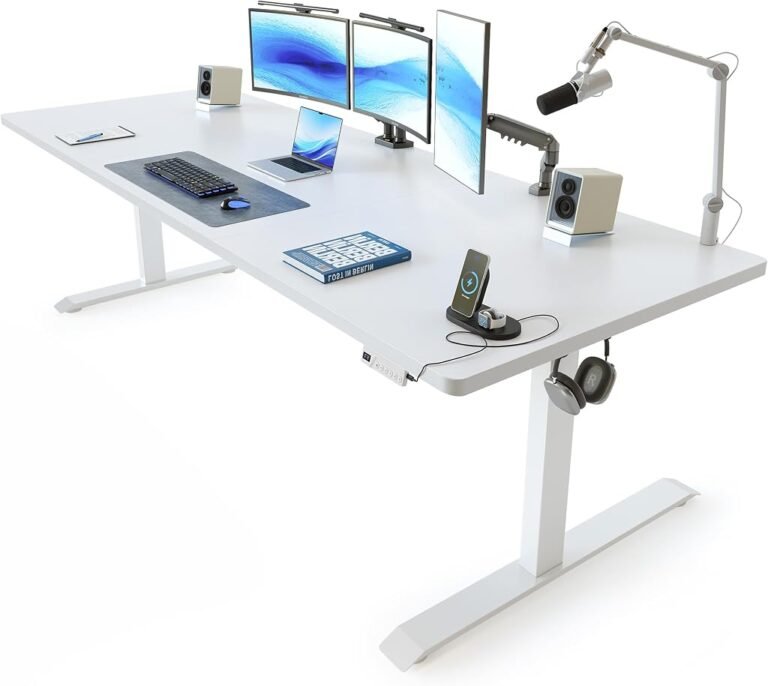
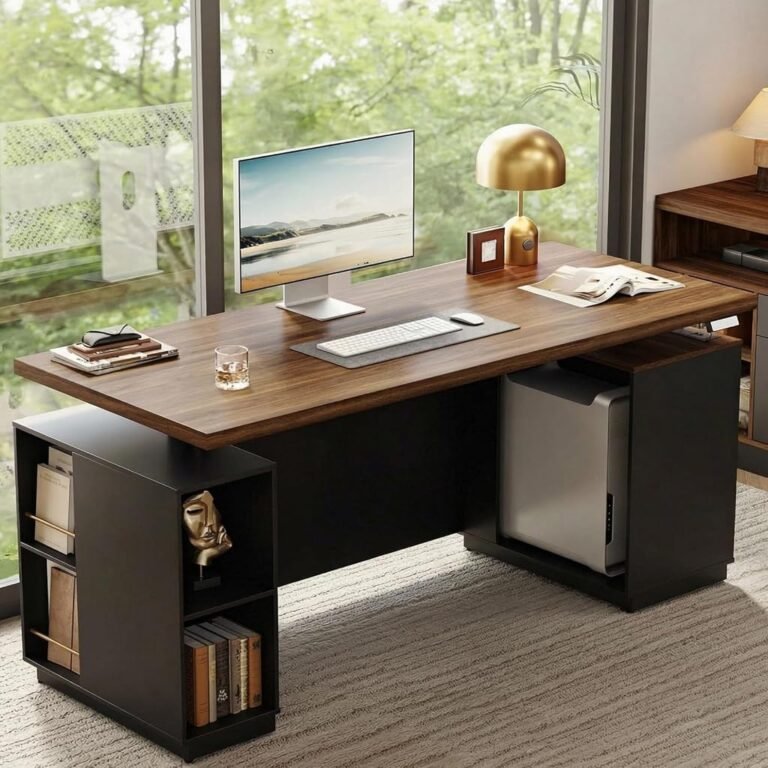
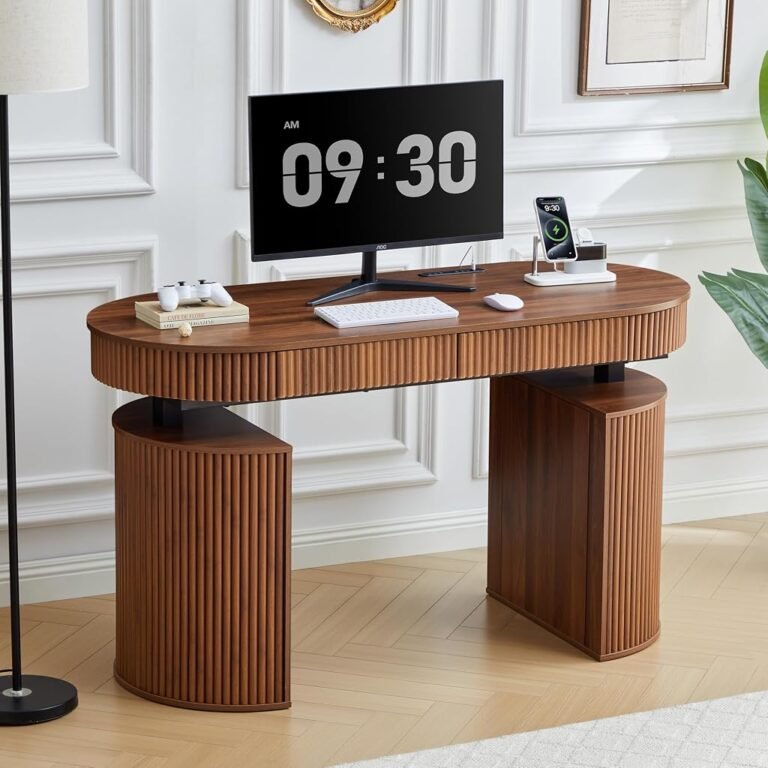
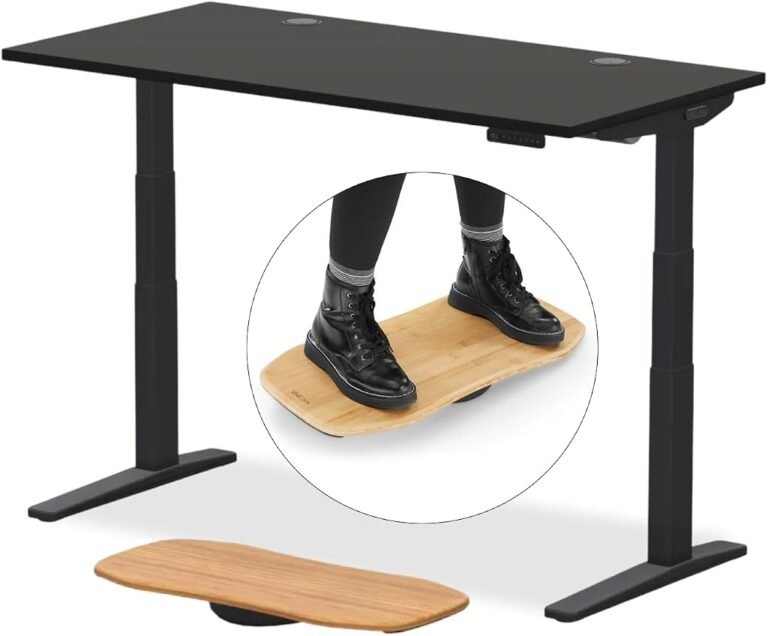
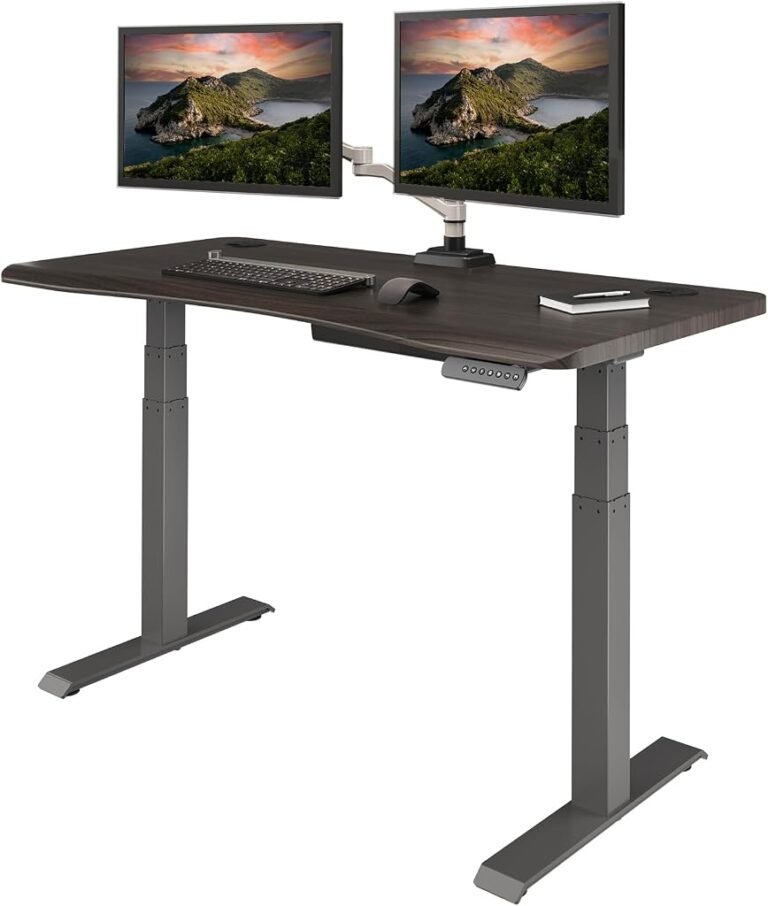
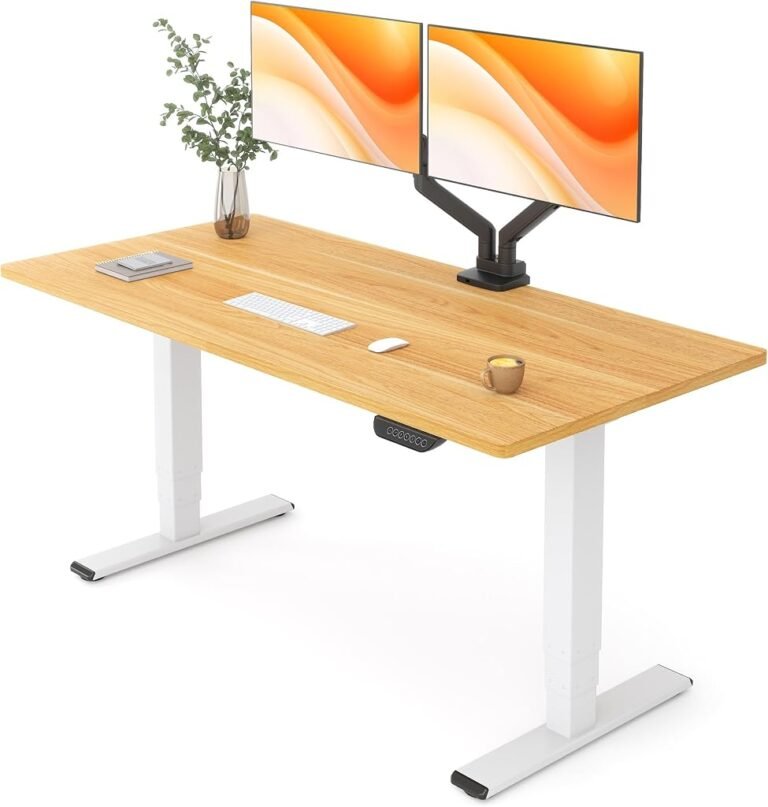
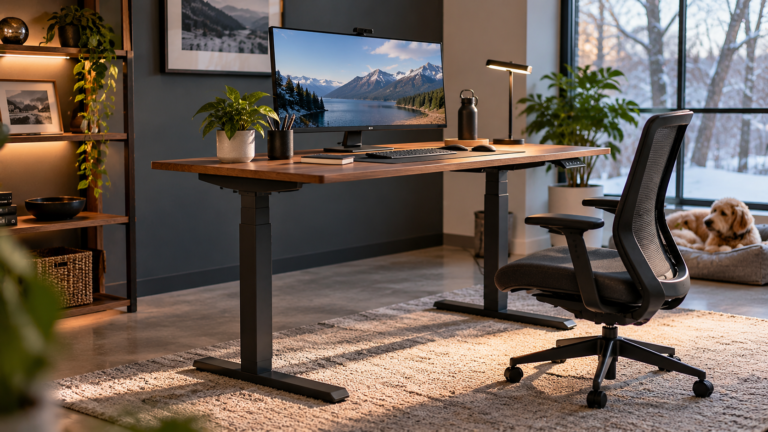
The modern standing desk represents a significant change in how office furniture is designed, evaluated, and used. Once associated primarily with specialized ergonomic workplaces, height-adjustable desks now appear in home offices, corporate environments, creative studios, and executive workspaces.
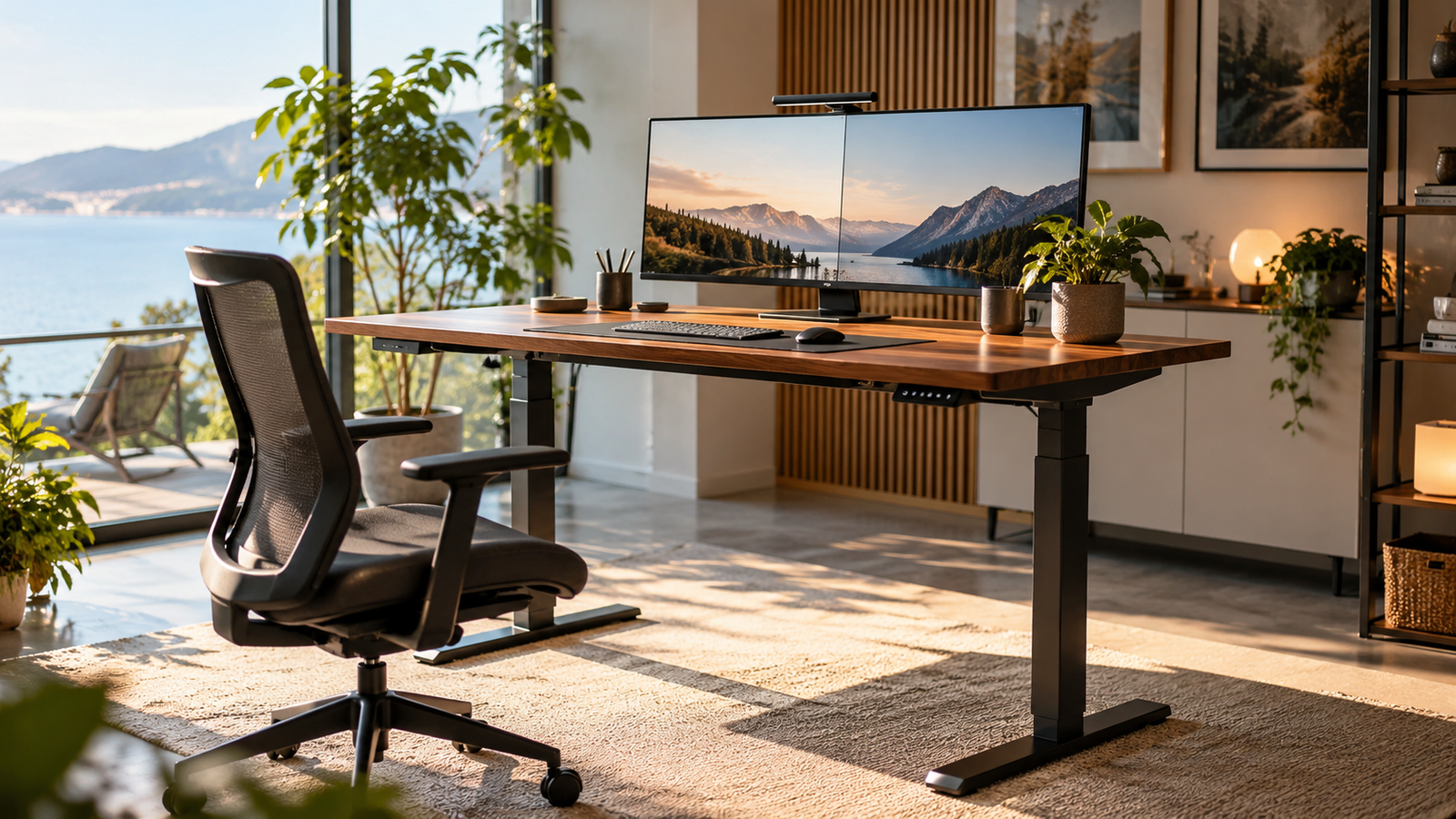
Yet the expanding selection presents a difficult purchasing decision. Electric standing desks promise convenient adjustments, executive models combine furniture aesthetics with workplace functionality, and L-shaped configurations offer additional surface area for demanding workflows. Their differences extend far beyond appearance.
A desk that performs adequately with a laptop may struggle to accommodate multiple monitors. An executive workstation with attractive storage can restrict legroom. An oversized L-shaped desk may offer considerable surface area while creating unnecessary reaching distances.
The central question is therefore not which standing desk offers the longest feature list, but which configuration supports the user’s equipment, working habits, physical dimensions, and available space.
This standing desk buying guide examines the practical distinctions between electric, executive, and L-shaped models, evaluates thirteen relevant products, and identifies the specifications that deserve attention before purchasing.
Why Standing Desks Deserve Careful Evaluation
The argument for adjustable workstations begins with a familiar problem: prolonged sitting.
Office employees frequently spend substantial portions of their working days seated, often maintaining relatively static positions while using computers.
Research indicates that adjustable workstations can help change these patterns, although their health benefits require careful interpretation.
A 2018 Cochrane systematic review examined 34 studies involving 3,397 employees. Researchers found that sit-stand desks reduced workplace sitting by approximately 84–116 minutes per day during short-term follow-up.
However, the researchers classified much of the evidence as low or very low quality. Reduced sitting time should not automatically be interpreted as a demonstrated reduction in cardiovascular disease or other long-term health outcomes.
Standing continuously presents its own difficulties.
The National Institute for Occupational Safety and Health has discussed research associating prolonged occupational standing with adverse cardiovascular outcomes.
These findings support a more measured approach: alternating between sitting, standing, and movement rather than replacing one prolonged static posture with another.
An adjustable desk facilitates those transitions. Its usefulness ultimately depends on whether the workstation makes changing positions comfortable and convenient.
That distinction explains why mechanical reliability, adjustment range, stability, and ergonomic compatibility deserve greater consideration than decorative features alone.
Electric vs Manual Standing Desks: Understanding the Differences
The electric vs manual standing desks debate centers on convenience, mechanical complexity, adjustment frequency, and long-term maintenance.
Neither mechanism automatically guarantees superior ergonomics.
Electric Standing Desks
Electric standing desks use powered lifting mechanisms to raise and lower the desktop.
Their principal advantage is convenience. A user can change working height without interrupting a task to operate a crank or manually reposition equipment.
Depending on the model, electric desks may include:
- Programmable height presets.
- Digital control panels.
- Dual-motor lifting systems.
- Collision-detection features.
- Integrated charging connections.
- Height displays and adjustment controls.
These features can encourage regular position changes by reducing the effort involved.
Electric mechanisms nevertheless introduce components that can require troubleshooting, including motors, controllers, power supplies, and connecting cables.
Manual Standing Desks
Manual desks generally use mechanical adjustment systems, such as hand cranks.
They eliminate dependence on electrical power for height changes and can appeal to buyers seeking straightforward mechanical operation.
However, adjustment requires physical effort and generally takes longer than pressing an electric control.
For users who change positions repeatedly throughout the day, that additional effort can become inconvenient.
Manual models remain reasonable choices for occasional adjustments, shared workspaces with limited electrical access, or buyers prioritizing mechanical simplicity.
For frequent daily transitions, electric adjustment generally offers the more practical experience.
Standing Desk Motor Differences: What Actually Matters?
Standing desk motor differences are frequently presented as evidence of quality, particularly when comparing single-motor and dual-motor configurations.
The distinction deserves closer examination.
A single-motor desk uses one powered mechanism to drive its lifting system. Depending on its engineering, the motor may operate multiple lifting columns through connecting components.
A dual-motor configuration typically distributes powered lifting across two mechanisms.
Dual motors can support designs intended for larger or heavier workstations, but motor quantity alone does not establish superior stability, speed, durability, or lifting capacity.
Those outcomes depend on several interacting factors:
Load capacity: The complete workstation must support monitors, mounting hardware, computers, accessories, and other equipment.
Frame construction: Lifting columns, cross-supports, feet, and connection points influence structural rigidity.
Synchronization: Multiple lifting mechanisms require coordinated movement to maintain consistent desktop height.
Adjustment range: The minimum and maximum heights determine whether the desk accommodates the intended user.
Noise and movement: Motor operation should be assessed under realistic working loads rather than inferred from motor quantity.
A dual-motor desk with inadequate structural support may perform less satisfactorily than a carefully engineered single-motor alternative.
Buyers should therefore evaluate the complete lifting system instead of treating motor count as a substitute for mechanical specifications.
Best Electric Standing Desks: Comparing the Leading Options
Electric desks remain the most versatile category for conventional computer workstations.
Several models stand out in our editorial assessment, although their strengths address different purchasing priorities.
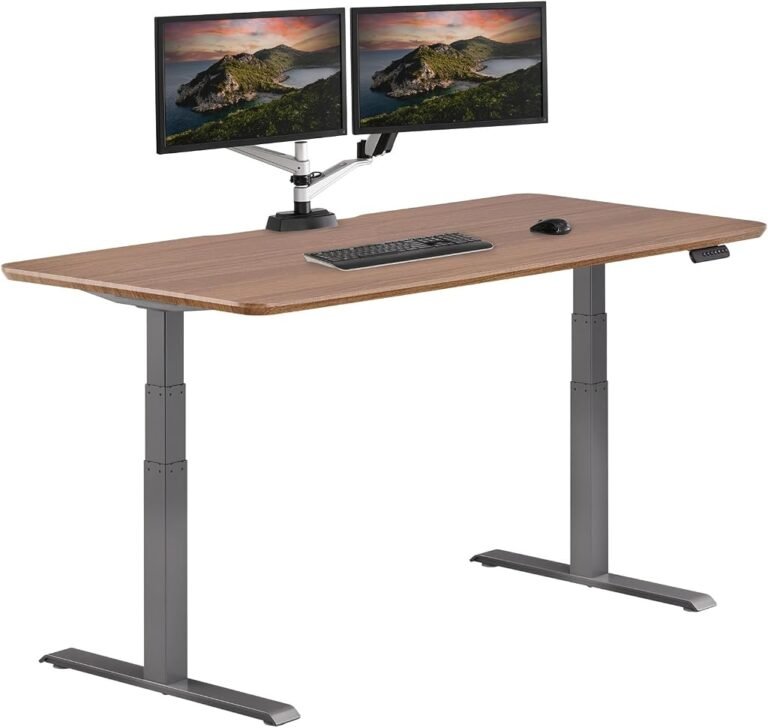
Vari Classic Electric Standing Desk: Strongest Overall Editorial Rating
The Vari Classic Electric Standing Desk receives our highest overall score in this comparison at 9.16/10.
Its customer sentiment score of 9.16 and buyer confidence rating of 9.80 support its position as a leading conventional electric workstation.
The Vari Classic desk review assessment favors buyers seeking a straightforward adjustable desk rather than an elaborate furniture configuration.
Its strongest purchasing argument is the combination of overall editorial performance and buyer confidence.
For professionals who primarily use a monitor, keyboard, mouse, and standard office accessories, a conventional rectangular workstation often provides a more efficient layout than a large executive desk.
The Vari Classic is consequently a leading candidate for everyday office work, particularly when elaborate storage or a corner configuration is unnecessary.
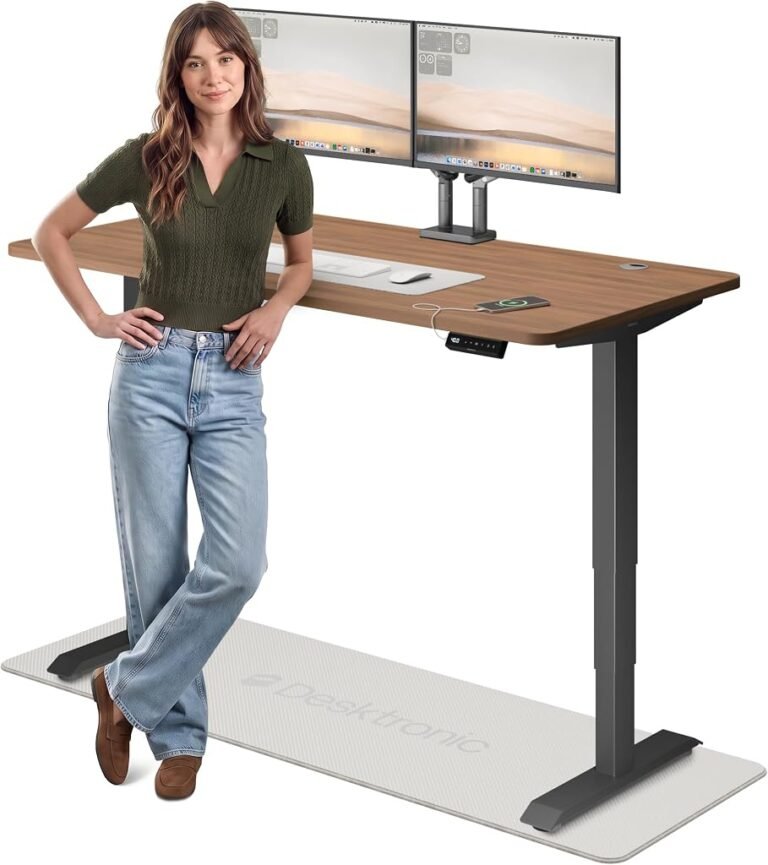
Desktronic HomePro Electric Standing Desk: Feature-Rich Daily Adjustment
The Desktronic HomePro earns an overall score of 9.15/10, placing it immediately behind the Vari Classic.
Its buyer confidence score reaches 9.77, while customer sentiment stands at 9.16.
The Desktronic HomePro includes a 60-by-30-inch desktop, dual-motor adjustment, touchscreen controls, three programmable memory presets, and USB and USB-C charging connections.
These features address several practical workstation requirements simultaneously.
The 30-inch desktop depth provides useful flexibility for monitor placement, while programmable presets allow users to return to preferred working heights.
Integrated charging can also reduce dependence on separate desktop adapters.
The Desktronic HomePro review assessment identifies it as a particularly suitable option for professionals who frequently alternate between sitting and standing.
Its value score of 8.64 further supports its position as a balanced electric workstation.
Vari ComfortEdge Electric Standing Desk: An Ergonomic Alternative
The Vari ComfortEdge Electric Standing Desk earns an overall score of 9.02/10.
Its customer sentiment rating is 9.16, buyer confidence reaches 9.12, and value stands at 8.64.
The Vari ComfortEdge review places it among the stronger alternatives for buyers prioritizing a conventional adjustable workstation.
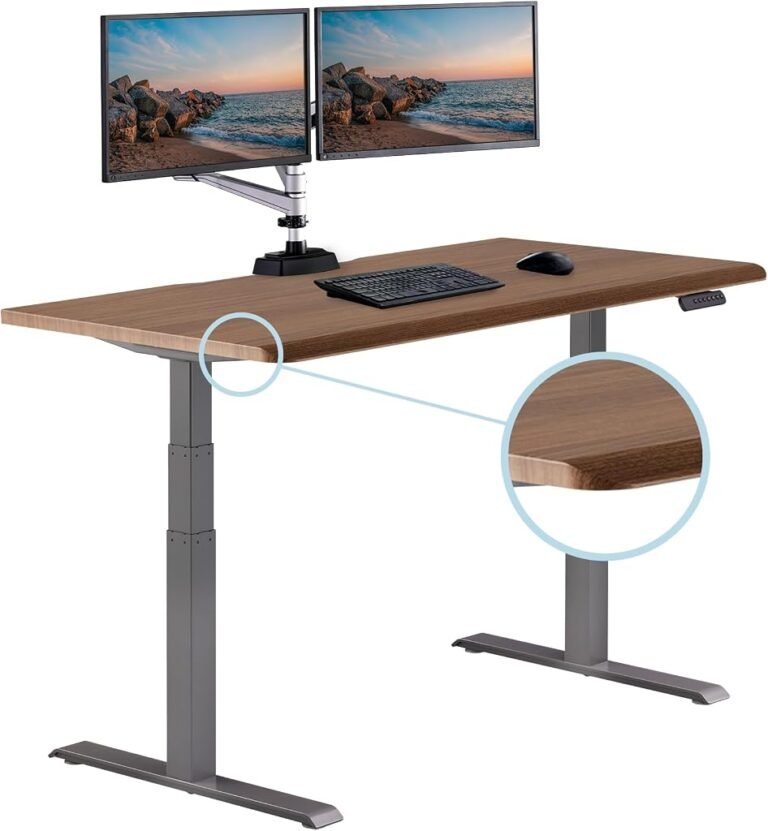
Desktop edge design deserves attention because prolonged contact between hard surfaces and the forearms can create discomfort.
The Occupational Safety and Health Administration’s workstation guidance identifies hard or angled desktop edges as potential sources of contact stress.
Buyers considering the ComfortEdge should examine the actual edge profile and determine whether it accommodates their preferred keyboard and forearm positions.
An attractive edge treatment is not automatically an ergonomic advantage unless it supports comfortable working posture.
Vari Ergo Electric Standing Desk: Balanced Everyday Use
The Vari Ergo Electric Standing Desk receives an overall score of 8.95/10.
Its customer sentiment score reaches 9.16, with buyer confidence at 8.74 and value at 8.64.
The Vari Ergo review positions it as another credible option for conventional office arrangements.
In a Vari standing desk comparison, the Classic leads on overall editorial performance, followed by the ComfortEdge and Ergo.
The distinction is relatively narrow, making desktop dimensions, adjustment range, frame construction, and compatibility with existing equipment particularly relevant.
A slightly higher editorial score should not outweigh a measurable ergonomic mismatch.
UPLIFT Desk V3 vs Desktronic HomePro: Which Makes More Sense?
The UPLIFT Desk V3 2-Leg Standing Desk earns an overall score of 8.45/10, with customer sentiment at 8.50, buyer confidence at 8.52, and value at 8.28.
The UPLIFT Desk V3 review assessment places it within the capable conventional standing desk category.
However, the Desktronic HomePro vs UPLIFT V3 comparison produces a clearer editorial preference.
Desktronic leads in all four assessment categories:
| Evaluation Category | Desktronic HomePro | UPLIFT Desk V3 |
|---|---|---|
| Our Score | 9.15 | 8.45 |
| Customer Sentiment | 9.16 | 8.50 |
| Buyer Confidence | 9.77 | 8.52 |
| Value | 8.64 | 8.28 |
Desktronic also offers identified features such as dual motors, memory presets, and integrated charging.
Accordingly, HomePro receives the stronger overall recommendation for buyers seeking a conventional electric workstation.
UPLIFT remains relevant for buyers whose preferred configuration, desktop dimensions, or accessory requirements align more closely with its available options.
The final comparison should include the precise configuration under consideration rather than assuming that every version of a product shares identical specifications.
Other Electric Standing Desks Worth Considering
Several additional models address practical needs without requiring buyers to prioritize the highest overall editorial rating.
FLEXISPOT E6 MAX Electric Standing Desk
The FLEXISPOT E6 MAX earns an overall score of 8.71/10.
Customer sentiment reaches 8.72, buyer confidence stands at 9.06, and value receives 8.40.
The FLEXISPOT E6 MAX review assessment places it among the stronger alternatives to the highest-rated conventional desks.
Its buyer confidence score is particularly encouraging.
For buyers comparing multiple electric models, the E6 MAX deserves consideration alongside FEZIBO and Vari Ergo.
Final selection should account for available desktop sizes, lifting specifications, warranty conditions, and workstation compatibility.
FEZIBO Large Electric Standing Desk
The FEZIBO Large Electric Standing Desk receives an overall score of 8.75/10.
Its customer sentiment score is 8.72, buyer confidence reaches 9.27, and value stands at 8.40.
The FEZIBO Large desk review assessment identifies it as a strong candidate for buyers seeking a spacious conventional workstation.
A larger desktop can accommodate multiple displays, reference materials, and additional accessories.
However, available surface area must be evaluated alongside room dimensions and the user’s ability to reach frequently used equipment comfortably.
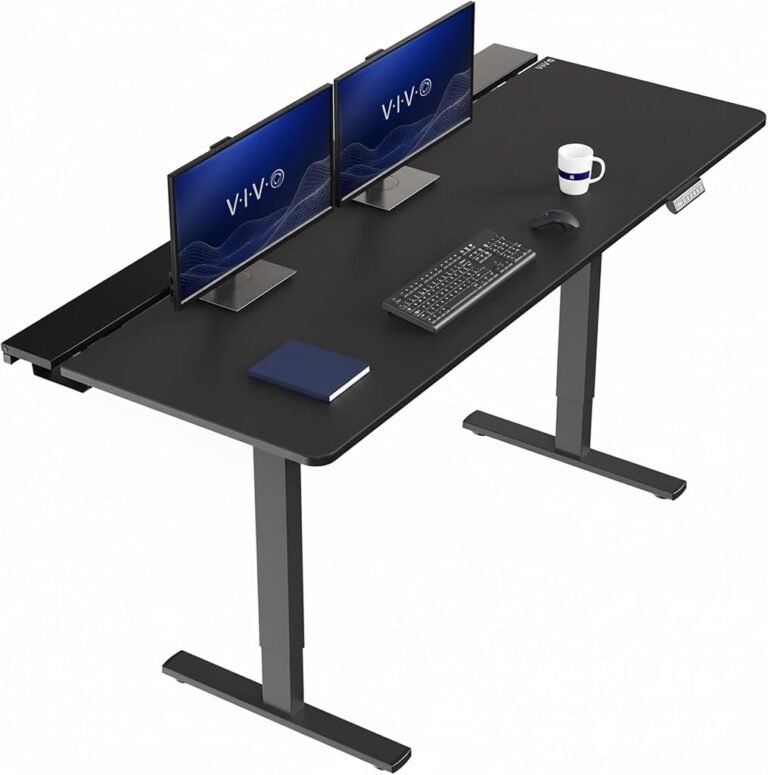
VIVO DESK-KIT-1B6-P3B-71 Standing Desk
The VIVO DESK-KIT-1B6-P3B-71 receives an overall score of 8.36/10.
Customer sentiment stands at 8.28, buyer confidence at 8.84, and value at 8.15.
The VIVO DESK-KIT-1B6-P3B-71 review assessment places it within the practical midrange of this comparison.
Its purchasing appeal centers on conventional workstation requirements rather than executive styling.
Buyers should verify the exact desktop configuration, adjustment mechanism, and equipment compatibility before selecting it.
Executive Standing Desks: When Furniture Design Matters
Executive standing desks combine adjustable workstation functionality with visual elements traditionally associated with managerial offices.
These may include privacy panels, decorative finishes, substantial desktop structures, and integrated storage.
Their appeal is understandable.
A desk positioned prominently in a private office must often function as both working equipment and a major furniture element.
However, executive styling introduces trade-offs.
Decorative panels may restrict cable access. Storage compartments can reduce available legroom. Additional structural components may complicate assembly or equipment installation.
The correct executive desk should satisfy ergonomic requirements before aesthetic preferences determine the final choice.
ModernMate Executive Standing Desk With Privacy Panel
The ModernMate Executive Standing Desk with Privacy Panel receives an overall score of 8.29/10.
Its customer sentiment score is 8.28, buyer confidence reaches 8.50, and value stands at 8.15.
The ModernMate executive desk review assessment favors professionals seeking a more enclosed workstation appearance.
A privacy panel can create visual separation between the user and surrounding space.
That feature may be particularly appealing in offices where the desk faces an entrance, meeting area, or shared workspace.
Nevertheless, panel positioning should be checked against legroom requirements, cable routing, and access to electrical connections.
The desk is best suited to buyers who consider visual presentation an important part of their office design.
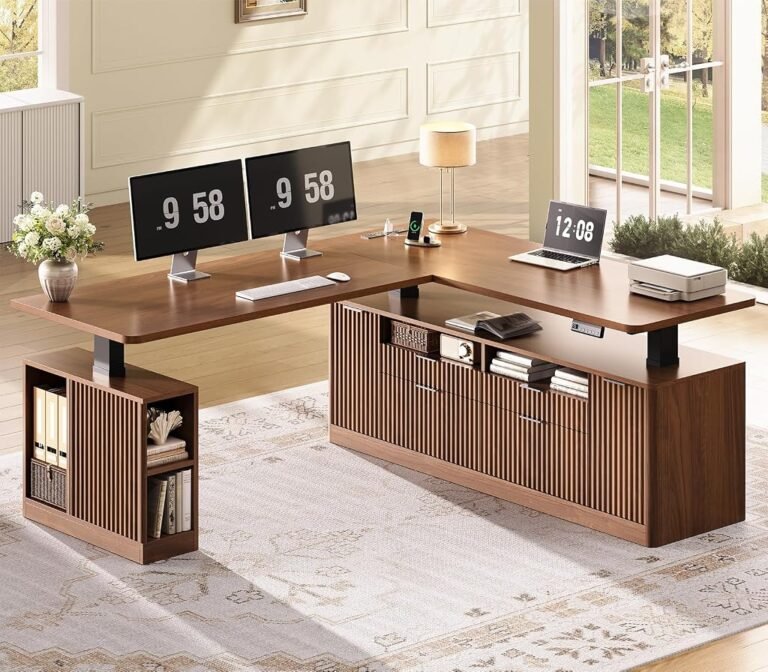
ORRD Mid-Century Fluted Electric Standing Desk
The ORRD Mid-Century Fluted Electric Standing Desk receives an overall score of 7.82/10.
Its customer sentiment rating is 7.62, buyer confidence stands at 8.42, and value reaches 7.79.
The ORRD fluted standing desk review assessment identifies it as a design-oriented alternative.
Fluted detailing can complement offices furnished with mid-century-inspired furniture, textured cabinetry, or decorative wood finishes.
However, visual compatibility should not outweigh structural requirements.
The ORRD trails several conventional electric desks in our editorial assessment.
It therefore makes greater sense for buyers prioritizing a coordinated furniture appearance than for those seeking the strongest overall score.
L-Shaped Standing Desks: More Surface Area, Different Trade-Offs
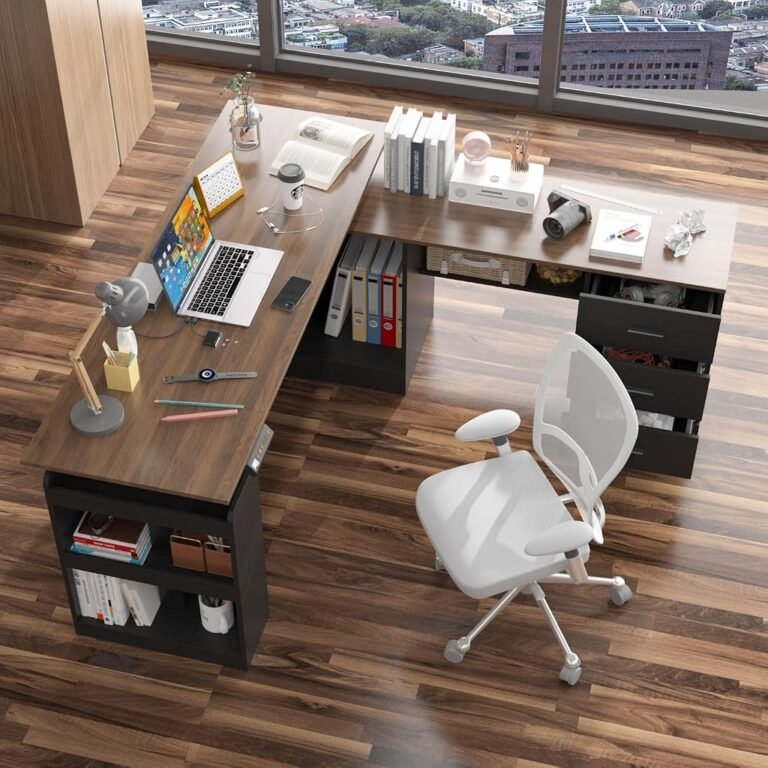
L-shaped standing desks offer two connected working surfaces, creating opportunities to separate activities.
A user might dedicate one side to computer work and the other to paperwork, drawing, reference materials, or secondary equipment.
This arrangement can be useful for professionals managing several activities throughout the day.
However, additional desktop area does not automatically produce a better workstation.
Rectangular vs L-Shaped Standing Desks
The rectangular vs L-shaped standing desks comparison begins with room geometry.
Rectangular desks are generally easier to position against walls, relocate, and incorporate into smaller offices.
They also simplify monitor alignment because the primary working surface follows a single straight edge.
L-shaped desks can use corners effectively while creating separate working zones.
Their disadvantages include greater spatial requirements, potentially more complicated assembly, and additional considerations surrounding cable routing and lifting mechanisms.
The choice should reflect actual working behavior.
A user who rarely accesses a secondary surface may gain little from an L-shaped configuration.
Conversely, someone who regularly switches between computer work and physical documents may find the additional surface genuinely useful.
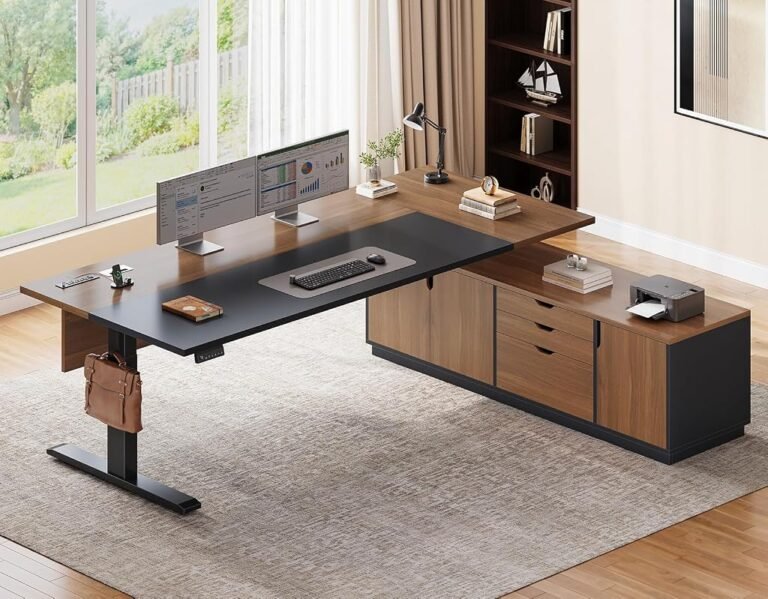
MOUMON Executive L-Shaped Electric Standing Desk
The MOUMON Executive L-Shaped Electric Standing Desk earns an overall score of 8.17/10.
Customer sentiment reaches 8.06, buyer confidence stands at 8.64, and value receives 8.03.
The MOUMON executive L-shaped review assessment makes it our leading choice among the three executive L-shaped models considered here.
Its principal appeal is the combination of an executive-oriented design and an extended workstation layout.
It is particularly relevant for users seeking separate computer and administrative working areas.
Before purchasing, buyers should verify which side accommodates the return surface, whether the configuration suits their room, and how the desk moves when fully loaded.
SEDETA Executive L-Shaped Electric Standing Desk
The SEDETA Executive L-Shaped Electric Standing Desk receives an overall score of 8.00/10.
Customer sentiment stands at 7.84, buyer confidence reaches 8.53, and value is rated 7.91.
The SEDETA executive L-shaped review assessment identifies it as a reasonable alternative for buyers seeking a larger executive-style workstation.
Its appeal centers on the functional advantages of the L-shaped layout.
However, it trails MOUMON across our principal editorial measures.
Buyers should prioritize SEDETA when its particular layout, dimensions, or appearance better suit the intended office.
SEDETA Fluted Executive L-Shaped Electric Standing Desk
The SEDETA Fluted Executive L-Shaped Electric Standing Desk also earns an overall score of 8.00/10.
Customer sentiment reaches 7.84, buyer confidence stands at 8.57, and value receives 7.91.
The SEDETA Fluted desk review assessment positions it as a decorative alternative within the executive L-shaped category.
Its fluted styling is the principal distinction for buyers seeking a coordinated office interior.
Compared with the standard SEDETA executive model, its buyer confidence score is marginally higher.
That difference is too small to override meaningful distinctions in dimensions, construction, or layout.
SEDETA vs MOUMON L-Shaped Desks
The SEDETA vs MOUMON L-shaped desks comparison reveals a modest but consistent editorial advantage for MOUMON.
| Evaluation Category | MOUMON Executive | SEDETA Executive | SEDETA Fluted |
|---|---|---|---|
| Our Score | 8.17 | 8.00 | 8.00 |
| Customer Sentiment | 8.06 | 7.84 | 7.84 |
| Buyer Confidence | 8.64 | 8.53 | 8.57 |
| Value | 8.03 | 7.91 | 7.91 |
MOUMON leads across all four categories.
It therefore receives the stronger overall recommendation for an executive L-shaped workstation.
SEDETA remains relevant when its specific furniture configuration or decorative treatment better matches the office.
For all three models, accurate room measurements and equipment placement remain decisive.
Standing Desk Sizing for Monitors and Equipment
Standing desk sizing for monitors requires more than measuring screen diagonals.
A workstation must accommodate monitor stands or arms, keyboards, pointing devices, speakers, and any additional equipment.
Desktop depth is especially significant.
The OSHA monitor positioning guidance recommends a viewing distance generally between 20 and 40 inches, or approximately 50–100 centimeters.
The appropriate distance varies with display size, visual requirements, and individual comfort.
For a single-monitor arrangement, a moderately sized rectangular desk may provide sufficient space.
Dual-monitor configurations require additional horizontal room, particularly when both displays are used equally.
Ultrawide displays create different requirements because their width and viewing distance can influence the user’s posture.
Monitor arms can improve positioning flexibility, but their mounting requirements must be checked carefully.
Before purchasing, buyers should:
- Measure the combined width of all displays.
- Account for monitor stands or mounting hardware.
- Confirm sufficient viewing distance.
- Reserve space for keyboard and mouse movement.
- Check desktop thickness and mounting compatibility.
- Include speakers, docking stations, and reference materials in the layout.
The Desktronic HomePro’s 60-by-30-inch desktop provides a useful example of a conventional workstation with substantial depth.
Larger alternatives, including the FEZIBO Large and executive L-shaped models, warrant consideration when additional working zones are necessary.
Standing Desk Height Setup: Getting Ergonomics Right
Standing desk height setup should begin with the user’s body rather than a predetermined numerical setting.
The ideal working height changes between sitting and standing.
It also varies with chair adjustment, keyboard thickness, footwear, and individual proportions.
The OSHA purchasing guide identifies keyboard adjustment ranges of approximately 22–30 inches for seated work and 36–46.5 inches for standing work.
These are general purchasing guidelines rather than universal individual targets.
A practical setup process involves several stages.
Establish the Seated Position
Adjust the chair so the feet receive stable support and the backrest supports the lower back.
Position the keyboard so the shoulders remain relaxed and the elbows stay close to the body.
The wrists should remain approximately aligned with the forearms.
If the desk cannot descend sufficiently, a suitable keyboard tray or other workstation adjustment may be necessary.
Establish the Standing Position
Raise the desk until typing feels comfortable without lifting the shoulders.
Keep the keyboard within easy reach and avoid leaning forward.
Position the monitor so the head remains balanced over the torso rather than tilted upward or downward.
Save Preferred Heights
Where programmable presets are available, store the seated and standing positions.
The HomePro’s three memory presets make this approach particularly convenient.
Alternate Positions
A practical starting routine is to change posture periodically and incorporate short walking breaks.
Standing continuously is not the objective.
The CDC’s office ergonomics guidance emphasizes avoiding prolonged sitting or standing and maintaining comfortable working positions.
The most effective schedule is one that accommodates the user’s tasks and encourages regular movement.
Standing Desk Storage Options: Convenience Without Compromise
Standing desk storage options require particular scrutiny because conventional furniture accessories do not always translate well to adjustable workstations.
Drawers, cabinets, shelves, and organizers can improve workplace organization.
However, their placement affects movement, accessibility, and available legroom.
Under-desk drawers may interfere with the knees when seated.
Large storage compartments can increase the load carried by the lifting system.
Fixed shelving positioned above an adjustable desktop may restrict its maximum usable height.
For executive and L-shaped desks, storage should be assessed as part of the complete workstation layout.
Frequently used equipment belongs within comfortable reaching distance.
Occasionally accessed documents can remain farther away.
Buyers should distinguish between storage that genuinely supports daily tasks and decorative compartments that merely increase furniture bulk.
Standing Desk Cable Management and Electrical Safety
Standing desk cable management presents a problem that fixed-height desks largely avoid: the distance between equipment and electrical outlets changes whenever the desktop moves.
Poorly routed cables can become stretched, disconnected, or trapped.
A reliable arrangement begins with identifying every electrical connection.
These may include monitors, computers, chargers, docking stations, lighting, and the desk’s own power supply.
Cable trays can help organize excess wiring beneath the desktop.
Flexible sleeves can keep related cables together, while appropriate cable clips can guide wiring away from moving components.
Several precautions deserve attention:
- Leave sufficient cable slack for the desk’s full movement range.
- Keep wiring away from lifting columns and mechanical joints.
- Avoid placing electrical connections where they may be crushed.
- Secure power accessories according to manufacturer instructions.
- Check cable movement before installing permanent organizers.
- Maintain access to plugs and controls.
L-shaped desks require additional planning because equipment may be distributed across separate working surfaces.
A cable arrangement that functions at seated height should also remain safe when the desk reaches its maximum intended standing position.
Standing Desk Not Moving: Common Troubleshooting Steps
A standing desk not moving does not necessarily indicate motor failure.
Electrical interruptions, disconnected controls, mechanical obstructions, and synchronization issues can all prevent adjustment.
Troubleshooting should begin with basic checks.
First, confirm that the power connection is secure and that the electrical outlet functions.
Next, inspect accessible control-panel connections without opening electrical housings.
Remove objects that could obstruct the desk’s movement.
Some electric desks require a reset or calibration procedure after losing power or detecting irregular movement.
The correct procedure varies by manufacturer and model.
Users should consult the specific operating manual rather than applying an unfamiliar reset sequence.
If the desk moves unevenly, produces unusual mechanical noises, or repeatedly stops under ordinary loads, operation should be discontinued until the cause is identified.
Attempting to force movement can damage lifting components.
Persistent electrical or mechanical problems should be addressed through the manufacturer’s service process.
How to Choose the Right Standing Desk
The strongest purchasing decisions emerge from matching workstation requirements to product characteristics.
A buyer working primarily with one or two monitors should generally begin with conventional rectangular electric desks.
The Vari Classic and Desktronic HomePro lead our overall assessment.
The Vari ComfortEdge and Vari Ergo provide additional alternatives, while the FEZIBO Large and FLEXISPOT E6 MAX merit consideration when their available configurations better suit the intended workspace.
For executive offices, the ModernMate offers a privacy-panel design, while the ORRD provides a more decorative furniture appearance.
Buyers seeking separate working zones should examine the MOUMON and SEDETA L-shaped models.
The following comparison summarizes the editorial hierarchy.
| Standing Desk | Our Score | Buyer Confidence | Primary Buying Consideration |
|---|---|---|---|
| Vari Classic | 9.16 | 9.80 | Leading overall conventional option |
| Desktronic HomePro | 9.15 | 9.77 | Features and daily adjustability |