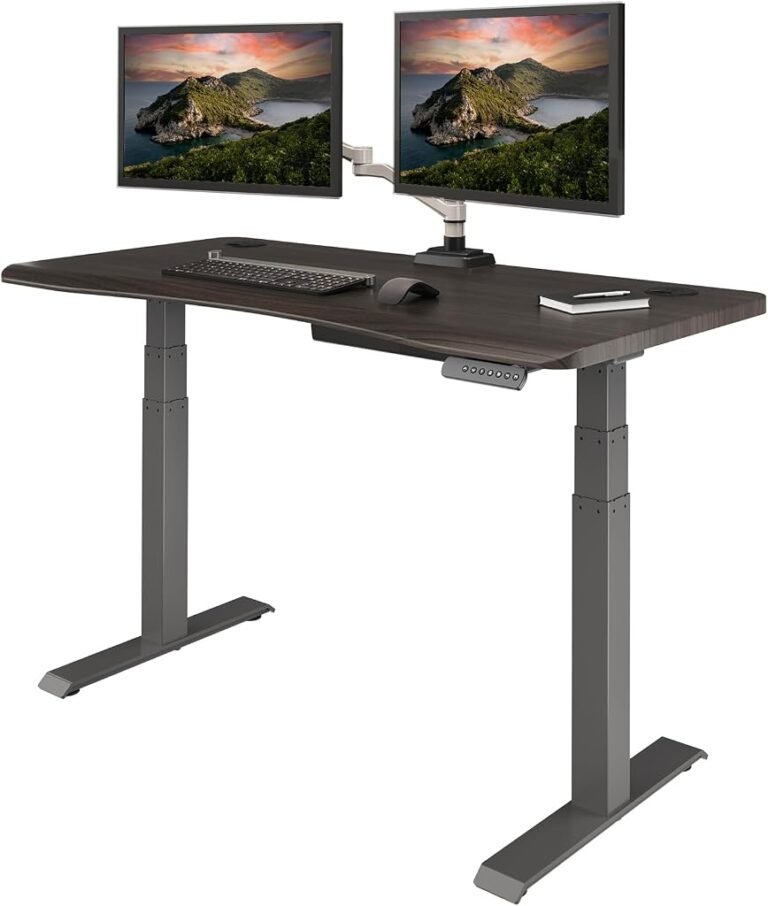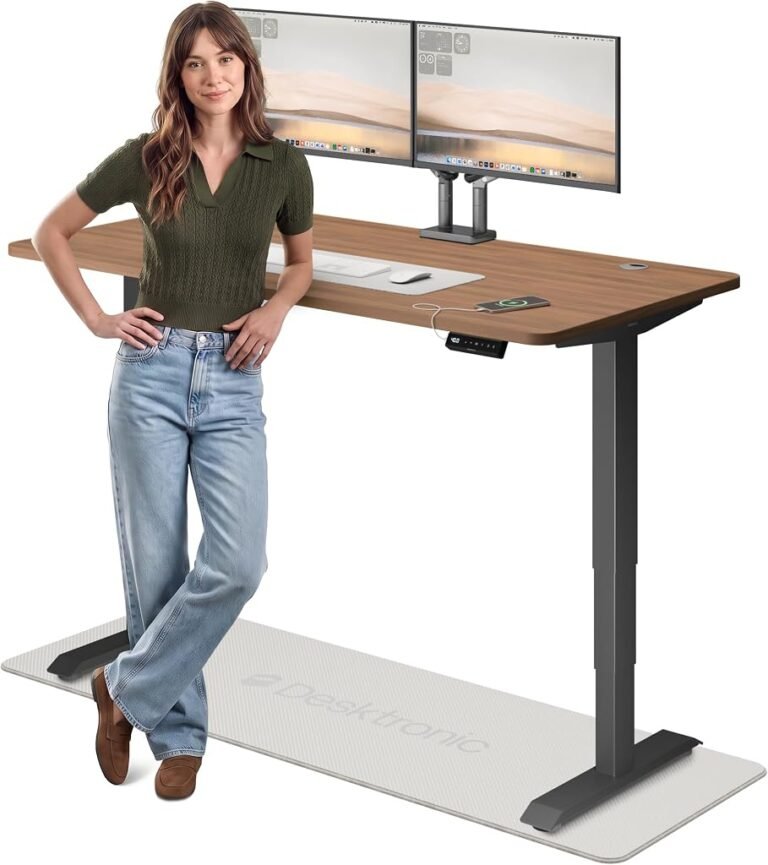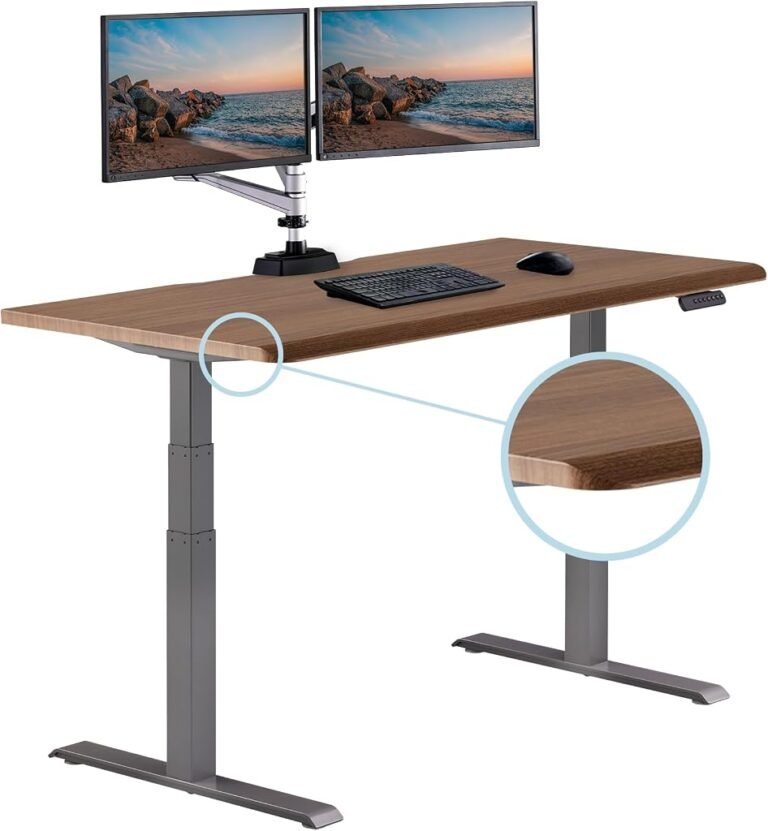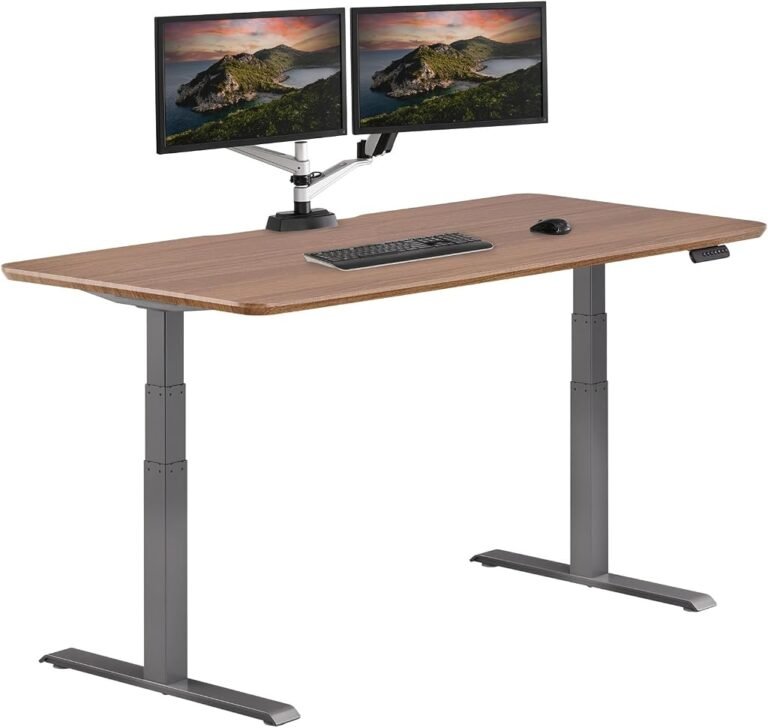
A standing desk promises a simple change to the working day: the ability to alternate between sitting and standing without abandoning the computer, documents, or equipment arranged across the desktop. Whether that flexibility improves the workstation, however, depends on considerably more than the presence of an electric motor.
Desktop dimensions, height adjustment, structural support, storage, and long-term usability all influence the experience. A desk that provides generous working space but cannot reach a comfortable seated height may create as many problems as it solves.
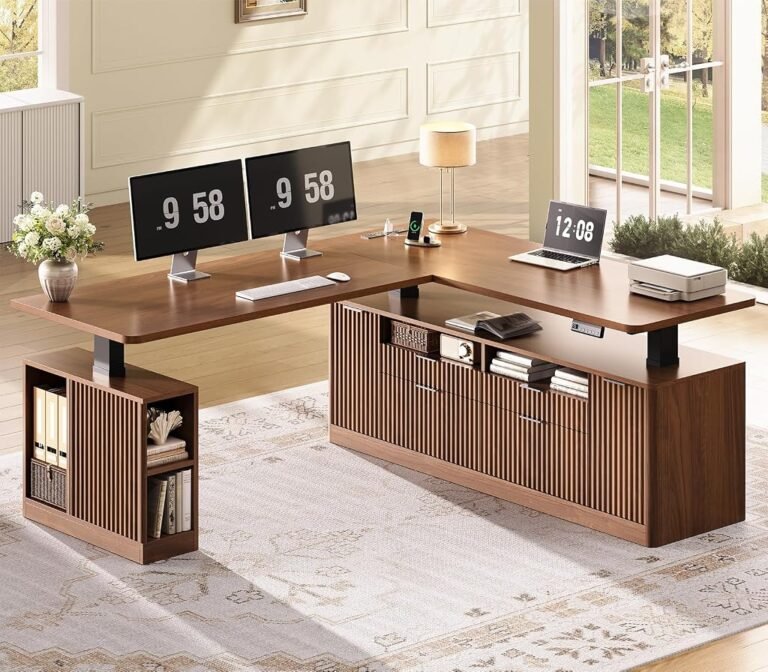
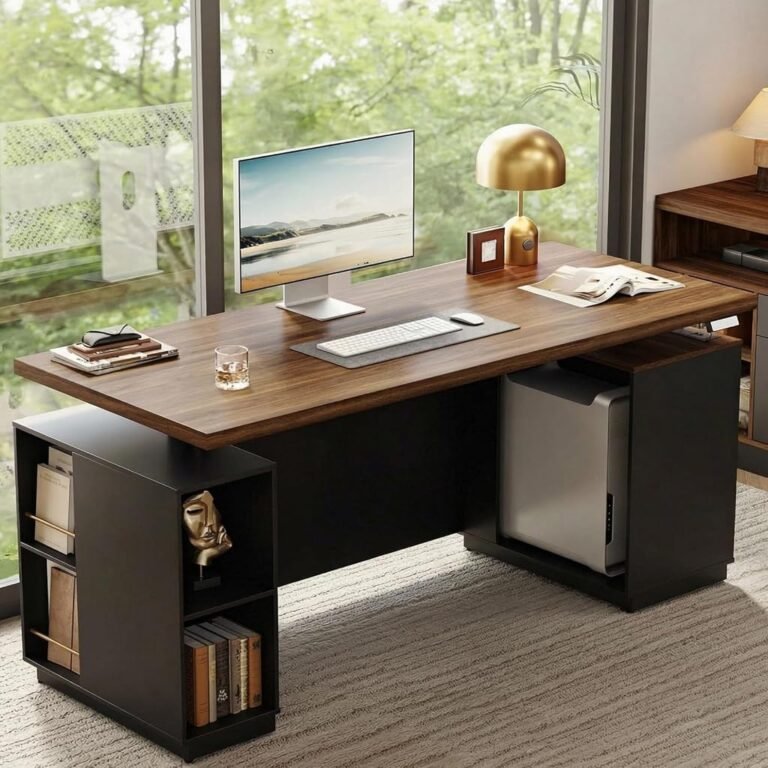
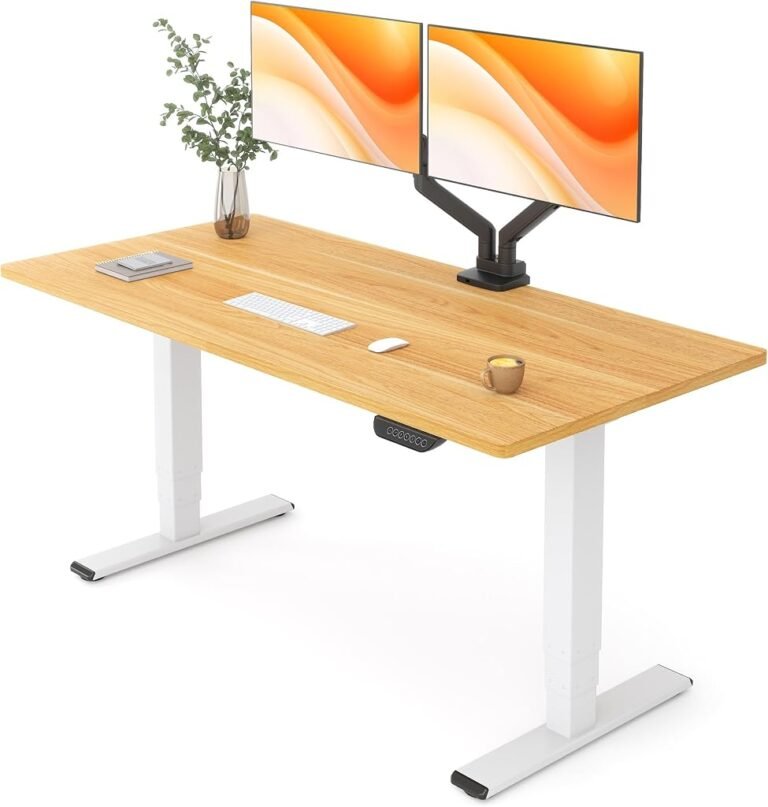
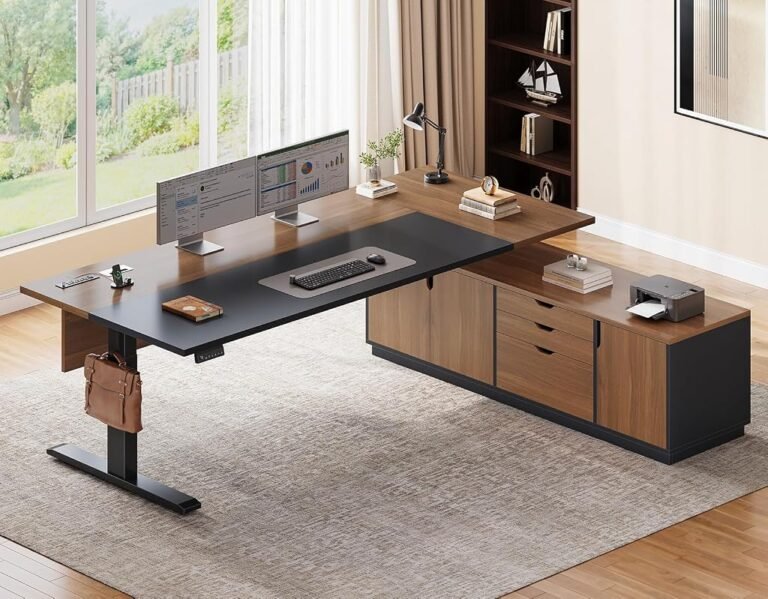
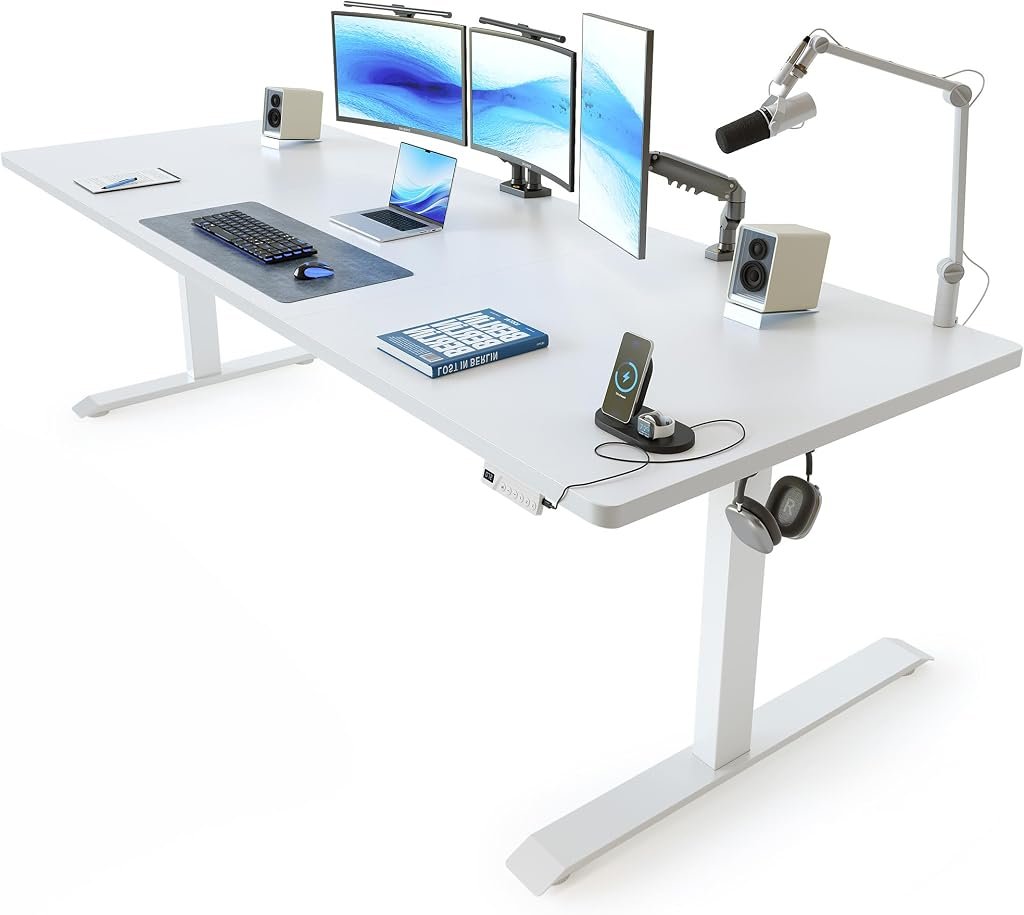
The FEZIBO Large Electric Standing Desk addresses the needs of users who want more working space than a compact computer desk provides. Within FEZIBO’s current range, the Brasa B electric standing desk offers a 60 × 24-inch configuration with integrated drawer options, making it a useful example of the brand’s larger adjustable workstations.
The central attraction is straightforward: a relatively wide desktop combined with electric height adjustment and storage designed for everyday office equipment.
Our assessment is that this arrangement makes practical sense for home offices, dual-monitor workstations, and users who regularly alternate between computer work and paperwork.
Its limitations are equally important. A large desktop does not automatically provide exceptional stability, and integrated drawers introduce questions about knee clearance, usable surface depth, and the position of frequently accessed equipment.
The FEZIBO is therefore best judged as a complete workstation rather than simply an electric desk with additional width.
Design and Overall Workstation Concept
The FEZIBO large-desk approach emphasizes the relationship between desktop space and everyday organization.
The manufacturer’s Brasa B electric standing desk is offered in several configurations, including a 60-inch-wide desktop with a depth of 24 inches.
That gives the larger configuration a nominal working surface of 1,440 square inches, or 10 square feet.
For comparison, a hypothetical 48 × 24-inch desktop provides 1,152 square inches.
The 60-inch configuration therefore offers 288 additional square inches, representing 25% more surface area when both desks have the same depth.
This difference can be meaningful in a working environment where monitors, keyboards, documents, and accessories compete for space.
A larger desktop allows the user to separate tasks more naturally.
The primary monitor can remain directly ahead while reference materials sit to one side. A laptop can be positioned beside an external display without forcing the keyboard toward the edge.
However, width is only one dimension of workspace quality.
The 24-inch depth deserves equal consideration, especially for users with large monitors or equipment that requires substantial front-to-back clearance.
Desktop Dimensions: Spacious, but Not Unlimited
A 60-inch-wide desktop offers a useful balance between working area and room requirements.
It is large enough to accommodate many conventional dual-monitor setups while remaining more manageable than an oversized executive desk.
The additional width is particularly useful for workers who alternate between digital and physical tasks.
For example, someone reviewing printed documents while using a computer can keep paperwork accessible without repeatedly moving the keyboard.
A designer using a drawing tablet may also appreciate the extra horizontal space.
Nevertheless, the desktop’s 24-inch depth creates an important boundary.
The Occupational Safety and Health Administration’s desk ergonomics guidance recommends arranging computer equipment so the monitor can be positioned at least 20 inches from the user’s eyes.
That distance is measured from the eyes to the screen, not from the front edge of the desktop.
The actual viewing distance depends on where the user sits, the depth of the monitor stand, and the position of the display.
A 24-inch-deep desk can accommodate suitable monitor placement, but large display stands may reduce the remaining area available for the keyboard and mouse.
A monitor arm may help by moving the screen farther toward the rear of the working surface.
Buyers should therefore consider the complete equipment arrangement rather than relying on desktop dimensions alone.
Electric Height Adjustment: The Feature That Defines the Desk
The FEZIBO’s principal functional advantage is its adjustable working height.
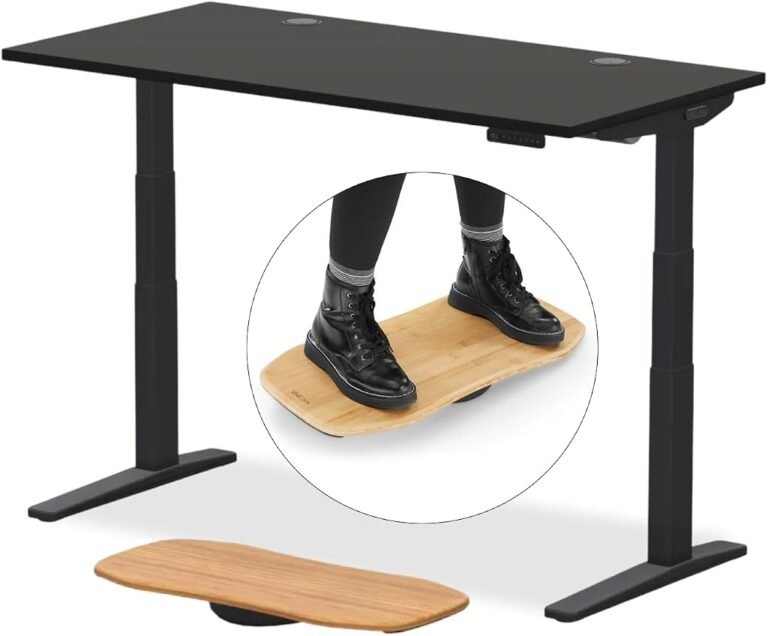
An electric lifting mechanism allows the desktop to move between seated and standing positions without requiring the user to manually reposition the entire workstation.
That convenience can make posture changes easier to incorporate into the working day.
However, electric adjustment should be evaluated through three separate questions.
First, can the desk reach the user’s required seated height?
Second, can it reach the correct standing height?
Third, does it support the intended equipment throughout the adjustment range?
These questions matter more than the mere presence of a motor.
Why the Lowest Height Matters
Shorter users may require a relatively low keyboard position when seated.
If the desktop cannot descend far enough, the user may compensate by raising the chair.
That adjustment can leave the feet unsupported and may require a footrest.
The problem is particularly relevant when a keyboard sits directly on the desktop, because keyboard thickness raises the effective typing surface.
Before purchasing, buyers should measure their seated elbow height and compare it with the minimum height of the selected FEZIBO configuration.
Why Maximum Height Matters
Taller users face the opposite challenge.
A desk that cannot rise sufficiently may encourage forward bending or an uncomfortable arm position while standing.
The correct standing keyboard height is generally near the user’s relaxed elbow position.
FEZIBO offers different frame configurations across its range, so the adjustment range should be checked for the exact version being considered.
The company’s standing desk collection includes different desktop styles and frame arrangements rather than one universal lifting specification.
That distinction matters when comparing similarly named products.
Frame Construction and Stability
Stability is among the most consequential characteristics of a large standing desk.
A desktop can support the weight of several monitors while still exhibiting noticeable movement during typing.
This occurs because load capacity and structural rigidity describe different mechanical properties.
Load capacity concerns how much weight the lifting system is designed to support.
Stability concerns resistance to movement when force is applied to the desktop.
The latter becomes particularly noticeable at standing height.
As lifting columns extend, the geometry of the supporting structure changes. Movement that is barely perceptible while seated may become more apparent when the desk is raised.
What Influences Stability?
Several factors deserve attention:
- Lifting-column construction: Column dimensions, internal guides, and manufacturing tolerances affect rigidity.
- Frame geometry: The distance between supports and the arrangement of structural members influence movement.
- Desktop dimensions: A wider surface creates additional leverage when force is applied near its edges.
- Monitor mounting: Extended monitor arms can make small desk movements more visible.
- Floor conditions: Uneven flooring or poorly adjusted leveling feet can introduce rocking.
- Equipment distribution: Concentrating heavy equipment near one edge can alter the mechanical demands on the frame.
These factors explain why motor count alone is an inadequate measure of stability.
A well-designed single-motor desk can be more stable than a poorly constructed dual-motor alternative.
Likewise, a dual-motor system does not guarantee that a large desktop will remain motionless during use.
For the FEZIBO, the practical priority is selecting a frame appropriate for the desktop configuration and intended equipment load.
Integrated Drawers: Useful Storage With Ergonomic Trade-Offs
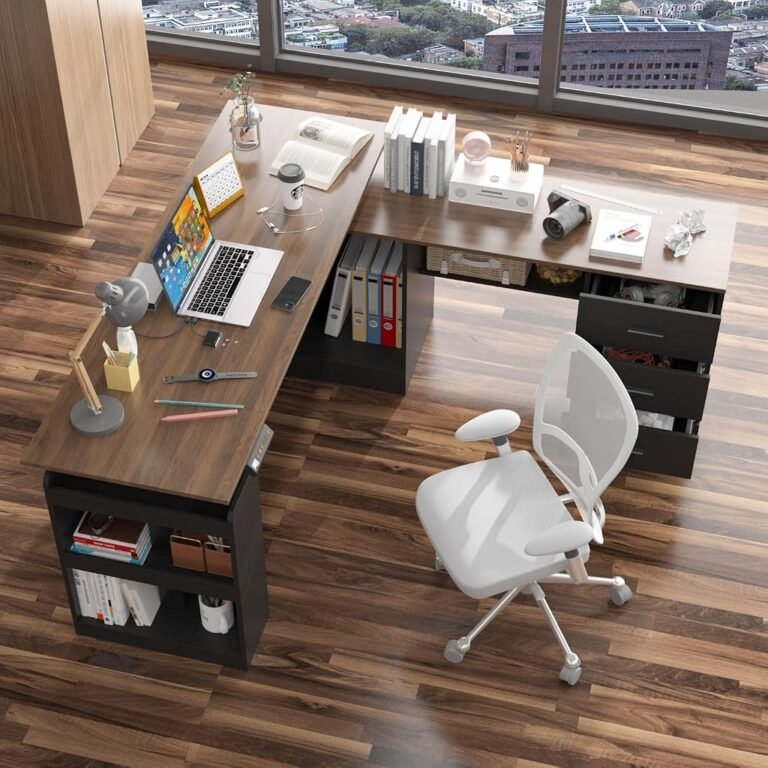
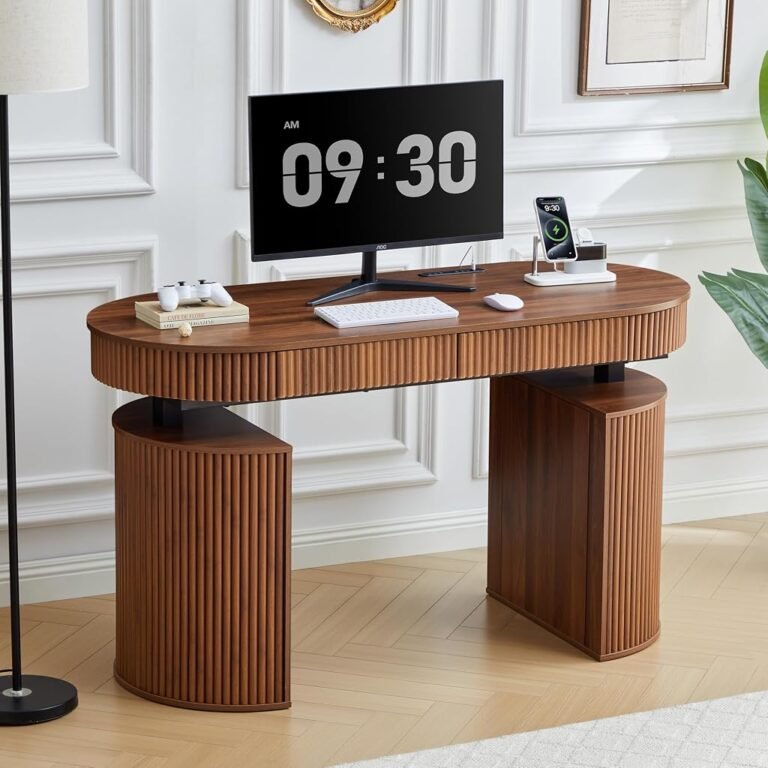
The Brasa B configuration includes drawer options that distinguish it from conventional flat-top standing desks.
FEZIBO offers both fabric and wood-style drawer arrangements within the product family.
The appeal is easy to understand.
Office supplies, notebooks, charging accessories, and other small items can be stored close to the working area without requiring a separate cabinet.
This is particularly useful in home offices where available floor space is limited.
However, drawers are not automatically an ergonomic advantage.
Storage Can Affect Leg Clearance
Drawers positioned beneath a desktop reduce the space available below the working surface.
For taller users, this may affect knee clearance when seated.
The issue becomes more important if the desk must be lowered substantially.
The OSHA guidance on workspace clearance identifies the need for sufficient room beneath computer workstations to accommodate comfortable seated positions.
The agency describes reference clearance dimensions intended to accommodate a broad range of users.
Buyers should therefore examine the position and depth of the FEZIBO’s drawers before deciding that integrated storage is necessarily preferable.
A drawer that stores accessories conveniently but interferes with the knees may undermine the workstation’s comfort.
Storage Should Support the Workflow
The most effective use of integrated drawers is to keep small, frequently needed objects organized.
Heavy equipment should not be placed in drawers without confirming the manufacturer’s applicable loading limits.
Likewise, storing too many items can make access inconvenient.
The FEZIBO’s drawer arrangement is most useful when it reduces desktop clutter without restricting seated movement.
Monitor Placement and Everyday Ergonomics
A standing desk’s value is closely connected to the position of the computer display.
A correctly adjusted desktop does not automatically place the monitor at a suitable height.
The keyboard and monitor serve different ergonomic requirements.
The keyboard should generally remain near elbow height.
The monitor should allow the user to view the screen without excessive neck bending.
According to OSHA’s monitor positioning recommendations, the top of the screen should generally be at or slightly below eye level.
The agency also identifies a preferred viewing distance of approximately 20–40 inches.
These recommendations provide useful reference points for configuring the FEZIBO.
Dual-Monitor Arrangements
A 60-inch desktop can provide enough horizontal space for two conventional monitors.
However, screen size and mounting hardware influence the final arrangement.
The primary monitor should remain directly ahead whenever possible.
A secondary display can be positioned nearby, with its angle adjusted to reduce repeated neck rotation.
Users who divide their attention equally between two screens may prefer a more symmetrical arrangement.
Monitor arms can provide additional flexibility, but their compatibility with the desktop should be verified before installation.
Laptop Workstations
A laptop presents a different ergonomic challenge.
When its keyboard is positioned comfortably, the screen may sit too low.
Raising the laptop to improve viewing height can make the built-in keyboard uncomfortable to use.
A separate keyboard and mouse can resolve this conflict.
The FEZIBO’s larger desktop provides room for such an arrangement without necessarily requiring additional furniture.
How Much Equipment Can the Desk Accommodate?
A large working surface invites users to add more equipment.
That does not mean every configuration should carry an unlimited load.
The total weight of a workstation can increase quickly when multiple monitors, mounting arms, desktop computers, speakers, and accessories are combined.
Consider an illustrative equipment arrangement:
| Component | Example Weight |
|---|---|
| Two monitors | 28 lb |
| Monitor mounting hardware | 12 lb |
| Desktop computer | 22 lb |
| Keyboard and mouse | 5 lb |
| Speakers and accessories | 13 lb |
| Total Equipment Weight | 80 lb |
These are hypothetical weights rather than measurements of a particular installation.
The calculation demonstrates why buyers should assess their complete workstation before selecting a lifting frame.
The desk’s supported load may also need to account for the desktop itself, depending on how the manufacturer defines the rating.
For the FEZIBO, the applicable capacity should be verified for the selected frame and desktop combination.
A large desktop should not be interpreted as evidence of unlimited lifting strength.
Assembly and Installation Considerations
Large electric desks require more preparation than compact fixed-height furniture.
The finished workstation must fit within the room while leaving enough space for chair movement, cable routing, and access to nearby furniture.
A 60-inch-wide desk needs approximately five feet of horizontal room before accounting for surrounding clearance.
The 24-inch depth also affects how close the desk can be positioned to a wall.
Preparing the Assembly Area
A protected floor surface can help prevent damage to desktop panels and frame components during installation.
Hardware should be organized before assembly begins.
The lifting frame must be assembled according to the manufacturer’s instructions, with fasteners tightened appropriately.
Improperly aligned components can affect the operation of an adjustable desk.
Cable Routing Matters
Power and signal cables must accommodate the full range of desktop movement.
A cable that appears adequately long while the desk is seated may become stretched when the desk rises.
The installation should therefore be checked at both height extremes.
Power strips, adapters, and monitor cables should be positioned so they do not interfere with the lifting mechanism.
Cable management is not merely an appearance issue; it helps maintain a functional workstation during repeated height changes.
Everyday Use: Sitting, Standing, and Movement
The practical benefit of an electric standing desk is the ability to change posture conveniently.
However, standing for long periods is not necessarily preferable to sitting for long periods.
Both positions can become uncomfortable when maintained without movement.
The OSHA guidance on neutral working positions describes several acceptable seated and standing postures.
The central principle is that the workstation should accommodate the user rather than force the body into an awkward position.
Establishing a Comfortable Routine
A worker unfamiliar with standing desks may begin with relatively short standing intervals.
For example, alternating 15 minutes of standing with longer seated periods may provide a manageable starting routine.
This is an illustrative schedule, not a medically established requirement.
The duration should be adjusted according to comfort, job demands, and individual circumstances.
Walking breaks remain useful because standing in one place does not provide the same movement as walking.
The FEZIBO makes position changes more convenient, but the user’s routine determines how often that capability is used.
Value Assessment: What Buyers Are Actually Paying For
The FEZIBO large electric standing desk is best understood as a combination of three functions: a broad working surface, electric height adjustment, and integrated organization.
Each contributes to the overall value.
The wide desktop supports more flexible equipment placement.
The electric frame allows the user to change working height without clearing the desk.
The drawer options help keep smaller items away from the primary working area.
Together, these characteristics can reduce the need for separate storage furniture and additional workstation accessories.
However, value should not be judged solely by the number of included features.
A buyer who needs a particularly low seated position may obtain better ergonomic results from a simpler desk with a more suitable adjustment range.
Someone using a heavy multi-monitor installation may prioritize a higher-capacity frame over integrated drawers.
Similarly, a user with limited floor space may find that a smaller desktop provides a better balance between workspace and room circulation.
Our assessment favors the FEZIBO’s larger configuration for users who can make practical use of its width and storage.
Its appeal is less compelling when those features are unnecessary.
Strengths of the FEZIBO Large Electric Standing Desk
The FEZIBO’s main advantages concern workstation organization and flexibility.
Generous horizontal workspace: The 60-inch configuration offers room for multiple devices and supporting materials.
Electric height adjustment: The adjustable frame makes transitions between sitting and standing more convenient than a fixed-height desk.
Integrated storage options: Drawer configurations can help organize office supplies and reduce visible clutter.
Multiple configurations: Different desktop sizes and frame arrangements allow buyers to prioritize the dimensions most relevant to their workspace.
Home-office suitability: The combination of a large surface and integrated storage can reduce reliance on additional furniture.
These strengths are practical rather than decorative.
They matter most when they solve specific problems in the user’s working environment.
Limitations and Potential Drawbacks
The desk also presents several considerations that deserve attention before purchase.
Desktop Depth May Restrict Some Monitor Arrangements
A 24-inch-deep working surface can be sufficient for many users, but large monitor stands may reduce the remaining keyboard area.
Drawers Can Affect Knee Clearance
Integrated storage may interfere with seated legroom, particularly when the desk is lowered.
Larger Dimensions Require More Room
A 60-inch-wide desk is not ideal for every home office.
The room must accommodate the desktop, chair, and surrounding circulation space.
Frame Specifications Vary by Configuration
Different FEZIBO models and frame options should not be assumed to share identical lifting capacities or height ranges.
Long-Term Reliability Requires Attention
Electric motors, controllers, lifting columns, and mechanical connections introduce maintenance considerations absent from fixed-height desks.
Warranty coverage and replacement-part availability should be examined for the exact configuration.
None of these limitations makes the desk unsuitable.
They establish the conditions under which it is most likely to provide a comfortable working environment.
Who Should Consider This Desk?
The FEZIBO Large Electric Standing Desk is particularly appropriate for users who need substantial horizontal working space.
Dual-Monitor Home Offices
A wider desktop can accommodate two monitors, input devices, and supporting accessories without excessive crowding.
Administrative and Document-Heavy Work
Users who regularly consult paperwork while working on a computer can benefit from the additional surface area.
Workspaces With Limited Storage
Integrated drawers may reduce the need for a separate filing unit or small storage cabinet.
Users Seeking Adjustable Working Positions
Electric height adjustment makes it easier to alternate between seated and standing tasks.
Buyers Who Prefer a Conventional Rectangular Desk
The 60 × 24-inch configuration provides a familiar layout that can fit against a wall or within an established office arrangement.
Who Should Consider Alternatives?
The FEZIBO may be less suitable for buyers with different priorities.
Shorter users should examine the minimum height carefully before selecting a configuration.
Those requiring unusually deep desktops may prefer a 30-inch-deep workstation.
Users with substantial equipment loads should prioritize a frame with a clearly documented capacity appropriate for the installation.
Buyers seeking a minimalist workstation without storage may find a simpler flat-top desk more practical.
Finally, individuals working in compact rooms should verify that a 60-inch desk will not restrict movement around the chair or surrounding furniture.
A Practical Standing Desk Buying Guide
A disciplined purchasing process can help determine whether the FEZIBO is appropriate.
The following checklist addresses the main decisions:
- Measure seated elbow height. Confirm that the selected frame can position the keyboard comfortably while seated.
- Measure standing elbow height. Verify that the desk can reach the required standing position.
- Assess available floor space. Allow room for the desk, chair, and normal movement.
- Calculate equipment weight. Include monitors, mounting hardware, computers, and accessories.
- Check desktop depth. Ensure adequate distance between the user and the monitor.
- Evaluate drawer clearance. Confirm that storage components do not interfere with the knees.
- Review frame specifications. Compare the selected configuration’s height range and supported load.
- Plan cable routing. Allow sufficient cable length for the full adjustment range.
- Examine warranty coverage. Check protection for electrical and mechanical components.
- Compare the complete configuration. Evaluate the actual desktop, frame, and storage arrangement rather than relying on a broad product-family name.
These checks help identify whether the desk’s advantages correspond to the buyer’s actual needs.
Final Considerations
The FEZIBO Large Electric Standing Desk offers a practical approach to the modern home-office workstation.
Its larger configurations provide more room for monitors, input devices, paperwork, and everyday accessories than compact computer desks.
Electric height adjustment adds flexibility, while integrated drawer options address the organizational demands of working from home.
The 60 × 24-inch Brasa B configuration illustrates the strengths of this approach.
Its 1,440-square-inch nominal desktop area provides meaningful horizontal working space without requiring the footprint of an oversized executive workstation.
However, a large surface is not a substitute for correct ergonomic dimensions.
The desk must still reach a suitable seated height, support the intended equipment, and provide adequate leg clearance.
Its 24-inch depth also requires attention when arranging large monitors.
The FEZIBO is therefore most attractive to buyers who need both working space and convenient organization.
For users who prioritize unusually low adjustment ranges, greater desktop depth, or specialized heavy-duty applications, other configurations may be more appropriate.
Our editorial assessment is that the FEZIBO’s strongest advantage lies in its balance of workspace and functionality.
It provides a practical foundation for a more adaptable office, particularly when its dimensions and storage arrangements match the user’s routine.
The final decision should begin with measurements, equipment requirements, and the available room.
A well-chosen standing desk should make everyday work easier to organize, more comfortable to perform, and simpler to vary between seated and standing positions.
The FEZIBO can meet those objectives when its configuration is selected with the same care given to the equipment it will support.