Ultrawide monitors solve a simple spatial problem by making the desktop wider rather than merely larger. A 21:9 display can place a document beside a browser, stretch a video-editing timeline across more pixels, or give a game substantially more horizontal image area than a conventional 16:9 screen. Yet once displays become this wide, another question appears: should that width remain flat, or should it bend toward the viewer?
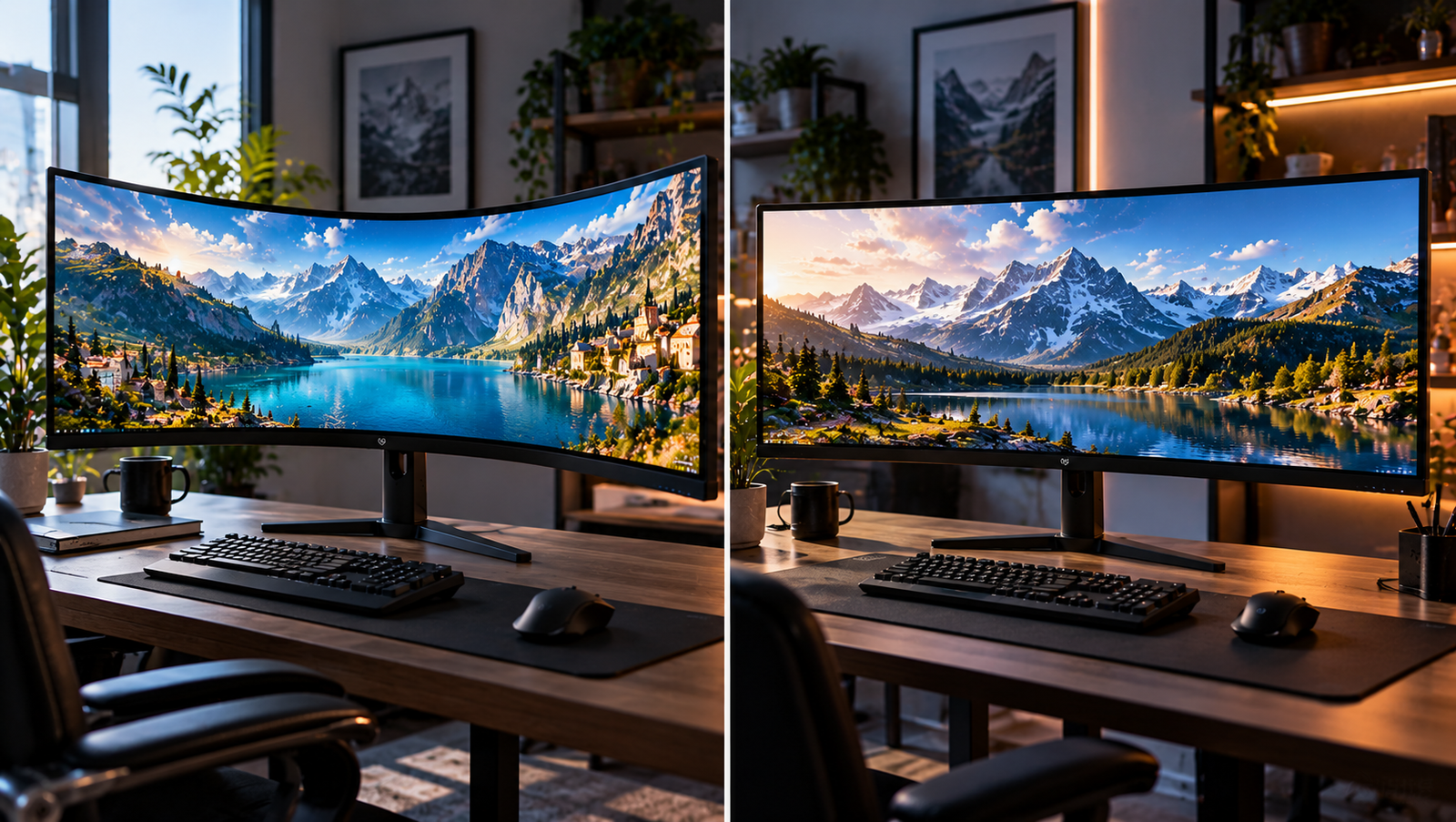
The distinction is easy to exaggerate. Curvature does not create more pixels, improve text resolution, raise refresh rate, or automatically produce better color. A 3440 × 1440 curved display and a 3440 × 1440 flat display still present the same 4,953,600 pixels. What curvature changes is geometry: where those pixels sit relative to the viewer’s eyes.
That apparently modest alteration can affect viewing angles, perceived scale at the edges, head movement, reflections, desk positioning, collaborative viewing and the subjective sense of being surrounded by an image. The effect also grows with screen width. On a conventional 24-inch monitor, curvature has relatively little physical work to do. Across a 34-inch ultrawide-and especially across 38-, 40-, 45- or 49-inch formats-the edges are much farther from the center.
Research supports some advantages for curved displays, but it also discourages simplistic claims that curved screens are inherently healthier or universally more comfortable. Everyday experience is governed by the interaction among screen width, curvature radius, viewing distance, seating position and the work being performed.
The Geometry Behind the Curve
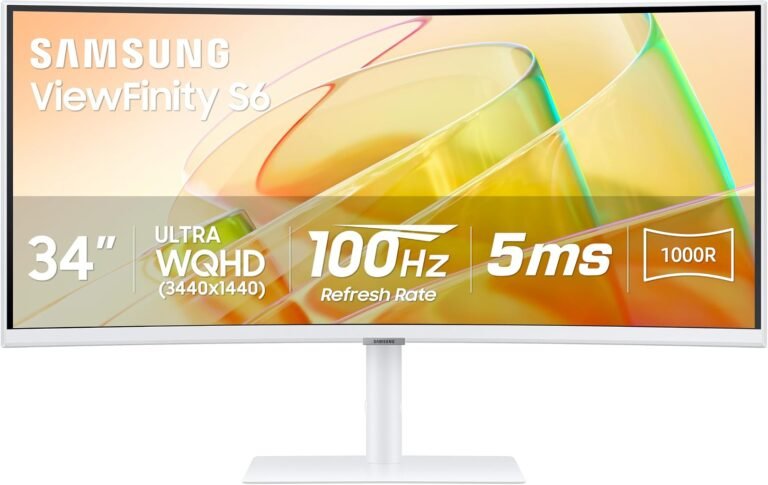
Monitor curvature is normally expressed as a radius. A 1800R display follows an arc belonging to a circle with a radius of 1,800 millimeters, or 1.8 meters. A 1000R screen represents a tighter arc with a 1-meter radius. A 3800R screen is considerably gentler.
The lower the number, therefore, the more pronounced the bend.
This measurement becomes useful when considered alongside viewing distance. The theoretical attraction of a curved monitor is that bringing the outer portions of a wide panel toward the viewer reduces the difference between the viewing distance to the center and the viewing distance to the edges.
On a flat screen, that difference is unavoidable.
Consider a simplified 80-centimeter-wide display viewed from 60 centimeters away. The center is 60 centimeters from the viewer. Each edge is 40 centimeters sideways from the center. Basic geometry places the straight-line eye-to-edge distance at roughly 72 centimeters:
√(60² + 40²) ≈ 72.1 cm
The outermost pixels are therefore about 12 centimeters farther away than the center pixels in this simplified setup. They are also being viewed at an angle rather than head-on.
A curve pulls those edges forward and rotates their surfaces inward. It cannot make every real-world viewing condition geometrically perfect, because people move their heads and bodies, but it can reduce the center-to-edge discrepancy.
This is the central physical argument for curved ultrawides. Everything else-from immersion to possible comfort differences-starts here.
Curvature Matters More as Displays Become Wider
A useful distinction is frequently lost in curved-versus-flat discussions: screen width and screen curvature are separate variables.
A 34-inch 21:9 display is already wide enough that the outer regions sit noticeably away from the viewer’s central line of sight. Increase the diagonal while preserving an ultrawide aspect ratio and that effect grows. Moving farther from the screen reduces the angular spread, but doing so also makes text and interface elements appear smaller unless operating-system scaling or application zoom is adjusted.
Research published in Human Factors examined this interaction directly. Twenty-seven participants performed visual-search tasks at a viewing distance of 50 centimeters using simulated 33- and 50-inch displays at 400R, 600R, 1200R and flat configurations. The researchers reported that the 33-inch and 50-inch 600R configurations produced the best or results comparable with the best for accuracy, speed and fatigue, while the 50-inch flat configuration performed worst. Their results demonstrate why width cannot be separated from curvature when discussing ergonomics. The study’s abstract and methodology are available through PubMed.
The experiment should not be converted into a purchasing command to seek a 600R monitor. Its viewing distance was 50 centimeters, its displays were simulated with five flat panels, and its task involved visual searching. Office documents, games, CAD applications and films impose different visual demands.
What the research does establish is more useful: increasing the width of a flat display can carry ergonomic costs, and curvature can modify those costs.
The Everyday Difference Is Mostly at the Edges
During ordinary desktop work, users tend to focus on a relatively small portion of the monitor at any instant. A paragraph being edited, spreadsheet cell being changed or browser control being clicked occupies only a fraction of a 34-inch panel.
For that reason, the center of a curved and flat ultrawide can feel remarkably similar. The distinction emerges when attention moves outward.
On a curved display, peripheral windows are physically angled toward the viewer. The effect can make a three-column workspace feel more coherent: primary work in the center, reference material on one side, communications or utilities on the other. A user still moves the eyes and often the head, but the outer sections do not recede in precisely the same way that they do on a flat panel.
That does not mean a curved screen eliminates head movement. A 2024 Applied Ergonomics study examining 24-inch flat, 34-inch curved ultrawide and 40-inch curved ultrawide displays found that participants selected greater viewing distances as display size increased. The researchers also observed increased head-twist range of motion with greater display width. Participants’ comments indicated that reduced head twisting influenced preference for the 34-inch display over the 40-inch model. The published research on ultrawide viewing distance and head movement therefore offers a useful corrective to the assumption that more horizontal screen area is automatically better.
There is a practical threshold beyond which additional width starts demanding additional physical scanning.
Eye Comfort: Evidence Exists, but Claims Need Restraint
Curved-monitor marketing has often connected curvature with reduced eye strain. There is research behind that idea, although the available evidence does not justify treating curvature as a medical intervention.
A prospective study involving 20 healthy adults compared flat, 4000R, 3000R, 2000R and 1000R monitors during 30-minute viewing sessions. Researchers measured several ophthalmological variables before and after the tasks. The flat monitor produced a larger change in near point of accommodation than the curved displays, while the 1000R configuration showed the smallest change. Near point of convergence increased after every display condition, with the largest increase occurring on the flat monitor. Participants also reported significantly greater eye pain after using the flat display than after the 1000R display. The full peer-reviewed visual-fatigue study is openly available through PLOS ONE.
Those findings are interesting rather than definitive for an eight-hour working day. Twenty participants and 30-minute sessions are limited foundations for broad health claims, and visual fatigue has many causes unrelated to curvature: font size, contrast, glare, dry eyes, uncorrected vision, ambient illumination, viewing duration and workstation setup among them.
The more defensible interpretation is narrower. Curvature can alter visual demands across a wide screen, and experimental evidence suggests that those changes can affect some measures associated with fatigue.
Viewing Distance Can Matter More Than the Shape
A badly positioned curved monitor is still badly positioned.
The U.S. Occupational Safety and Health Administration advises positioning a computer monitor directly in front of the user and gives a generally preferred eye-to-screen distance of 20 to 40 inches, or approximately 50 to 100 centimeters. Its workstation guidance also places the top line of the screen at or below eye level. OSHA’s monitor ergonomics guidance also addresses glare, viewing angle and desk depth.
These distances are especially relevant to ultrawides because a large screen can tempt users into contradictory behavior. Moving closer makes text easier to read but increases the angular distance between the left and right edges. Moving farther away reduces that angular span but can make interface elements uncomfortably small.
A 2024 ergonomic standard, ISO 9241-5:2024, addresses workstation layout and postural requirements for interactive systems with visual displays. Its existence reinforces a broader point: monitor comfort cannot sensibly be isolated from desk, chair, viewing position and task design.
For an ultrawide buyer, desk depth can consequently matter as much as curvature specification.
Why 34 Inches Is a Particularly Interesting Size
The 34-inch 21:9 category sits near the center of the ultrawide debate because it is wide enough for curvature to be perceptible without reaching the physical scale of the largest desktop displays.
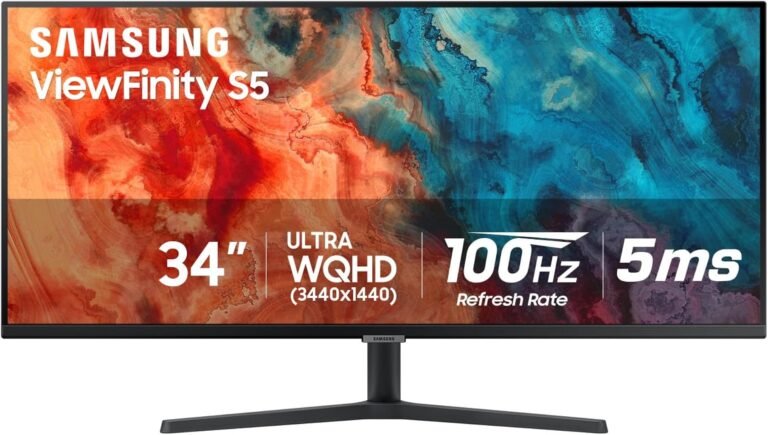
Many 34-inch models use 3440 × 1440 resolution. At that size and resolution, pixel density is approximately 110 pixels per inch. That is broadly similar to a 27-inch 2560 × 1440 monitor, meaning users can gain horizontal workspace without radically changing the apparent scale of text and interface elements.
This helps explain why searches for the best 34 inch ultrawide monitors often produce both curved and flat candidates. Neither geometry automatically invalidates the other at this size.
For users sitting centrally at roughly arm’s length, a moderate curve can make the outer sections feel less distant. For users who regularly shift sideways, show work to another person or need to judge straight geometric forms without the perceptual influence of a curved surface, flat construction retains practical appeal.
The choice is therefore less about whether 34 inches “needs” curvature and more about how the available width will be used.
Productivity Work: Curved Usually Helps Most When the Desktop Is Partitioned
Ultrawides are particularly effective when treated as several work areas inside one uninterrupted panel.
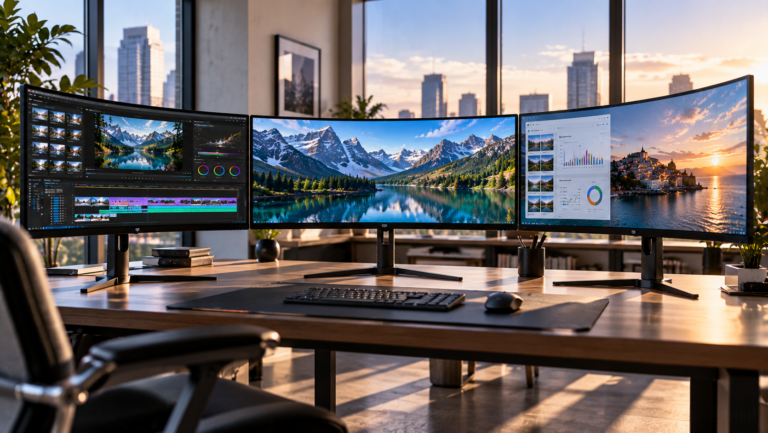
A writer might keep a manuscript in the central region and research material to the side. A programmer might position an editor centrally, documentation to the left and application output to the right. An audio engineer can spread a timeline horizontally without a bezel dividing the workspace.
Curvature fits this pattern because peripheral areas naturally function as secondary viewing zones.
Flat ultrawides remain highly workable, especially when the user sits somewhat farther away. They can also be preferable in workplaces where the monitor is frequently viewed by several people. A curve is geometrically oriented around a favored central position; move sufficiently sideways and that symmetry disappears.
Research on curved televisions illustrates the principle. A controlled study involving 56 participants tested four screen shapes-2300R, 4000R, 6000R and flat-at two viewing distances and multiple lateral seating positions. Display curvature by itself did not appreciably alter the measured viewing-experience categories. Instead, interactions among curvature, viewing distance and lateral position affected spatial presence and engagement, while lateral viewing position had a substantial influence on several measures. The peer-reviewed experiment is published in PLOS ONE.
Although televisions and desktop monitors involve very different viewing distances, the underlying lesson transfers well: curvature cannot be judged independently of where the viewer sits.
Spreadsheets Expose Both the Strength and Weakness of Curvature
Large spreadsheets are an unusually revealing workload.
The advantage is obvious. Dozens of columns can remain visible, and a curved panel brings the farthest columns somewhat toward the viewer. Someone comparing values across a broad financial model may find that arrangement easier to scan than an equally wide flat surface positioned close to the eyes.
The drawback is perceptual geometry. Spreadsheet gridlines that are mathematically straight are displayed on a physically curved surface. They remain straight within the digital image, but the surface carrying them is not planar.
Most users adapt rapidly because the curve is smooth and predictable. Yet work involving visual alignment deserves more scrutiny. Architectural drawings, perspective correction, page layout and other geometry-sensitive tasks can make a flat surface easier to interpret because the physical display plane corresponds directly with the planar image.
This distinction is sometimes described too dramatically. A curved monitor does not bend the underlying file or alter coordinates. The question is whether the physical presentation helps or distracts the person evaluating it.
Photo, Design and CAD Work Favor a More Deliberate Choice
For image editing, curvature is neither inherently wrong nor inherently beneficial.
Color accuracy, calibration capability, panel uniformity, resolution and gamut are generally more consequential specifications. Curvature primarily affects spatial presentation.
A photographer adjusting exposure or color may barely care whether the screen is curved. Someone correcting architectural perspective or inspecting straight edges may care considerably more. CAD users working with long horizontal or vertical references can similarly prefer a planar surface because it removes one perceptual variable.
This is one reason flat ultrawides have not disappeared despite the prevalence of curved alternatives.
The decision should follow the dominant task:
- Window-heavy office work generally benefits from moderate curvature when the user sits centrally.
- Geometry-sensitive design work gives flat panels a practical advantage.
- Photo and video color work should prioritize measurable image characteristics before screen shape.
- Shared screens favor flatter designs or gentler curves because viewers are more likely to sit off-axis.
- Very large ultrawides deserve closer attention to curvature because their outer edges extend much farther from the central viewing axis.
Screen shape is therefore one parameter in a workstation, not a substitute for the others.
Gaming Produces the Clearest Subjective Difference
Gaming is where curvature is easiest to notice because ultrawide content can fill a large portion of horizontal vision.
A first-person game, racing simulator or flight simulator continuously places meaningful imagery at the sides of the screen. Curvature turns those outer regions inward, producing a presentation that can feel more surrounding than the same image on a flat panel.
This is not additional game information created by the curve. Field of view comes from the game’s rendering and aspect-ratio support. The curve changes how that information is physically arranged around the viewer.
The effect also depends strongly on seating position. A player centered in front of the display receives the intended symmetry. A spectator sitting far to one side does not.
Curvature should therefore rank behind refresh rate, pixel response, variable-refresh support, input behavior and suitable resolution when assessing gaming performance. It affects presentation more than computational performance.
Movies Reveal an Ultrawide Irony
A 21:9 monitor appears naturally suited to cinema, since many films use wide aspect ratios. Yet video presentation is complicated by the variety of mastering formats, streaming interfaces, subtitles and embedded black bars.
When wide content properly fills the panel, a curved ultrawide can be engaging at desktop distance. The image spans enough horizontal vision for the curve to become visually meaningful.
For ordinary 16:9 video, however, much of the ultrawide panel may remain unused. In that situation, curvature has less influence because the active image occupies a narrower central region.
The same monitor can therefore feel substantially more curved during a full-width game than during a centered online video.
Reflections and Lighting Change Too
Curving a glossy or semi-glossy surface alters how environmental light reaches the viewer.
A flat monitor has a single overall surface orientation. A curved monitor presents continuously changing surface angles from one side to the other. As a result, reflections can be distributed differently across the panel.
That does not establish curved or flat as universally better for glare. Room geometry decides the result. A window, overhead light or bright lamp can interact differently with each screen shape.
OSHA recommends placing monitors perpendicular to windows as part of its workstation guidance. That advice remains useful regardless of panel shape. The more practical rule is to control the light source rather than expect curvature to rescue an unfavorable desk position.
Desk Depth Is the Overlooked Constraint
Large ultrawides consume space in two directions: horizontally across the desk and, depending on stand design and curvature, forward and backward.
The 2024 ultrawide study is especially relevant here because participants increased their self-selected viewing distance as display size increased. The researchers explicitly observed that this could create difficulties on shallow work surfaces.
A larger monitor that forces the keyboard toward the desk edge or leaves the viewer sitting too close can undermine the benefit of buying the larger display in the first place.
Before choosing either geometry, a buyer can make several measurements:
- Measure usable desk depth rather than nominal desk depth.
- Account for the stand’s footprint or monitor-arm mounting point.
- Estimate eye-to-screen distance from the normal seated posture.
- Check whether the entire display can sit directly in front of the user.
- Consider whether speakers, a laptop, lighting equipment or other hardware will force the monitor closer.
For especially wide screens, a monitor arm can sometimes matter more ergonomically than moving from one curvature radius to another because it permits finer control of depth and height.
Curved Ultrawides Are Not New Experiments Anymore
Curved desktop monitors moved into the mainstream during the middle of the 2010s. In August 2014, LG announced its 34UC97 as a 34-inch 21:9 curved IPS ultrawide for IFA 2014, with a 3440 × 1440 resolution.
The historical point matters because curvature has now had more than a decade to move beyond novelty. Manufacturers have explored everything from gentle curves intended mainly to manage width to aggressive radii aimed at close, centered viewing.
That history also exposes the weakness of treating “curved” as one category. A mild 3800R bend and an aggressive 800R bend produce visibly different experiences. Comparing “curved versus flat” without stating the radius is rather like comparing “large versus small” without giving dimensions.
How to Decide Without Getting Distracted by Marketing
The most useful purchasing exercise begins with seating position and workload, not the specification sheet.
A centrally seated user who spends hours moving attention among three or four windows across a 34-inch or larger panel has a rational reason to favor curvature. The outer screen areas are brought inward, reducing some of the geometric disparity between center and edges.
A designer who frequently evaluates straight lines, a workplace where several people gather around one display, or someone who routinely views the monitor from shifting positions has equally rational reasons to prefer flat construction.
At 34 inches, both approaches can work well. At much greater widths, the physical argument for curvature becomes stronger because the flat panel’s edges become increasingly distant and oblique at normal desktop viewing distances. Yet the larger screen still demands adequate desk depth and may require more head movement.
No curvature specification can compensate for insufficient resolution, uncomfortable scaling, weak text rendering, poor stand adjustment or unsuitable panel characteristics.
Final Considerations
The curved-versus-flat question becomes much easier once curvature is stripped of its marketing mystique. A curve is fundamentally a geometric response to width.
On a wide desktop display, the center and edges of a flat panel exist at different distances and viewing angles relative to a centrally positioned user. Curvature reduces that disparity by bringing the sides forward and turning them inward. Controlled studies indicate that screen curvature can influence visual-search performance and some measures associated with visual fatigue, while recent ultrawide research demonstrates that display width itself affects preferred viewing distance and head movement. Those findings make curvature credible as an ergonomic variable without turning it into a universal prescription.
For ordinary productivity, moderate curvature is most persuasive when one person sits centrally and uses the entire width repeatedly. For gaming, the difference is more experiential: wide content wraps farther into peripheral vision. For spreadsheets, it can improve access to distant columns while introducing a curved physical reference surface. For CAD, architecture and other alignment-sensitive work, flat panels retain a straightforward geometric advantage. For shared viewing, flat or gently curved screens are generally easier to accommodate because no single central position dominates as strongly.
The broader lesson is that an ultrawide monitor should be evaluated as part of a workstation rather than as an isolated rectangle. Viewing distance, screen width, resolution, scaling, desk depth, stand adjustment, lighting and workload interact continuously. Even occupational guidance treats monitor placement as part of the wider physical setup rather than a single-product problem.
A curved ultrawide does not transform what the computer displays. It changes where the displayed information sits in physical space. A flat ultrawide does not offer a purer version of the same experience; it simply preserves one plane and asks the viewer to accommodate its width.
That difference sounds minor until a screen becomes wide enough. Then geometry stops being an abstract specification and becomes something the eyes, neck and desk have to negotiate for hours at a time.