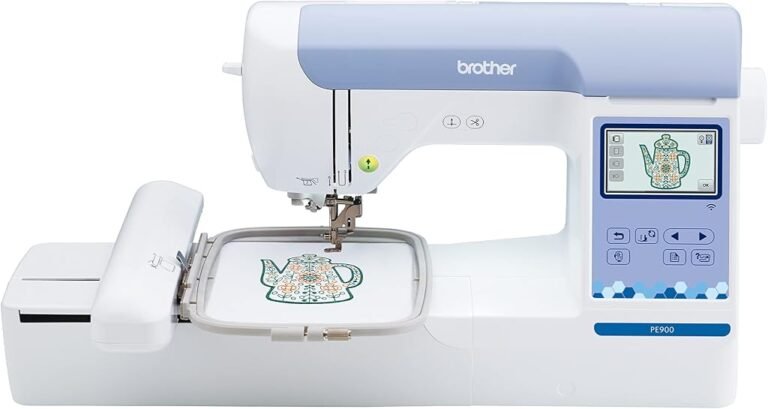
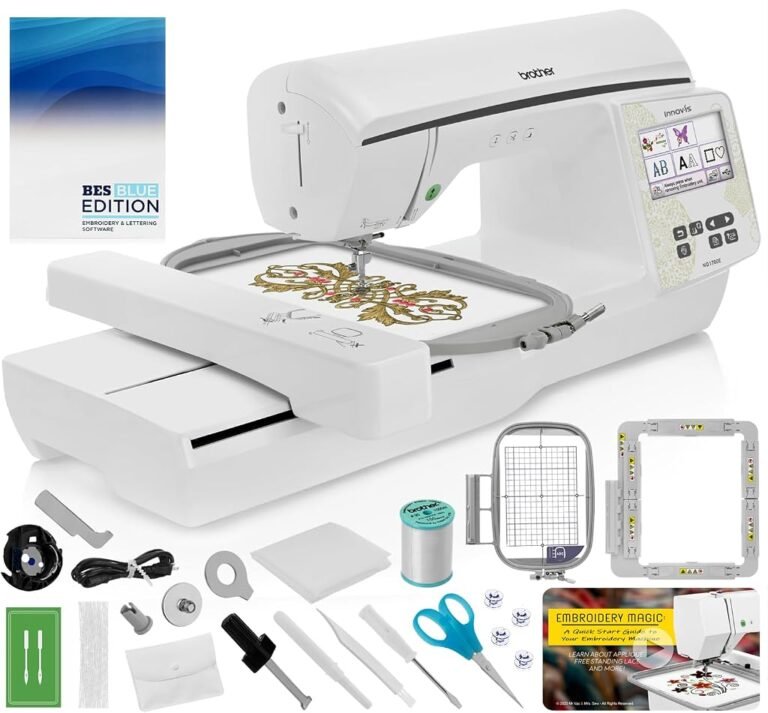
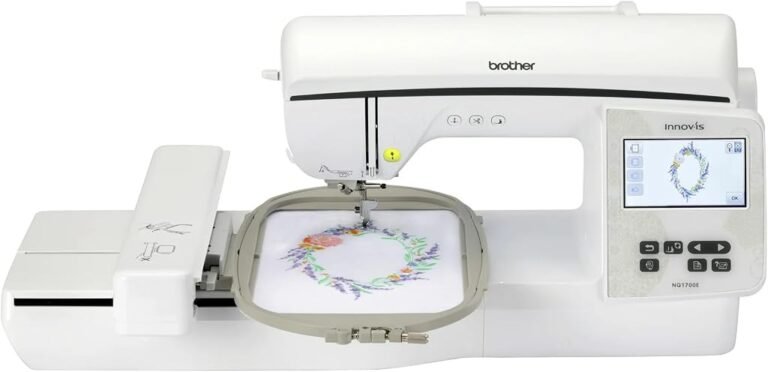
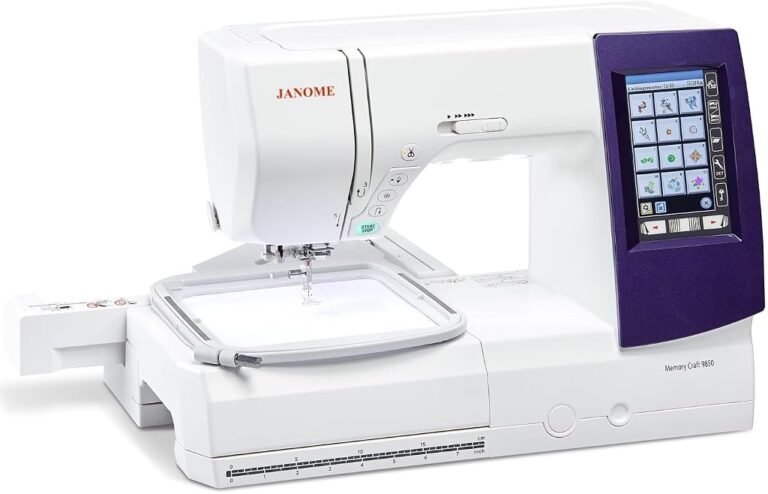
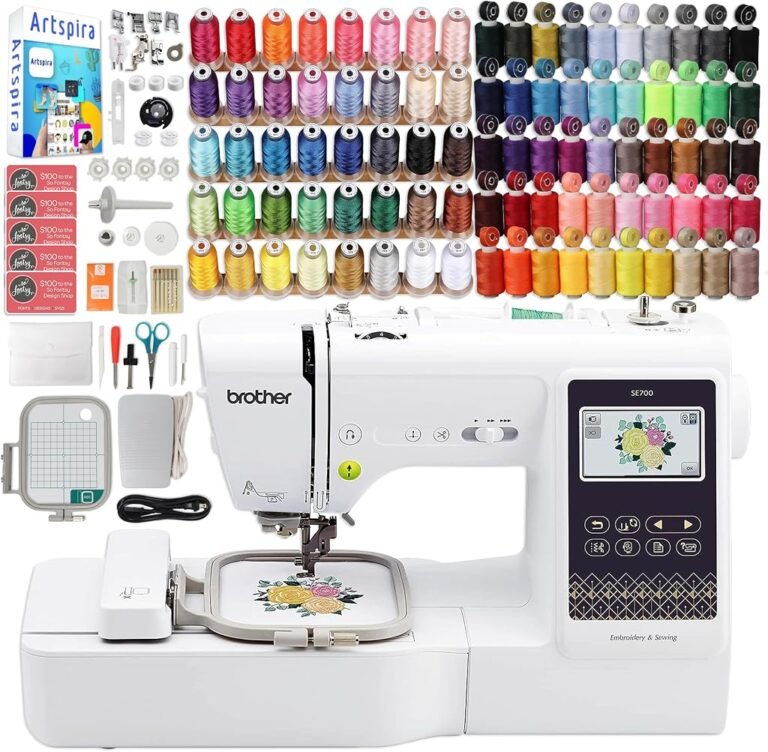
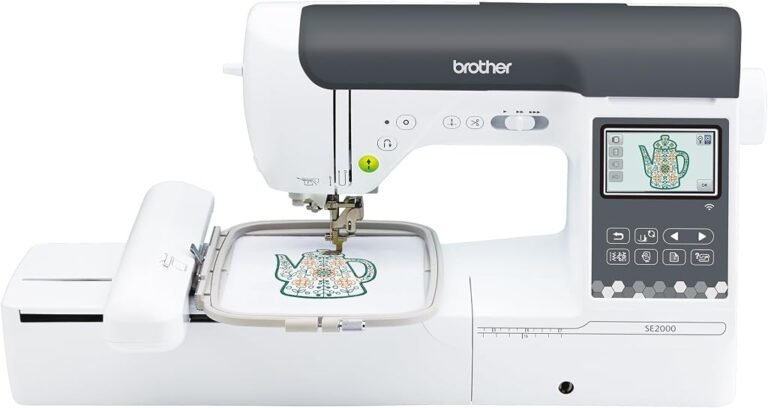
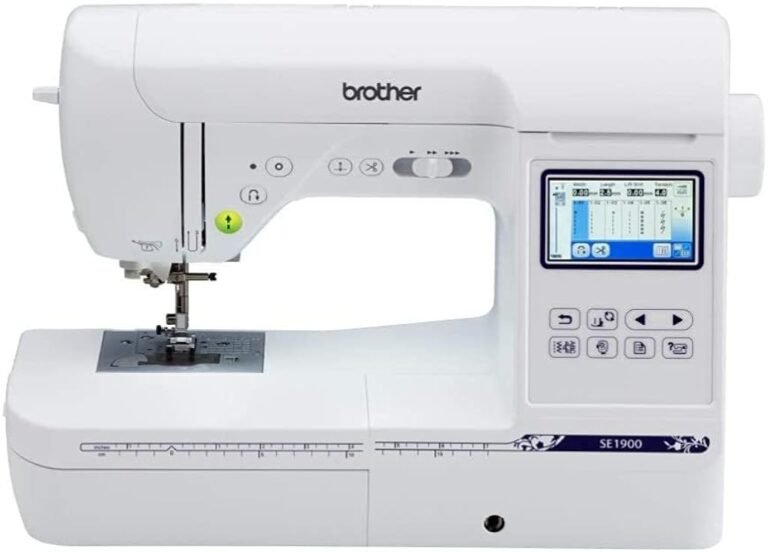
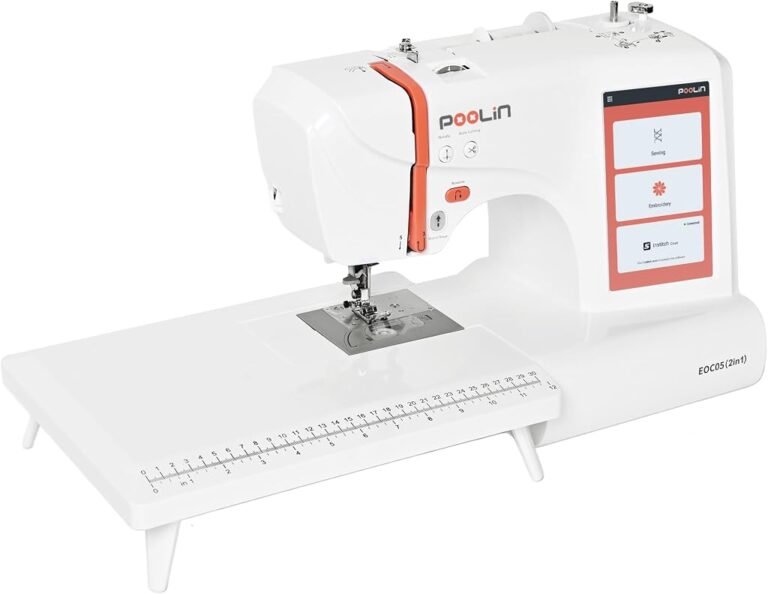
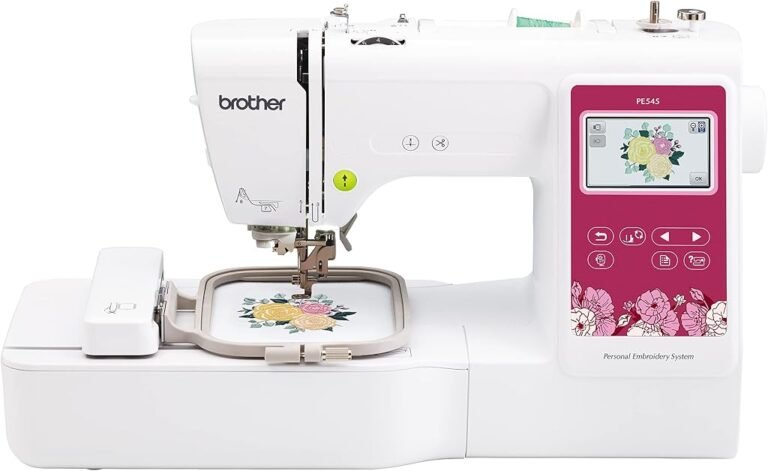
The Brother SE700 and SE600 are unusually revealing products to compare because their differences say more about the evolution of home embroidery than a simple specification contest would suggest. Both combine computerized sewing with a 4-by-4-inch embroidery system. Both offer 103 built-in sewing stitches, 10 one-step buttonhole styles, color touchscreens, automatic thread cutting and sewing speeds reaching 710 stitches per minute. Yet one belongs to Brother’s current wireless generation, while the other is a discontinued predecessor built around a more conventional design-transfer workflow.
That makes the decision less obvious than “newer is better.”
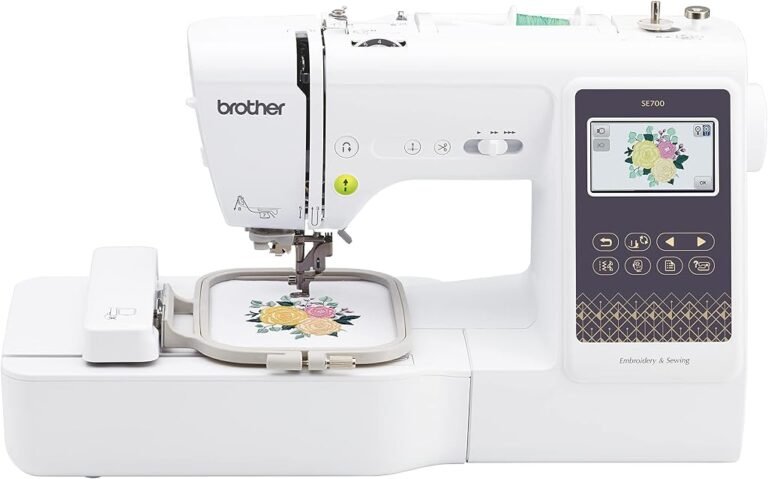
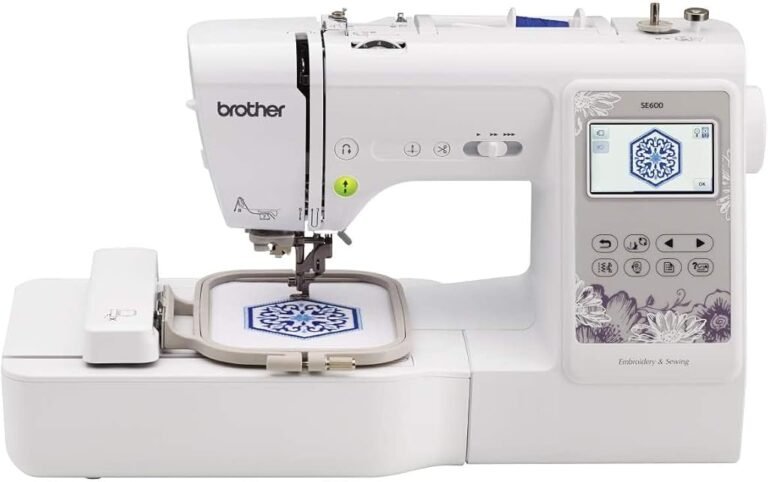
The SE700 adds wireless LAN, compatibility with Brother’s Artspira ecosystem and 135 built-in embroidery designs rather than the SE600’s 80. The SE600, meanwhile, retains the same 4-by-4-inch maximum embroidery field and the same 103-stitch sewing library. Its core creative limits therefore resemble those of its successor more closely than the difference in model numbers might imply.
Our editorial scores capture that tension. The SE700 earns 8.71/10, with Customer Sentiment at 8.5, Buyer Confidence at 9.8 and Value at 8.28. The SE600 scores slightly higher overall at 8.86/10, accompanied by Customer Sentiment of 8.72, Buyer Confidence of 9.8 and Value of 8.4.
The SE700 is the stronger choice for buyers who value wireless design transfer and Brother’s newer connected workflow. The SE600 remains highly attractive when available at an appropriate price because its fundamental sewing and embroidery capabilities remain close to those of the newer machine.
The better machine therefore depends less on raw sewing performance than on how embroidery designs reach the machine.
The Core Architecture Is Strikingly Similar
The most important fact in this comparison is also the easiest to overlook: neither machine represents a major increase in embroidery size over the other.
Both have a maximum embroidery field of 4 by 4 inches.
Brother’s current SE700 product specifications identify a 4-by-4-inch maximum embroidery area, 103 built-in sewing stitches, 10 one-step buttonhole styles and a maximum sewing speed of 710 stitches per minute. The SE600 specification likewise lists a 4-by-4-inch frame, 103 sewing stitches, 10 buttonhole styles and the same 710-stitch-per-minute maximum.
That shared architecture matters because embroidery area imposes a physical boundary that additional software features cannot erase.
A 4-by-4-inch field is appropriate for monograms, small decorative motifs, children’s clothing, patches, napkins, pockets, small personalized gifts and many other compact designs. Larger compositions may require splitting a design, repositioning fabric or moving to machinery supporting a larger hoop.
Wireless connectivity does not make the SE700’s hoop larger.
Nor does the SE600’s older status make its 4-by-4-inch field smaller.
For buyers comparing the best sewing and embroidery machines, maximum embroidery area should therefore be considered before design count, app compatibility or cosmetic differences. A person who already knows that 4 by 4 inches will feel restrictive should probably move beyond both models rather than deciding between them.
SE700 vs SE600 Sewing Performance
As sewing machines, the SE700 and SE600 are close relatives.
Each provides 103 built-in sewing stitches and 10 styles of one-step buttonholes. Each reaches a maximum sewing speed of 710 stitches per minute. Both offer computerized stitch selection and functions aimed at ordinary garment construction as well as decorative work.
This parity makes the SE700 difficult to justify as a sewing upgrade alone.
A sewer moving from an SE600 to an SE700 should not expect the number of sewing stitches to increase. Maximum sewing speed remains unchanged. The basic proposition-one computerized machine capable of conventional sewing and 4-by-4-inch embroidery-also remains intact.
That is an important editorial distinction.
Product generations frequently encourage buyers to assume that a successor must be substantially more capable in every dimension. Here, the meaningful changes are concentrated around embroidery content and connectivity rather than ordinary sewing capacity.
For someone primarily sewing clothing, alterations, bags or household projects and using embroidery occasionally, the SE600 remains remarkably close to the SE700 where the needle actually meets the fabric.
The SE700 Has 55 More Built-In Embroidery Designs
Design count provides the first obvious numerical advantage for the SE700.
Brother gives the SE700 135 built-in embroidery designs and 10 embroidery lettering fonts. The SE600 contains 80 built-in embroidery designs.
That is a difference of 55 built-in designs.
The number is substantial, but its practical importance depends on how embroidery designs are actually used.
Someone who prefers working entirely from the machine’s internal library receives greater immediate variety from the SE700. More built-in choices reduce the need to source and transfer external files before beginning a project.
For a user who routinely imports custom embroidery designs, however, the difference between 80 and 135 may diminish quickly. Once an embroidery workflow centers on external files, the quality of file transfer and editing can become more consequential than the original built-in library.
This is precisely where the SE700 establishes its strongest advantage.
Wireless LAN Is the Defining SE700 Upgrade
The SE700 includes wireless LAN. The SE600 does not.
That single distinction changes the embroidery workflow more meaningfully than many of the machines’ smaller specification differences.
Brother allows the SE700 to receive embroidery files wirelessly from a computer through Design Database Transfer. The manufacturer also supports transferring compatible creations through its Artspira mobile platform.
With the SE600, Brother’s original workflow centers on importing designs through its USB connection rather than transferring them over Wi-Fi.
The difference sounds minor until embroidery becomes frequent.
Design transfer is not the artistic part of embroidery, but it sits between finding or creating a design and actually stitching it. Any unnecessary friction in that stage repeats every time an external pattern is used.
Wireless transfer removes physical media from part of that process.
For someone who downloads designs regularly, organizes them on a computer and sends new files to the machine repeatedly, the SE700’s connectivity can become a genuine workflow advantage rather than a technological ornament.
For someone who mainly uses built-in designs, the advantage is less dramatic.
Artspira Changes the Creative Workflow
Wireless LAN also gives the SE700 access to a broader software environment.
Brother’s Artspira platform is a cloud-based design system that supports compatible Brother embroidery, sewing, cutting and printing equipment. Brother currently describes functions including design editing, custom drawing, design libraries and wireless transfer to compatible machines.
The SE700 is specifically supported for direct Artspira transfer. Brother’s instructions for sending a design to an embroidery machine explain that a design can be selected, edited and transferred to the machine, after which it appears in the machine’s temporary data area.
This creates a fundamentally different relationship between machine and mobile device.
The SE600 remains capable of imported embroidery. It simply belongs to an earlier transfer model.
Brother explicitly states in its guidance for non-wireless machines that Artspira is intended around wireless transfer and does not currently provide a USB-media route for pulling Artspira designs into a non-wireless machine. That creates a real separation between the two models for users interested specifically in Brother’s current mobile design environment.
The distinction should not be exaggerated, however. Artspira compatibility does not enlarge the SE700’s embroidery field. A design still has to fit within the machine’s physical embroidery constraints.
Software broadens where designs can come from. Hardware determines how large they can be stitched.
The Touchscreen Experience Is Similar
Both machines use color touchscreen interfaces for embroidery selection and editing.
Brother describes the SE700’s display as a 3.2-by-1.8-inch LCD and provides on-screen editing functions. The SE600 was likewise designed around a 3.2-inch Sew Smart color LCD touchscreen, allowing designs to be previewed and edited before stitching.
The SE600 supports functions such as changing individual thread colors, arranging lettering along an arc and moving designs through touchscreen controls.
This is another area where the generational gap can look larger from the model numbers than it feels operationally.
The SE700 does not replace a crude monochrome interface. Its predecessor already had a color touchscreen and meaningful on-machine embroidery editing.
That matters for buyers considering an SE600 on the secondary or remaining-retail market. The older machine does not automatically mean an antiquated user interface.
The SE700’s stronger advantage lies outside the screen: it connects that interface to wireless design sources.
Sewing and Embroidery in One Machine Has Real Trade-Offs
Both models are combination machines, and that architecture carries advantages and compromises.
The obvious benefit is space.
Instead of maintaining a conventional sewing machine beside a dedicated embroidery machine, the owner can perform both jobs on one chassis. That can be particularly useful in apartments, multipurpose rooms or sewing areas where every square foot matters.
The economic argument can also be attractive for beginners who want to explore embroidery without immediately purchasing two separate machines.
The compromise is workflow.
Switching from ordinary sewing to embroidery requires preparing the machine for embroidery work and attaching the embroidery unit and hoop. A household running frequent embroidery while simultaneously constructing garments may eventually find separate machines more efficient.
Neither the SE600 nor SE700 solves that structural compromise. They share it.
For a hobbyist moving between sewing and embroidery at a moderate pace, combination machinery can be highly practical. For continuous production, specialization begins to look more attractive.
The 4-by-4-Inch Hoop Is the Real Long-Term Question
The most serious limitation shared by these machines is not speed, stitch count or connectivity.
It is embroidery area.
Four inches by four inches equals a maximum rectangular field of 16 square inches, although the usable design itself must conform to the machine’s embroidery constraints.
That space is ample for many common projects. Initials on towels, small decorative designs on children’s clothing, compact motifs on pockets and small appliqué work can fit naturally within it.
Larger jacket-back designs, expansive quilt blocks and many elaborate compositions cannot be stitched as a single 4-by-4-inch design.
A beginner may initially view 4 by 4 inches as generous. Embroidery habits can change quickly once custom designs become part of regular sewing.
That makes the buyer’s anticipated project size more consequential than whether the machine contains 80 or 135 designs.
Someone already imagining large-format embroidery should not allow the SE700’s wireless functions to distract from the shared physical limit.
Automatic Thread Cutting Helps Both Sewing and Embroidery
Brother equips the SE700 with an automatic thread cutter, and the SE600 specification also identifies automatic thread cutting.
This feature matters more on an embroidery combination machine than it might appear.
Embroidery often involves repeated color changes and transitions between stitched elements. Reducing manual thread handling can make the process less cumbersome. During conventional sewing, automatic cutting similarly removes a repetitive finishing step.
Both machines therefore begin from a relatively sophisticated convenience baseline.
The SE700 is newer, but many of the conveniences associated with computerized sewing were already present on the SE600.
That pattern repeats throughout the comparison: the successor improves the connected ecosystem much more than it reinvents basic operation.
SE700 Accessory Package
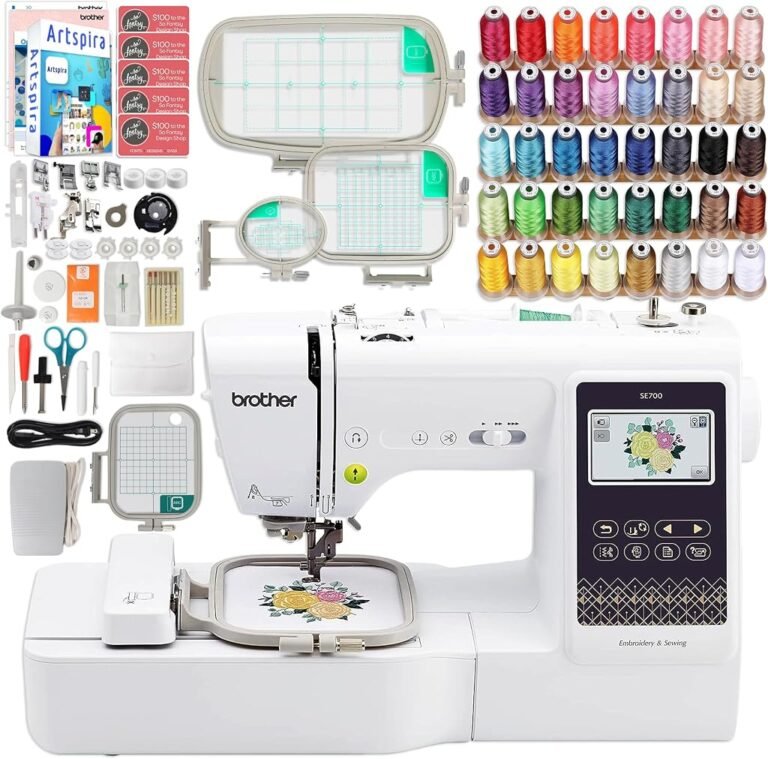
Brother currently specifies eight presser feet with the SE700: zigzag, monogramming, overcasting, zipper, blind-stitch, button-fitting, buttonhole and embroidery feet. The package also contains a 4-by-4-inch embroidery frame set, foot controller, dust cover, needles, bobbins and various maintenance and threading accessories.
The embroidery frame is particularly significant because it corresponds directly to the machine’s maximum embroidery field.
The included foot selection also reinforces the SE700’s dual-purpose identity. It is equipped not merely for embroidery but for buttonholes, zippers, overcasting, blind hemming, decorative work and ordinary straight or zigzag construction.
That breadth is why these machines are more accurately understood as computerized sewing machines with genuine embroidery systems rather than embroidery machines with token sewing functionality.
SE600 Still Has a Strong Functional Foundation
The discontinued SE600 should not be dismissed merely because Brother replaced it.
Its feature set remains substantial: 80 built-in embroidery designs, 103 sewing stitches, a 4-by-4-inch embroidery field, color touchscreen editing, variable sewing speed, needle up/down control, drop feed and automatic thread cutting.
Brother’s official page now identifies the model as discontinued. That status changes the buying calculation even if it does not change what the machine can do.
A discontinued machine can remain perfectly functional for years, but current availability, warranty circumstances, replacement pricing and long-term software expectations deserve closer examination than they would with a current model.
That consideration helps explain why the SE700 can be the safer new purchase despite the SE600’s slightly higher editorial score.
Our scores assess the products as machines and buying propositions, not merely which model number is newer.
Price Complicates the Comparison
The reference prices place the SE700 at $579.99 and the SE600 at $589.99.
Taken literally, that makes the newer SE700 slightly less expensive while providing wireless LAN, 55 additional built-in embroidery designs and access to Brother’s current wireless creative environment.
That would favor the SE700 strongly.
The complication is that the SE600 is discontinued, so real-world availability can produce irregular pricing. Remaining new inventory, refurbished machines and secondhand examples may sit at very different price points.
For that reason, the SE600’s 8.4 Value score should not be interpreted as permission to pay any price merely because its overall editorial rating reaches 8.86.
The SE600 becomes especially compelling when its actual purchase price is materially below a comparable SE700.
At roughly equal prices, the SE700’s wireless functions are difficult to ignore.
Interpreting the Editorial Scores
The SE600 receives our higher overall score: 8.86/10, compared with 8.71/10 for the SE700.
That does not mean the older machine wins every direct comparison.
The SE600’s Customer Sentiment score of 8.72 exceeds the SE700’s 8.5, while its Value rating of 8.4 is also slightly ahead of the SE700’s 8.28. Both receive an unusually high 9.8 Buyer Confidence score.
The identical Buyer Confidence figures make sense. Both come from Brother’s established sewing and embroidery platform, and both have clearly documented capabilities.
The overall difference is narrow: just 0.15 points.
Such a small gap should not outweigh a major buyer-specific requirement. A user who wants wireless transfers should choose the SE700 rather than sacrificing that capability for a 0.15-point editorial advantage. A buyer who finds a well-priced SE600 and has no interest in wireless workflow can rationally choose the older model.
Editorial scores organize judgment. They do not erase individual use cases.
Which Machine Is Better for Beginners?
For a first combination sewing-and-embroidery machine, the SE700 has the stronger long-term argument.
The sewing fundamentals are approachable, the embroidery area is manageable, and wireless transfer reduces one of the procedural steps associated with importing designs. Access to Artspira also gives a beginner a current route into Brother’s design environment.
The SE600 remains beginner-friendly, particularly for someone comfortable managing designs through a more traditional computer-and-USB workflow.
Both machines still require genuine embroidery skills.
Fabric stabilization, hooping, needle choice, thread selection, design density and placement all affect results. A touchscreen does not eliminate those variables.
The beginner advantage of the SE700 is therefore workflow convenience rather than automatic mastery.
Which Machine Is Better for Sewing?
This category is effectively a draw.
Both machines provide 103 built-in sewing stitches, 10 one-step buttonhole styles and maximum sewing speeds of 710 stitches per minute.
Anyone purchasing primarily for conventional sewing should therefore resist paying a substantial premium for the SE700 purely on the assumption that newer hardware must sew dramatically better.
Its defining improvements concern embroidery connectivity and design availability.
For garment construction, repairs, decorative sewing and general household work, the machines are much closer than their generational separation suggests.
Which Machine Is Better for Embroidery?
The SE700 wins.
Its embroidery field is no larger, but it starts with 135 designs instead of 80 and adds wireless transfer, Design Database Transfer compatibility and direct participation in Brother’s Artspira environment.
Those advantages affect how frequently external designs can be found, created and moved to the machine.
The SE600 remains capable embroidery hardware within the same 4-by-4-inch format. Its weakness is not stitch formation implied by age; it is that its design-transfer architecture belongs to an earlier generation.
For someone expecting embroidery to become the dominant activity, the SE700’s workflow advantages justify choosing it at similar prices.
Who Should Choose the SE700?
The SE700 is better suited to:
- Buyers purchasing new at roughly the same price as an SE600.
- Users who want wireless embroidery-file transfer.
- People interested in creating or editing designs through Artspira.
- Embroidery users who value 135 built-in designs rather than 80.
- Beginners who want Brother’s current connected platform.
- Users who expect to import external embroidery designs frequently.
- Households wanting one current machine for both computerized sewing and compact embroidery.
Its main reservation is the unchanged 4-by-4-inch embroidery ceiling.
Who Should Choose the SE600?
The SE600 remains rational for:
- Buyers who find it substantially cheaper than an SE700.
- Users who do not care about wireless LAN.
- Sewers comfortable transferring designs through its existing workflow.
- Owners primarily interested in sewing, where the 103-stitch library and 710-stitch-per-minute maximum remain highly comparable.
- Buyers satisfied with 80 built-in embroidery designs.
- Existing SE600 owners wondering whether an SE700 constitutes a major hardware upgrade.
That final group deserves particular emphasis.
Moving from an SE600 to an SE700 preserves the same 4-by-4-inch embroidery field, 103 sewing stitches and 710-stitch-per-minute sewing maximum. The upgrade therefore makes the most sense for someone specifically seeking wireless connectivity and the newer design ecosystem.
Anyone wanting a genuinely larger embroidery canvas should look beyond both machines.
Final Considerations
The Brother SE700 and SE600 are separated less by sewing mechanics than by the changing relationship between embroidery machines and digital design libraries.
The SE600 established a strong foundation: 103 sewing stitches, 80 embroidery designs, a 4-by-4-inch embroidery field, touchscreen editing, automatic thread cutting and a 710-stitch-per-minute maximum sewing speed. Its 8.86/10 overall score, 8.72 Customer Sentiment, 9.8 Buyer Confidence and 8.4 Value rating remain consistent with a capable combination machine whose hardware has aged more slowly than its connectivity.
The SE700 keeps the central architecture and modernizes the surrounding workflow. Its 135 built-in designs, wireless LAN, Design Database Transfer support and Artspira compatibility create a more fluid route between digital design and physical embroidery. Its 8.71/10 overall score, 8.5 Customer Sentiment, 9.8 Buyer Confidence and 8.28 Value rating reflect a machine whose strongest improvements are technological conveniences rather than larger sewing or embroidery capacity.
At similar prices, the SE700 is the better purchase for most new buyers. Wireless transfer is genuinely useful, the design library is larger, and the machine belongs to Brother’s current connected ecosystem.
At a meaningfully lower price, the SE600 can be the better value. Its sewing specifications remain remarkably close to the SE700, its 4-by-4-inch embroidery capacity is identical, and its 80 built-in designs still provide considerable creative range.
For existing SE600 owners, however, the more revealing answer is different. The SE700 is not automatically a compelling upgrade. Wireless functionality is convenient, but it does not enlarge the hoop or accelerate ordinary sewing. An owner seeking a dramatic expansion in embroidery capability would gain more from moving to a machine with a larger embroidery field than from replacing an SE600 solely with its direct successor.
That is what ultimately separates these two machines. The SE600 remains a capable sewing-and-embroidery platform from the USB-centered generation. The SE700 takes essentially the same compact creative format and connects it more naturally to contemporary digital design workflows.
The better machine is therefore not defined by the higher editorial score alone. For buyers prioritizing connectivity and external embroidery designs, the SE700 has the stronger argument. For price-sensitive buyers who find the SE600 at a genuine discount, the older machine retains substantial value. And for anyone whose ambitions already extend beyond a 4-by-4-inch hoop, neither machine resolves the central limitation.