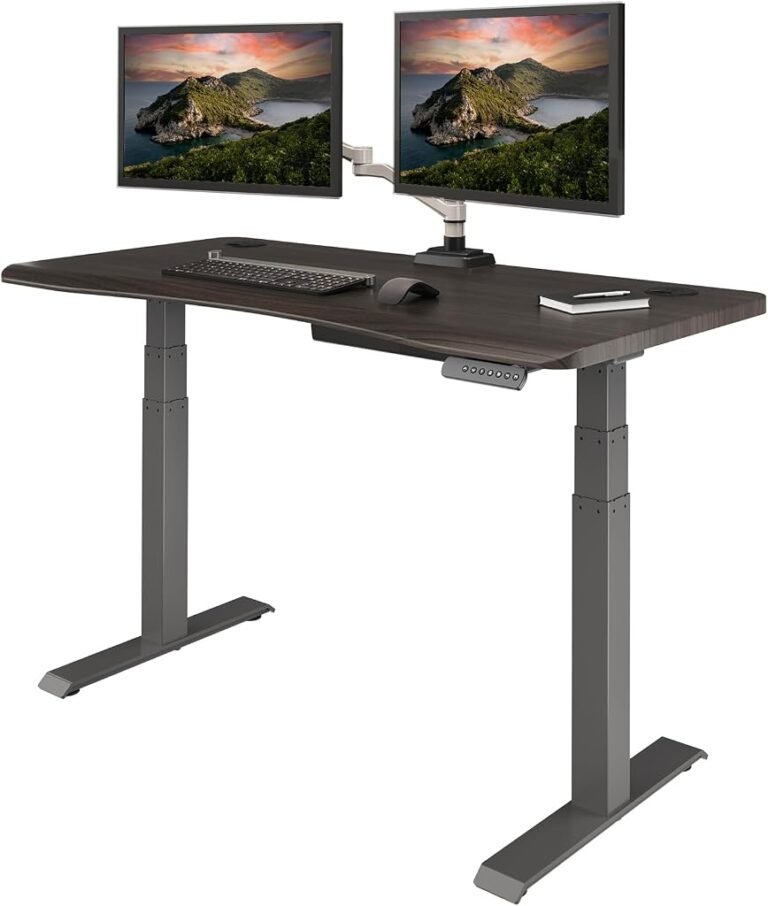
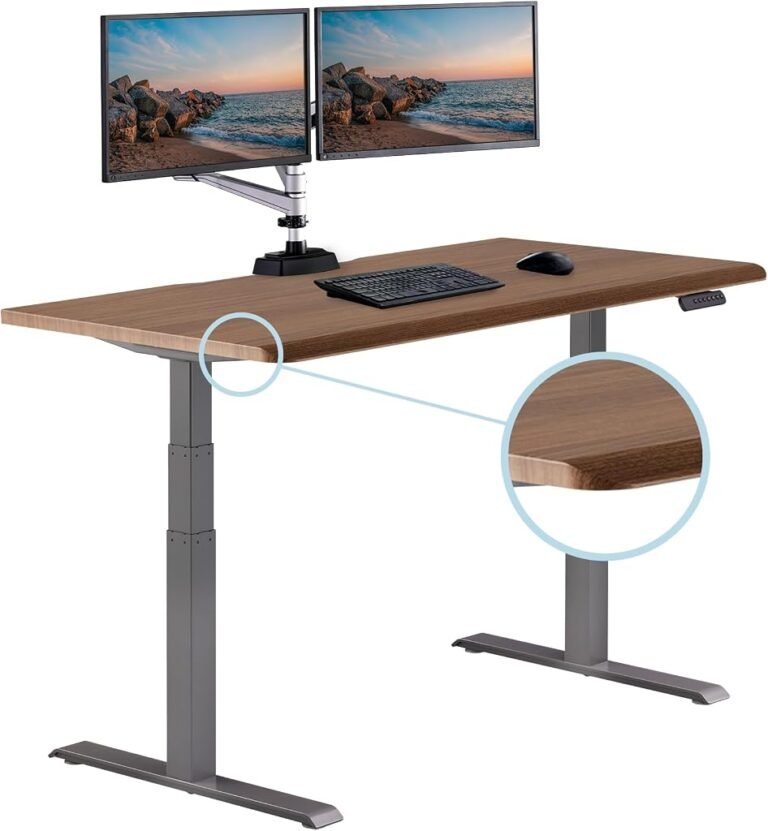
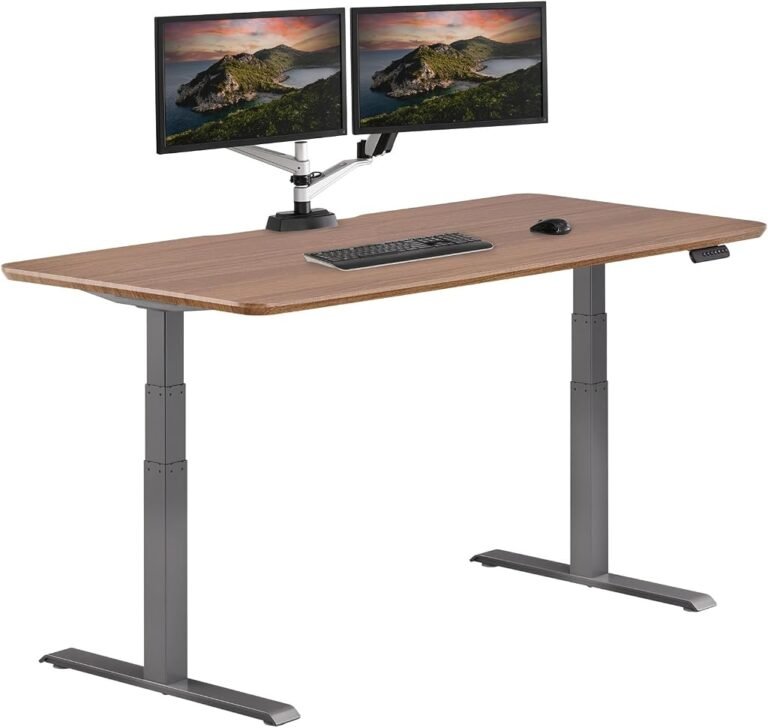
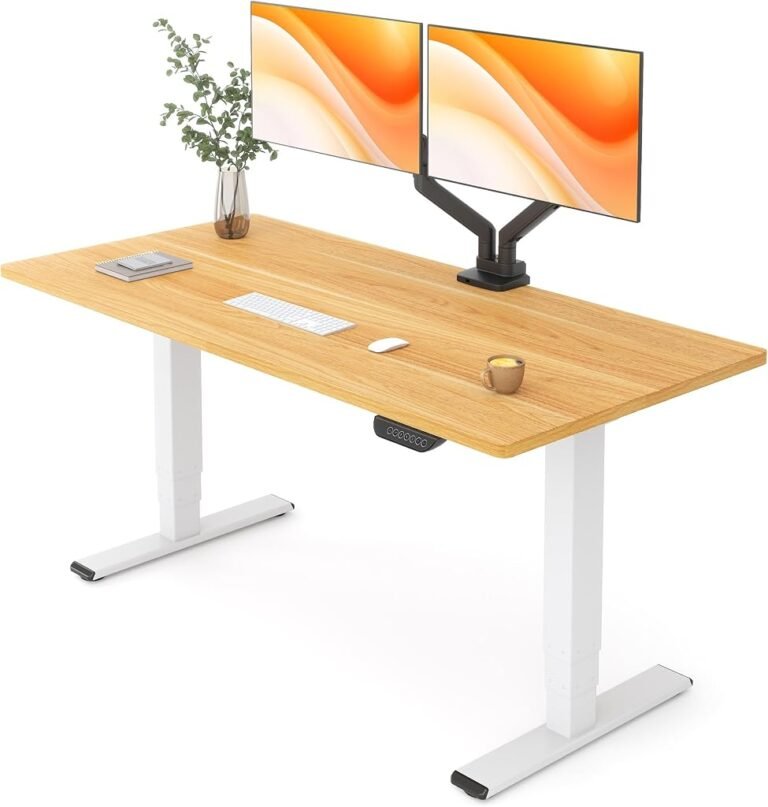
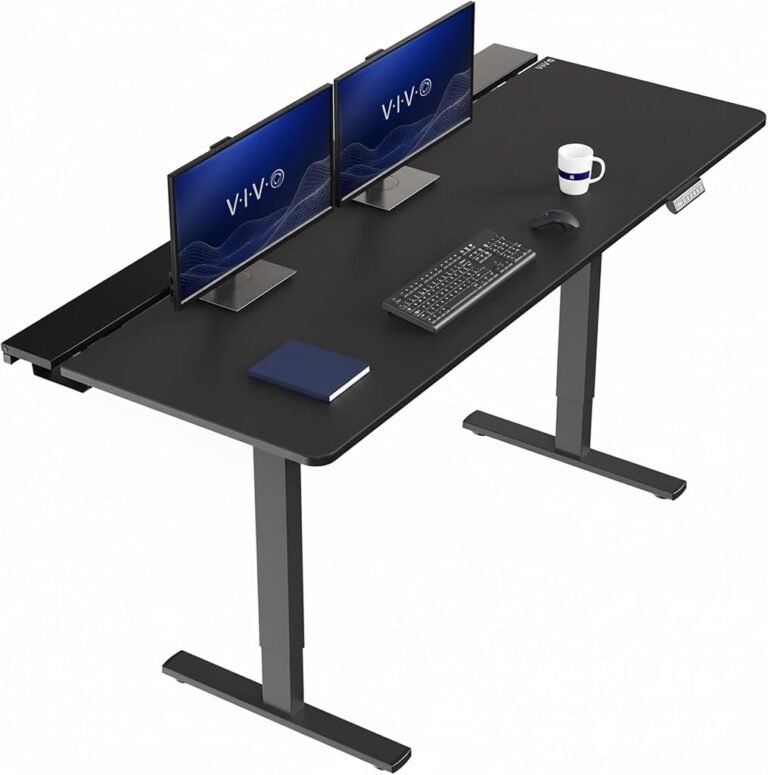
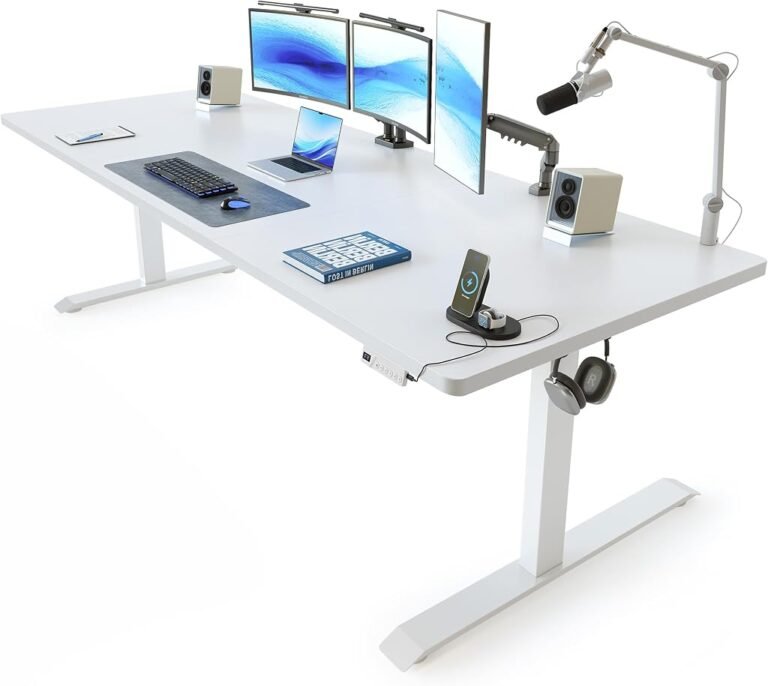
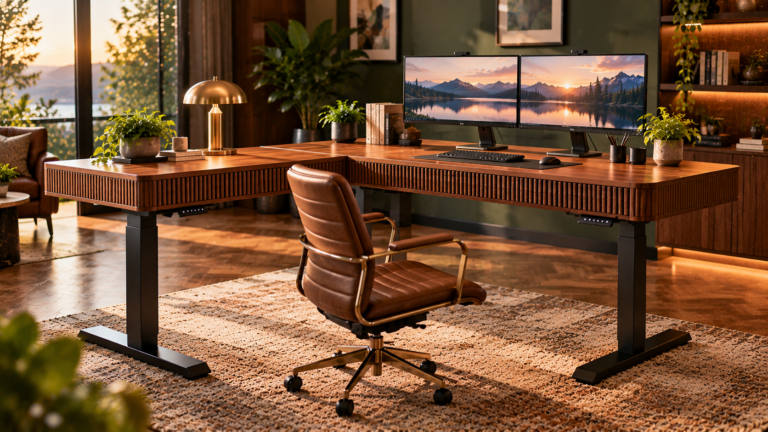
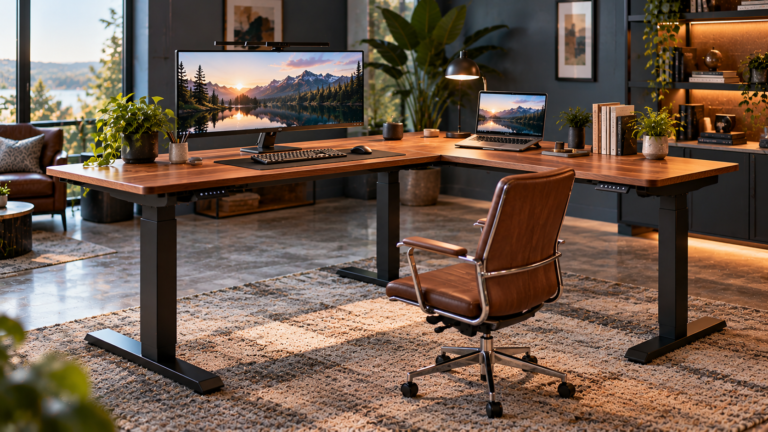
Choosing between the Desktronic HomePro Electric Standing Desk and UPLIFT Desk V3 2-Leg is less a contest between two pieces of office furniture than a decision about risk, value, and the daily mechanics of computer work.
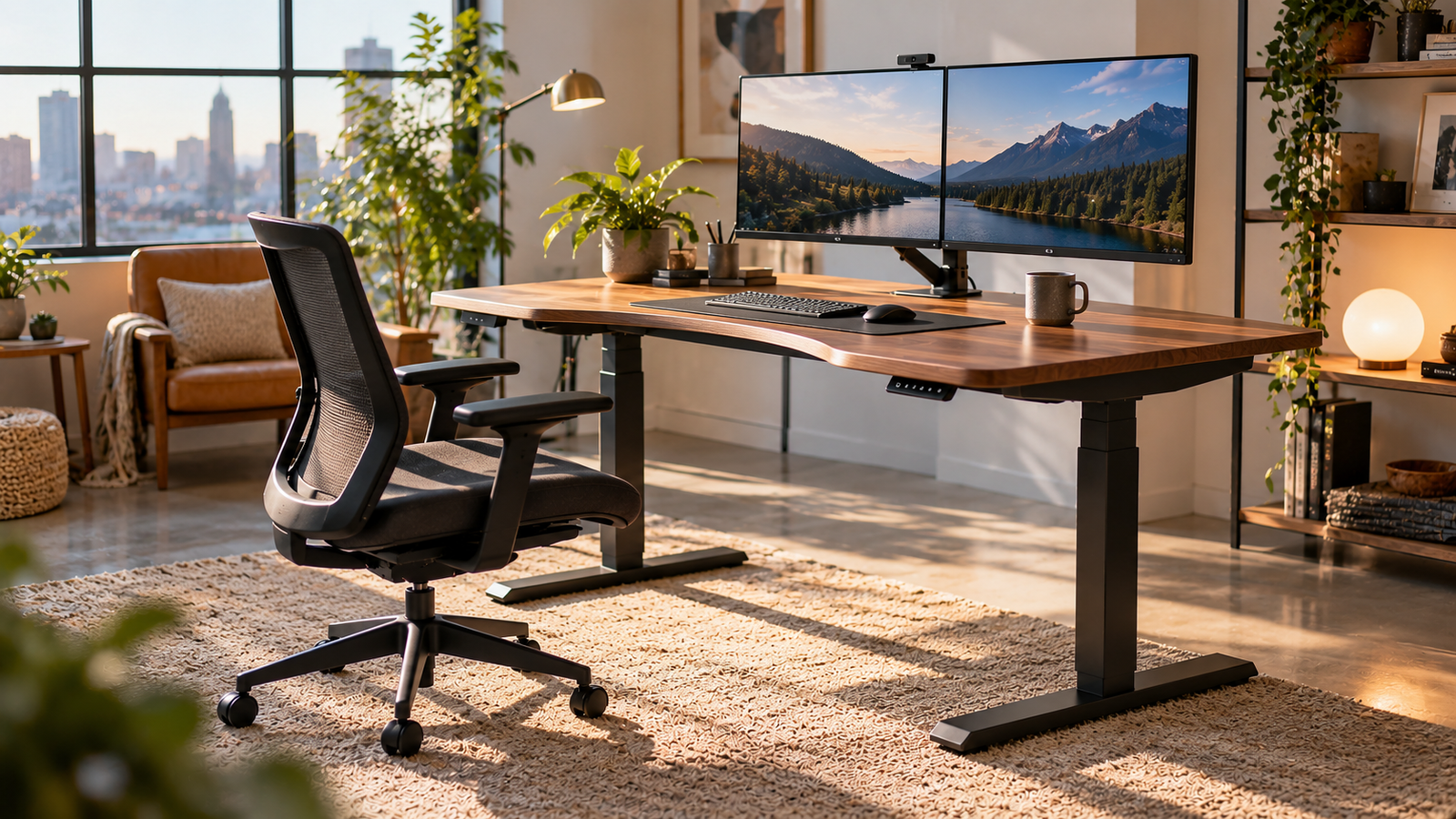
Both belong to the adjustable standing-desk category, where the basic proposition is straightforward: instead of forcing the worker to adapt continuously to a fixed surface, the desk moves. That seemingly simple change can alter how easily a person alternates between seated and standing work.
Yet adjustable height alone is not enough to distinguish a well-matched workstation from an expensive mismatch. A useful comparison needs to consider the complete buying proposition: editorial performance, customer sentiment, buyer confidence, value, desktop requirements, equipment placement, and the ergonomic realities of alternating positions.
On our scoring system, the Desktronic HomePro enters this comparison with a substantial advantage. It earns 9.15/10 overall against 8.45/10 for the UPLIFT Desk V3 2-Leg. The difference is meaningful, but it does not turn every buying decision into an automatic victory for Desktronic.
The better choice still depends on what the workstation must accomplish.
Desktronic HomePro vs UPLIFT Desk V3 2-Leg at a Glance
The editorial scores establish a useful starting point.
| Category | Desktronic HomePro | UPLIFT Desk V3 2-Leg |
|---|---|---|
| Our Score | 9.15/10 | 8.45/10 |
| Customer Sentiment | 9.16 | 8.50 |
| Buyer Confidence | 9.77 | 8.52 |
| Value | 8.64 | 8.28 |
Desktronic leads in every scored category.
The largest separation occurs in Buyer Confidence, where HomePro receives 9.77 against 8.52 for the UPLIFT Desk V3 2-Leg. Customer Sentiment similarly favors Desktronic by 0.66 points, while the Value difference is narrower at 0.36.
Those figures produce a clear editorial hierarchy. HomePro is the stronger all-around proposition in this head-to-head comparison.
UPLIFT’s lower overall score, however, should be read as a relative judgment rather than a declaration that it is an inadequate workstation. An 8.45/10 rating still places the V3 2-Leg firmly in the capable range. Its case rests more heavily on buyer-specific fit.
Why Adjustable Height Matters
The practical argument behind both desks begins with movement rather than standing itself.
A standing desk should not be treated as a device intended to keep someone upright for an entire working day. The more defensible objective is variation: sitting for some tasks, standing for others, and leaving the workstation periodically.
That distinction is supported by occupational-health research.
A Cochrane review of workplace interventions found that sit-stand desks may reduce workplace sitting by between 84 and 116 minutes per day over short-term follow-up. The researchers also judged much of the underlying evidence to be low or very low quality, which limits sweeping health claims.
That qualification matters.
A motorized desk cannot compensate for an otherwise sedentary day, poor monitor placement, excessive working hours, or an unsuitable chair. Its practical advantage is narrower but still meaningful: it reduces the friction involved in changing working height.
For buyers reading a standing desk buying guide, that distinction should influence priorities. Reliable adjustment, suitable working heights, adequate surface dimensions, equipment compatibility, and comfortable positioning deserve more weight than novelty features.
Where the Desktronic HomePro Pulls Ahead
The Desktronic HomePro’s 9.15/10 overall rating is supported by unusually consistent scores across our assessment.
Customer Sentiment reaches 9.16, while Buyer Confidence rises to 9.77. Value receives 8.64.
That pattern matters because a high overall rating accompanied by substantially weaker supporting scores would require more caution. Here, the indicators largely reinforce one another.
The HomePro therefore suits a buyer seeking the stronger editorial proposition without a specialized requirement that points elsewhere.
This is particularly relevant for home-office users purchasing a standing desk as a primary workstation rather than supplementary furniture. A primary desk has to accommodate repeated daily use, computer equipment, changing postures, and the less glamorous realities of cables, peripherals, paperwork, and charging devices.
Desktronic’s advantage is not simply that 9.15 is numerically larger than 8.45. Its Buyer Confidence lead is substantial enough to make HomePro the lower-risk editorial recommendation of the pair.
That distinction becomes more relevant when a desk is expected to remain at the center of a workstation for years.
Where the UPLIFT Desk V3 2-Leg Still Makes Sense
The UPLIFT Desk V3 2-Leg receives 8.45/10 overall, supported by Customer Sentiment of 8.50, Buyer Confidence of 8.52, and Value of 8.28.
These figures are lower than HomePro’s across the board, but they remain relatively balanced.
That consistency prevents the UPLIFT from becoming merely the runner-up that should always be ignored. Instead, it shifts the purchasing question toward configuration and fit.
A standing desk interacts with an existing workspace. Desktop dimensions have to suit the room. The frame must accommodate the user’s intended equipment. Monitor mounting, computer placement, cable routing, accessories, and the desired working area can alter which desk makes more sense.
The UPLIFT Desk V3 2-Leg therefore suits buyers whose preferred UPLIFT configuration aligns closely with an existing office arrangement or equipment plan.
This is where product comparisons often become misleading. A fractional scoring advantage cannot rescue a desk that physically does not fit the room, while a lower-rated desk can be the better purchase when its configuration solves a specific spatial problem.
HomePro wins the general comparison. UPLIFT can win the individual floor plan.
Value: More Than a Purchase Number
Value receives 8.64 for the Desktronic HomePro and 8.28 for the UPLIFT Desk V3 2-Leg.
That 0.36-point difference is smaller than the gap in Buyer Confidence, suggesting that value alone is not the primary reason Desktronic leads.
Standing-desk value should be assessed over the expected working life of the furniture.
A desk used five days per week occupies a different economic category from an occasional accessory. Small ergonomic irritations can become persistent daily annoyances; conversely, features that sound impressive before purchase may barely matter after installation.
Useful value questions include:
- Does the desktop provide enough space for the complete computer setup?
- Can the desk reach comfortable seated and standing positions for its primary user?
- Can monitor arms and other intended accessories be installed correctly?
- Is there sufficient space beneath the desk for comfortable leg movement?
- Can power and data cables move safely through the desk’s adjustment range?
- Does the desk fit the room without restricting doors, drawers, or walking routes?
The HomePro’s higher Value score gives it the editorial advantage when these practical requirements are otherwise equal.
Where UPLIFT offers a configuration that solves a particular equipment or spatial requirement more effectively, the smaller value gap becomes less decisive.
Ergonomics Cannot Be Reduced to Desk Height
One of the persistent errors in standing-desk shopping is treating desktop height as the entire ergonomic equation.
The workstation is a system.
The chair, keyboard, mouse, displays, desk surface, lighting, foot position, and working habits all interact. Changing one component can expose problems elsewhere.
The Occupational Safety and Health Administration’s computer workstation guidance emphasizes neutral body positioning and workstation adjustability rather than prescribing one universal posture.
For seated work, the desk must allow the keyboard and mouse to be positioned without forcing the shoulders upward. For standing work, raising the surface too high can create essentially the same problem.
Monitor placement requires similar care.
OSHA’s monitor guidance places the preferred viewing distance at roughly 20 to 40 inches and recommends positioning the screen directly in front of the user when a single monitor is used.
This has direct implications for the Desktronic-versus-UPLIFT decision.
A buyer using a deep monitor stand, large display, dual screens, or monitor arms should plan the entire desktop before ordering. The correct desk is the one that permits an ergonomically workable arrangement after all equipment is installed.
Monitor and Desktop Planning
Standing desks frequently look enormous when empty and unexpectedly crowded once a computer system is assembled.
A laptop alone requires relatively little surface area. Add two monitors, speakers, a docking station, keyboard, mouse, microphone, notebook, charging hardware, and a cup, and usable space disappears rapidly.
Desktop planning should therefore happen before the purchase.
One effective method is to reproduce the proposed desktop dimensions on the floor or an existing table using removable tape. The intended equipment can then be mapped inside that boundary.
Monitor depth deserves special attention.
Large stands can consume substantial front-to-back space. Monitor arms can reclaim some of that area, but they introduce mounting requirements. Buyers planning clamp-mounted arms should confirm compatibility with the selected desktop and account for cable movement as the desk rises and falls.
Neither HomePro’s scoring lead nor UPLIFT’s brand-specific configuration choices override these physical constraints.
The tape measure remains one of the most useful tools in the purchasing process.
Cable Management Is Part of the Mechanical System
Electric standing desks create a cable-management problem that fixed desks do not.
Every connected cable must tolerate movement.
A wire that looks comfortably loose while the desktop is lowered can become dangerously taut at standing height. Conversely, excessive loose cable can migrate toward moving frame components.
The solution is to treat wiring as part of the desk installation rather than decoration added afterward.
Power cords, display cables, USB connections, chargers, docking-station wiring, and peripheral cables should be tested through the complete intended movement range before final fastening.
Cables should remain clear of lifting columns, joints, and other moving components.
This consideration matters equally for the HomePro and UPLIFT Desk V3 2-Leg. Even an otherwise well-designed workstation becomes frustrating when changing height disconnects a monitor or pulls a power adapter from its socket.
Which Desk Better Suits Which Buyer?
The scoring difference permits a fairly direct recommendation structure.
The Desktronic HomePro is the stronger choice for buyers who:
- Want the higher-rated option in this direct comparison.
- Place substantial weight on Buyer Confidence.
- Prioritize our Customer Sentiment assessment.
- Want the stronger Value score of the two.
- Have no UPLIFT-specific configuration requirement that changes the equation.
The UPLIFT Desk V3 2-Leg makes greater sense for buyers who:
- Have identified a particular V3 configuration that better suits their room or equipment.
- Already know that the UPLIFT layout accommodates their planned accessories.
- Prefer its specific workstation ecosystem or configuration after comparing exact specifications.
- Are willing to accept lower editorial scores because the physical fit is better for their particular office.
That distinction avoids the artificial idea of a universal winner.
Furniture has dimensions. People have different proportions. Offices have awkward walls, windows, radiators, outlets, cabinets, and doors. Equipment configurations vary enormously.
Editorial scores can narrow the field, but geometry gets the final vote.
The Decision in Numbers
HomePro’s advantage is nevertheless difficult to ignore.
Its 9.15 overall score exceeds the UPLIFT Desk V3 2-Leg’s 8.45 by 0.70 points.
The Buyer Confidence difference is larger: 9.77 versus 8.52.
Customer Sentiment favors HomePro 9.16 to 8.50, while Value favors it 8.64 to 8.28.
There is no category in our scoring where UPLIFT overtakes Desktronic.
For a buyer approaching both products without a strong prior preference and finding that either desk fits the intended workspace equally well, HomePro therefore receives the recommendation.
UPLIFT becomes more compelling when the comparison stops being abstract and a particular V3 configuration proves better suited to the actual workstation.
Final Considerations
The Desktronic HomePro vs UPLIFT Desk V3 2-Leg comparison produces a clear editorial leader without producing a universal answer.
Desktronic HomePro earns 9.15/10 overall, compared with 8.45/10 for the UPLIFT Desk V3 2-Leg. It also leads in Customer Sentiment, Buyer Confidence, and Value. When both desks satisfy the same physical and ergonomic requirements, HomePro is the stronger recommendation.
UPLIFT’s position is more situational. Its 8.45/10 score still represents a capable standing-desk proposition, and it can become the more rational purchase when a particular configuration fits the room, equipment, or accessory plan more effectively.
The distinction reflects a broader lesson about adjustable workstations.
A standing desk should not be purchased as an isolated object. It is the structural center of a working system involving displays, input devices, seating, wiring, storage, and human movement.
Before choosing either model, the buyer should measure the room, map the equipment, establish comfortable seated and standing positions, and examine how every cable and accessory will behave as the desktop moves.
On editorial performance alone, Desktronic HomePro wins this comparison.
On individual workstation fit, the final decision belongs to the desk that accommodates the user rather than forcing the user to accommodate the furniture.