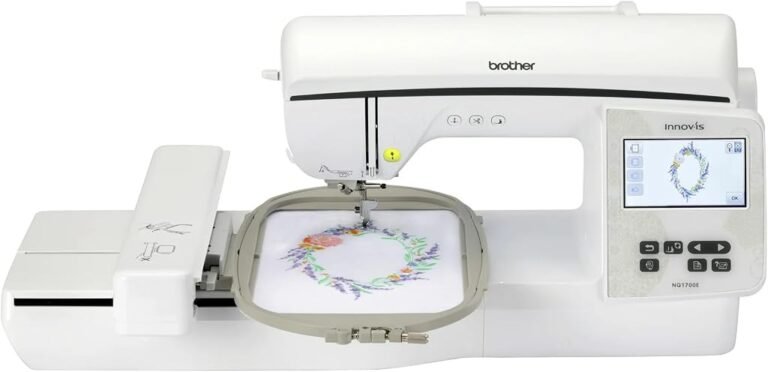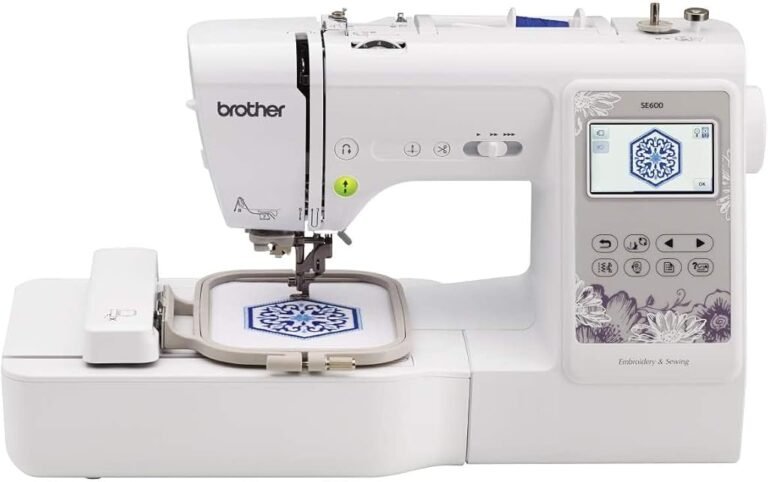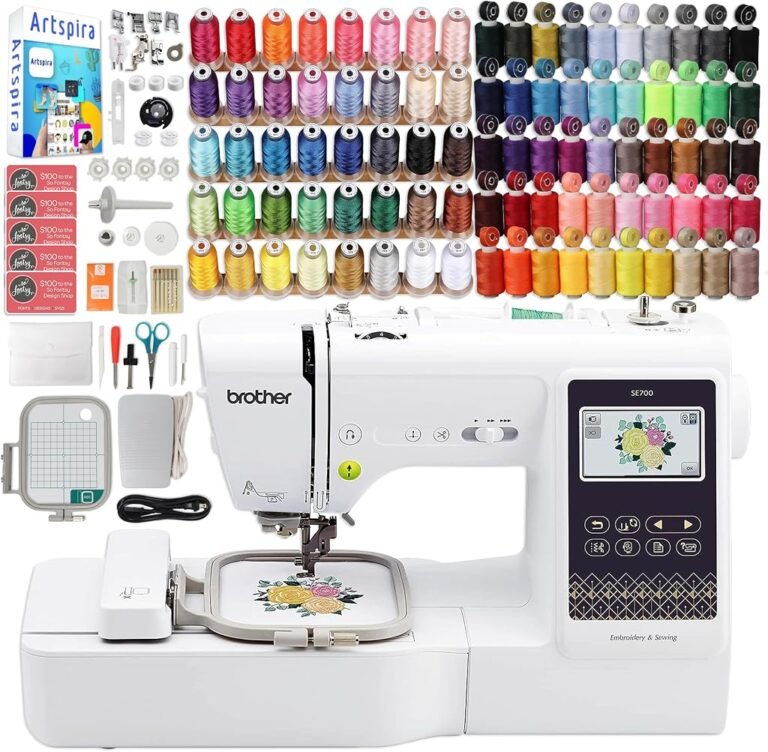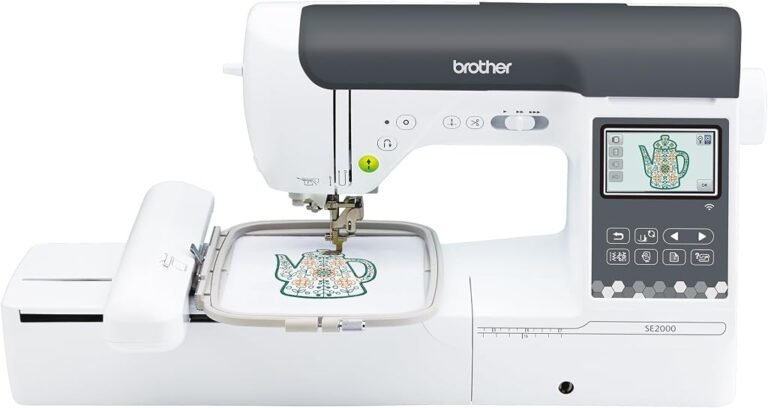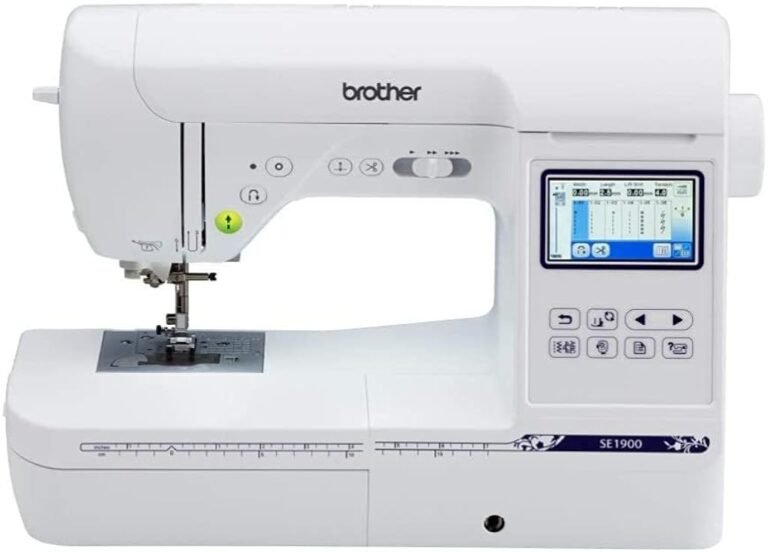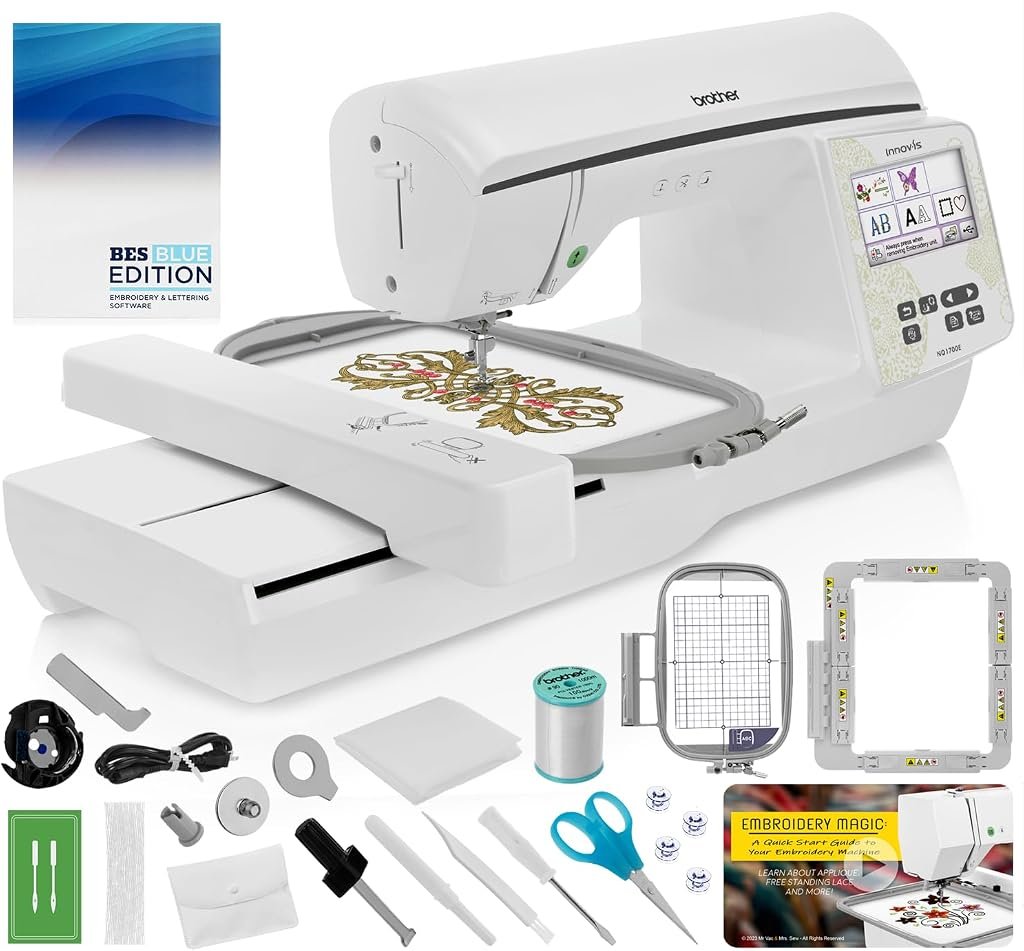
The Brother NQ1700E sits at a point where home embroidery begins to feel materially different from entry-level work. Its 6 × 10-inch maximum embroidery area is not merely a larger number on a specification sheet. It alters which projects can be completed in a single hooping, how often designs need to be split, and how quickly a user is likely to encounter the physical limits of the machine.
Brother pairs that embroidery field with 258 built-in designs, 140 frame-pattern combinations, 13 lettering fonts, wireless design transfer, a large color touchscreen, automatic thread cutting, automatic thread trimming, Color Sort, and embroidery speeds reaching 850 stitches per minute. According to Brother’s current NQ1700E specification page, the machine also provides 8.3 inches of space from the needle to the arm and supports both wireless and USB design transfer.
Our editorial assessment places the NQ1700E at 8.32/10. Its Customer Sentiment score is 8.28, Buyer Confidence is 8.64, and Value is 8.15.
Those figures describe a machine that offers substantial creative room and a mature workflow, but also one that asks buyers to know why they need a 6 × 10 platform. The NQ1700E makes considerably less sense as an exploratory first purchase than as a deliberate step into larger-format home embroidery.
The 6 × 10 Embroidery Field Is the Main Event
The most useful way to understand the NQ1700E is to begin with its 6 × 10-inch maximum embroidery area.
A 4 × 4 machine offers a nominal 16 square inches of design area. A 5 × 7 machine offers 35 square inches. A 6 × 10 field offers 60 square inches.
That progression changes more than scale.
A larger field makes longer names, vertical decorative compositions, larger appliqués, quilt blocks, broad towel designs, substantial bag motifs, sweatshirt graphics, and more ambitious home décor projects easier to execute without dividing artwork into several sections.
The practical gain is reduced re-hooping.
Multi-hooping can extend what a smaller machine can produce, but each additional hooping introduces alignment work. The user must establish reference points, secure the fabric again, position the next portion accurately, and hope that minor shifts do not become visible where design sections meet.
A larger native field does not eliminate planning, but it reduces how often the project has to be reconstructed around the machine’s limits.
This is the NQ1700E’s central argument.
Its 6 × 10 capacity gives serious hobby embroiderers significantly more room before design size becomes the obstacle.
Larger Than Entry-Level Does Not Mean Unlimited
There is still a ceiling.
A 6 × 10 machine cannot accept every oversized jacket-back design, broad sweatshirt composition, large quilt motif, or commercial-format file without modification.
That distinction matters because embroidery-machine upgrades often follow a predictable pattern. A new user begins with small monograms, discovers downloadable designs, experiments with larger garments, and gradually encounters files that exceed the available hoop.
The NQ1700E pushes that boundary farther away than a 4 × 4 or 5 × 7 machine.
It does not remove it.
A disciplined buyer should therefore inspect actual embroidery files before choosing any machine. If frequently used designs fall within approximately 6 × 10 inches, the NQ1700E provides substantial working room. If the intended projects regularly exceed those dimensions, a still larger machine may avoid another upgrade later.
Physical capacity should be treated as a long-term buying variable rather than a secondary specification.
258 Built-In Designs Are a Starting Point, Not the Main Reason to Buy
Brother equips the NQ1700E with 258 built-in embroidery designs, 140 frame-pattern combinations, and 13 lettering fonts.
That is a sizable internal library.
For a new owner, built-in artwork has practical value because designs can be selected without purchasing files or learning external software first. Decorative patterns, frames, lettering, and monograms offer immediate material for experimentation.
Yet internal design count becomes less decisive as experience grows.
Embroidery tends to become increasingly specific. Users want a particular flower, logo, character, name arrangement, wedding motif, school design, seasonal graphic, pet image, or custom artwork. Once those preferences emerge, the ability to import and manage external files matters more than whether the machine shipped with 200 or 300 designs.
The NQ1700E is well positioned for that transition.
It supports wireless design transfer through Brother’s Design Database Transfer system and also includes USB connectivity. The machine therefore does not trap the user inside its preinstalled catalog.
That flexibility gives the built-in library a sensible role: it gets projects started without pretending to define the machine’s creative lifespan.
Wireless Design Transfer Changes the Daily Workflow
Brother’s Design Database Transfer software allows compatible embroidery files to be sent over a wireless network from a Windows PC to the NQ1700E. Brother describes the software as a dedicated Windows application that also displays embroidery data through thumbnail previews for easier file management. Brother’s Design Database Transfer documentation specifically lists the NQ1700E among supported machines.
That feature sounds ordinary until repeated file transfers become part of daily embroidery work.
A USB-only process requires saving a design to removable media, disconnecting it from the computer, moving it to the embroidery machine, locating the file, and repeating the cycle whenever artwork changes.
Wireless transfer removes several of those movements.
For one project, the difference is small. Across dozens of files, revisions, lettering changes, and repeated designs, the time savings become more noticeable.
The stronger benefit may be organizational rather than purely temporal.
A user who manages a growing design collection on a computer can keep those files in a structured library and send them as needed instead of treating a USB drive as an informal archive.
Mac Users Face a Different Transfer Path
The wireless feature deserves one qualification: Brother’s direct desktop transfer workflow is Windows-centered.
Brother currently states that there is no application that sends designs wirelessly from a Mac computer directly to an embroidery machine. Mac users are instead directed toward mobile-based Artspira transfers or other compatible workflows. Brother’s Mac transfer guidance explicitly distinguishes the Mac process from the Windows Design Database Transfer system.
That does not prevent Mac owners from using the NQ1700E.
It does change how conveniently the machine integrates with a desktop-centered design process.
Someone who creates or organizes most embroidery files on Windows gets the most direct implementation of Brother’s wireless feature. A Mac-centered user may rely more heavily on Artspira, USB media, or device-to-device workarounds.
That difference deserves attention before purchase because “wireless enabled” sounds broader than the actual desktop software ecosystem.
Artspira Adds a Mobile Route to the Machine
The NQ1700E is also compatible with Brother’s Artspira platform.
Brother’s support documentation lists the machine among models capable of receiving embroidery designs through Artspira. The transfer process sends the design to a temporary data location on the embroidery machine, where it can then be retrieved for use.
This creates another path for users who prefer tablets and smartphones.
Artspira also permits supported external patterns to be imported into the app before transfer.
The practical effect is choice.
A Windows user can work from Design Database Transfer. A mobile-centered user can work through Artspira. USB remains available when a physical transfer method is preferable.
That redundancy is useful because embroidery files do not always originate from the same device.
The Color Touchscreen Is More Than a Menu System
Brother describes the NQ1700E as having a 4.85-inch color LCD touchscreen, while its detailed specification materials list the active display dimensions separately.
The distinction matters less than what the interface can do.
The machine supports on-screen editing, zoom, resizing, rotation, repositioning, drag-and-drop placement, curved text, design combining, and other layout adjustments.
Those functions reduce the need to return to external software for ordinary changes.
Consider a common project: a floral design with a name beneath it.
The operator may need to:
- Resize the decorative element
- Reposition the lettering
- Adjust spacing
- Curve or rotate text
- Check the overall design against the hoop boundary
- Combine separate elements
- Preview the result before stitching
A touchscreen turns those steps into visual decisions rather than sequences of abstract machine commands.
The interface still does not replace dedicated digitizing software. Creating professional embroidery files from artwork is a separate discipline involving stitch types, underlay, density, pull compensation, pathing, and fabric behavior.
But the NQ1700E offers enough editing at the machine to handle many routine layout changes without returning to a computer.
850 Stitches Per Minute Changes Waiting Time
Brother’s NQ1700E technical documentation specifies a maximum embroidery speed of 850 stitches per minute. The manufacturer’s technical sheet also confirms that the machine includes two standard frames: 6 × 10 inches and 5 × 7 inches.
The speed figure deserves context.
At a theoretical uninterrupted 850 stitches per minute, a 17,000-stitch design would require:
17,000 ÷ 850 = 20 minutes
A 34,000-stitch design would require 40 minutes at the same theoretical maximum.
Actual project time will be longer.
Embroidery machines accelerate and decelerate, pause for thread changes, stop when thread breaks or runs out, and may sew certain areas below maximum speed. Operators also spend time hooping, positioning, stabilizing, inspecting, changing colors, and finishing the item.
Even so, 850 stitches per minute gives the NQ1700E a credible throughput advantage over entry-level machines limited to around 400 stitches per minute.
That difference matters more as design stitch counts rise.
A tiny monogram will not expose much of the gap. A dense 30,000-stitch composition will.
Color Sort Reduces Unnecessary Thread Changes
Brother includes Color Sort on the NQ1700E.
This feature reorganizes compatible portions of a design so identical thread colors can be stitched more efficiently, reducing unnecessary changes.
Its usefulness becomes easiest to see in combined designs.
Suppose several separate motifs each use red, black, and white thread. Without sequencing optimization, the machine may request red for one object, then black, then red again for another object.
Grouping compatible colors can reduce that back-and-forth.
This does not turn a single-needle machine into a multi-needle production unit. Thread colors still need to be changed manually.
It simply tries to avoid requesting those changes more often than the design requires.
For casual embroidery, that can mean fewer interruptions. For repeated or detailed work, the cumulative reduction in operator involvement becomes more meaningful.
Automatic Thread Trimming Addresses the Same Productivity Problem
The NQ1700E also includes an automatic thread cutter and automatic thread trimming system. Brother lists upper and bobbin thread sensors as well.
These features do not expand artistic capacity.
They reduce housekeeping.
Embroidery consists of many repetitive moments that rarely appear in photographs of finished projects: cutting thread, watching thread levels, cleaning jump threads, rethreading, checking bobbins, moving between color stages, and preparing the next sequence.
Automation that removes even part of those actions can make a machine feel more mature during long sessions.
That distinction helps separate the NQ1700E from machines that merely offer a larger hoop without also improving workflow.
Two Included Hoop Sizes Are More Useful Than One Oversized Frame
Brother’s specification sheet identifies two standard embroidery frames: 6 × 10 inches and 5 × 7 inches.
That pairing makes practical sense.
A large hoop gives access to maximum design capacity, but using the largest frame for every project can be inefficient. Smaller pieces of fabric can be easier to stabilize and position in a smaller frame.
The included 5 × 7 hoop therefore matters even though the machine can handle 6 × 10.
Different hoop sizes also affect material consumption. Stabilizer cut for a smaller frame can reduce waste compared with repeatedly preparing oversized sheets for modest designs.
For a user moving between monograms, appliqués, garment decoration, and larger layouts, having both sizes from the beginning gives the machine more flexibility without requiring an immediate accessory purchase.
The 8.3-Inch Needle-to-Arm Space Helps With Bulky Projects
Brother specifies 8.3 inches of working space from the needle to the arm.
This area should not be confused with embroidery dimensions.
The 6 × 10 field defines how large the machine can stitch in a single hooping. Needle-to-arm space describes the physical room available around the project.
More space can be useful when handling quilt sections, sweatshirts, bags, towels, and other projects carrying substantial fabric beyond the hoop.
The machine still requires careful material management. Extra fabric can interfere with the embroidery arm if allowed to bunch or drag.
Yet a wider working area gives the operator more physical room than compact machines built around much smaller projects.
That matters precisely because the NQ1700E encourages larger work.
This Is an Embroidery-Only Machine
The NQ1700E should not be mistaken for a conventional sewing machine with embroidery added.
It is a dedicated embroidery machine.
That specialization creates both clarity and cost.
An owner who already has a sewing machine can leave the NQ1700E configured for embroidery while the other machine handles seams, hems, buttonholes, garment assembly, repairs, and ordinary stitching.
A buyer without a sewing machine must account for the fact that the NQ1700E will not replace one.
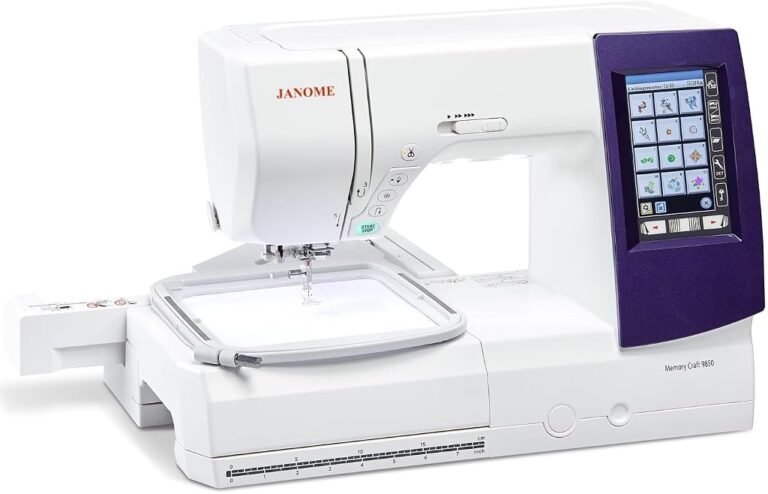
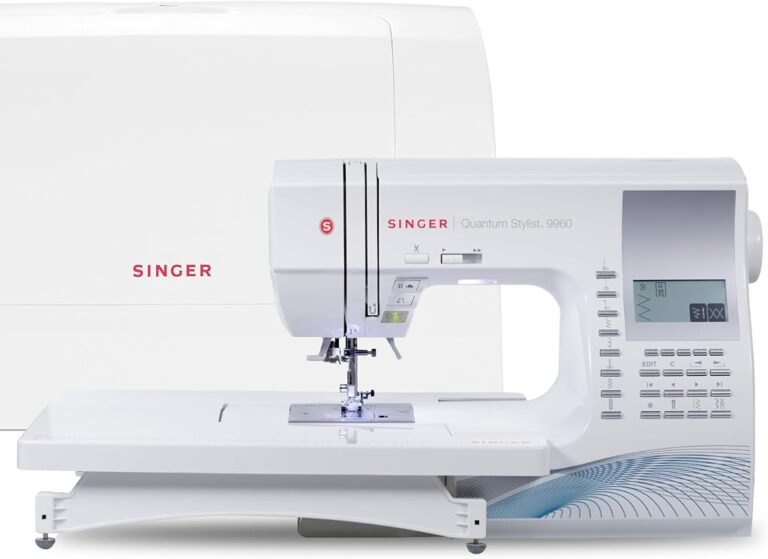
This distinction is particularly relevant when researching the best sewing and embroidery machines. A combination machine may provide broader functionality, while a dedicated embroidery machine can focus its design, controls, workspace, and included accessories around embroidery alone.
Neither category is automatically better.
They solve different problems.
The NQ1700E is strongest for buyers who already know embroidery deserves its own machine.
The Machine Is Substantial but Still Home-Oriented
Brother lists the NQ1700E at approximately 27 pounds with the embroidery unit attached. The published dimensions are roughly 27.37 inches long, 16.62 inches wide, and 11.87 inches high.
That means the machine asks for a genuine workspace.
It is movable, but not something many users will want to unpack, set up, calibrate, and store after every short session.
A stable table with clearance for the embroidery arm is preferable.
The distinction becomes more pronounced with 6 × 10 projects because the hoop and fabric need unobstructed movement around the machine.
Buyers planning a permanent or semi-permanent embroidery station are therefore better matched to the NQ1700E than those working from a kitchen table that must be cleared after every project.
Buyer Confidence Is High for a Reason
Our Buyer Confidence score of 8.64 reflects more than the machine’s specification list.
Brother maintains an active NQ1700E support portal containing manuals, downloads, warranty information, compatible supplies, contact routes, and support videos.
The machine also has documented support within Brother’s current wireless-transfer ecosystem.
That matters for connected hardware.
Wireless embroidery machines depend partly on software and documentation, not merely motors and mechanics. A manufacturer that maintains transfer tools, mobile compatibility guidance, instructional material, and firmware-related support reduces some of the uncertainty associated with long-term ownership.
Brother also lists a 2/6/25-year Premium Limited Warranty structure for the NQ1700E.
Those numbers should not be interpreted as identical 25-year coverage for the entire machine. Different machine components fall under different warranty periods, and buyers should read the warranty documentation before relying on the headline duration.
Still, the existence of structured manufacturer support strengthens the ownership case.
Where the NQ1700E Fits Best
The machine makes the strongest editorial case for users working regularly on medium-to-large home embroidery projects such as:
- 6 × 10 appliqué designs
- Sweatshirt and shirt decoration
- Large names and monograms
- Quilt blocks
- Decorative towel layouts
- Tote bags
- Pillow fronts
- Children’s clothing
- Seasonal home décor
- Repeated personalized gifts
- Small batches of custom embroidery
The 6 × 10 field is large enough to reduce many of the compromises associated with smaller hoops while remaining manageable in a home workspace.
Wireless transfer, touchscreen editing, Color Sort, 850-SPM operation, and automatic trimming further support users who expect to embroider frequently rather than occasionally.
Who Should Look at Another Category?
Several buyers should approach the NQ1700E cautiously.
Someone who only expects to embroider small monograms, patches, or occasional names may gain little from paying for a 6 × 10 platform.
A user who needs conventional sewing should examine combination models or budget for a second machine.
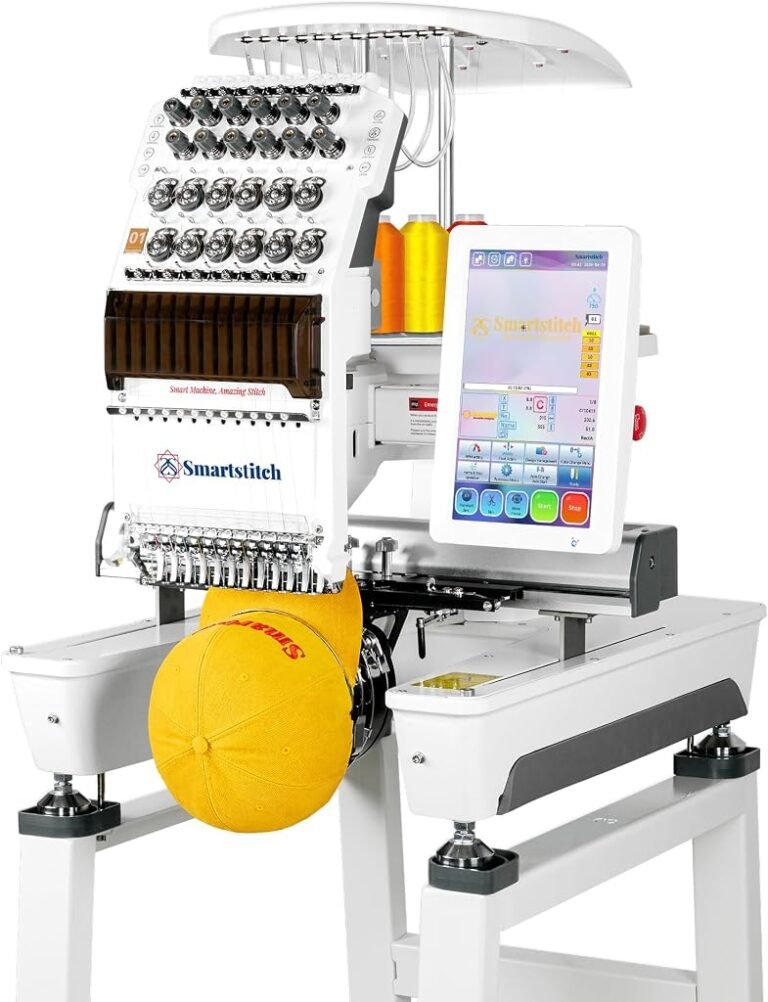
A person preparing for sustained commercial production should compare multi-needle embroidery systems. A multi-needle unit can keep several thread colors loaded simultaneously, reducing manual changes in ways a single-needle machine cannot.
Buyers routinely working above 6 × 10 inches should start with a larger field rather than planning around repeated multi-hooping.
Mac-heavy households should also review the wireless workflow carefully because direct desktop transfer differs from Brother’s Windows implementation.
These distinctions affect usability far more than cosmetic differences between competing machines.
Interpreting Our Scores
Our 8.32/10 overall score reflects a capable embroidery platform whose strongest attributes are physical working area and workflow maturity.
The 6 × 10 field is large enough to matter. The 850-stitch-per-minute ceiling reduces waiting on dense designs. Two included hoops add flexibility. Wireless transfer, USB access, touchscreen editing, Color Sort, automatic cutting, thread sensors, and design combining create a cohesive system rather than an isolated list of features.
The 8.28 Customer Sentiment score reflects a broadly favorable fit while leaving room for the realities of computerized embroidery. Large-format home embroidery still requires stabilizer knowledge, careful hooping, compatible files, thread management, machine maintenance, and patience with software.
The 8.64 Buyer Confidence score is the strongest of our editorial measures. Brother clearly documents the machine, maintains a dedicated support portal, supports current wireless transfer methods, and publishes detailed specifications.
The 8.15 Value score is more restrained.
That rating reflects a basic buying reality: larger embroidery machines only deliver strong value when their additional capacity is actually used.
Someone who repeatedly stitches designs between 5 × 7 and 6 × 10 inches can derive meaningful benefit from the NQ1700E’s larger field. Someone who rarely exceeds 4 × 4 inches would be paying for capacity that spends much of its life unused.
Likewise, a user approaching sustained commercial volumes may find that a single-needle system creates too many thread-change interruptions even though the embroidery field itself is adequate.
Value therefore sits below Buyer Confidence not because the NQ1700E lacks capability, but because the machine is aimed at a narrower and more demanding user than a basic home model.
Final Considerations
The Brother NQ1700E is best understood as a bridge between compact hobby embroidery and far more expensive production-oriented equipment.
Its 6 × 10-inch embroidery area is the feature that changes the buying equation. Compared with smaller machines, it allows materially larger designs to be completed in one hooping and reduces the frequency with which creative plans must be reorganized around a limited sewing field.
Brother surrounds that capacity with sensible productivity tools.
The machine reaches up to 850 stitches per minute. It includes 258 built-in designs, 140 frame combinations, and 13 lettering fonts. It supports wireless design transfer through Brother’s software ecosystem, retains USB connectivity, and works with Artspira. Its touchscreen provides resizing, rotation, repositioning, drag-and-drop placement, curved text, and design combining. Color Sort can reduce unnecessary thread changes, while automatic cutting and trimming reduce repetitive cleanup.
Our 8.32/10 score reflects a machine with meaningful creative capacity rather than superficial specification inflation.
The 8.28 Customer Sentiment score recognizes that capable hardware does not eliminate the learning involved in stabilizing, hooping, editing, file management, and thread selection. The 8.64 Buyer Confidence score reflects Brother’s documented specifications, software support, warranty structure, and dedicated help resources. The 8.15 Value score acknowledges that a machine of this scale earns its cost only when the owner genuinely needs its larger field and productivity features.
The decisive question is therefore not whether the NQ1700E can handle serious home embroidery.
It can.
The better question is whether the buyer’s project ambitions regularly extend far enough beyond 5 × 7 inches to make 6 × 10 capacity meaningful.
For users making larger appliqués, substantial garment designs, quilt blocks, home décor, personalized gifts, and repeated medium-to-large embroidery projects, that extra room can fundamentally change workflow. Fewer split designs mean fewer registration problems, fewer re-hoopings, and less time spent negotiating with the machine’s physical boundaries.
For users who remain focused on small monograms and compact decorative motifs, the same capacity may simply become unused table space.
And for those already planning large-scale paid production, the single-needle design will eventually become more consequential than hoop size. At that stage, the next meaningful jump is not another inch or two of embroidery area but a different production architecture.
The NQ1700E therefore occupies a clearly defined position. It gives dedicated home embroiderers enough space, speed, automation, and connectivity to undertake more ambitious work without crossing immediately into multi-needle commercial equipment.
That clarity is its greatest strength. It knows what kind of machine it is-and buyers who know what kind of embroidery they intend to produce are the ones most likely to appreciate it.