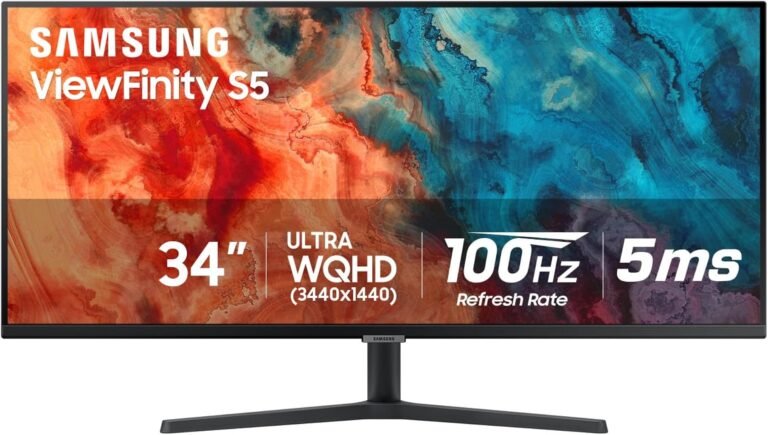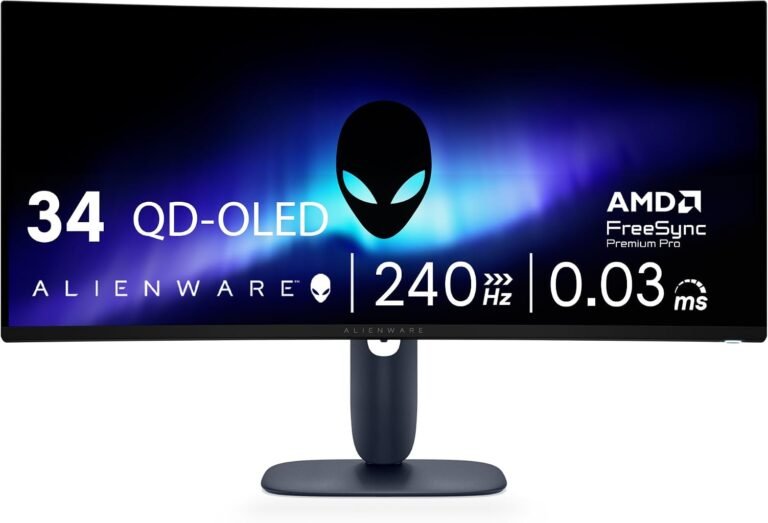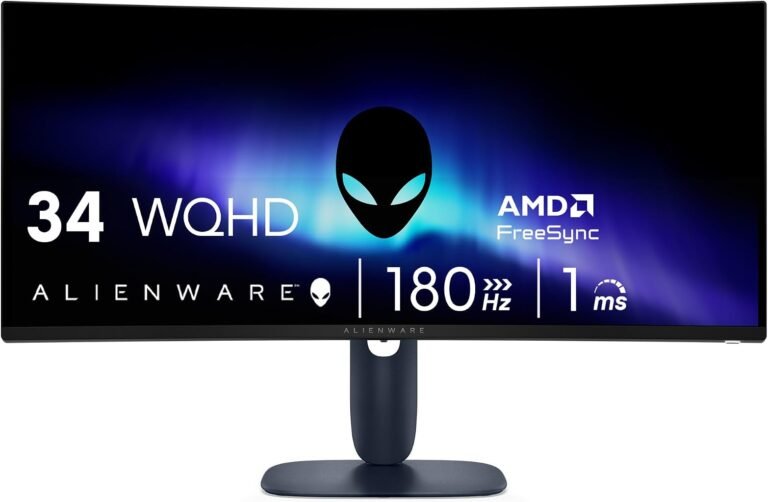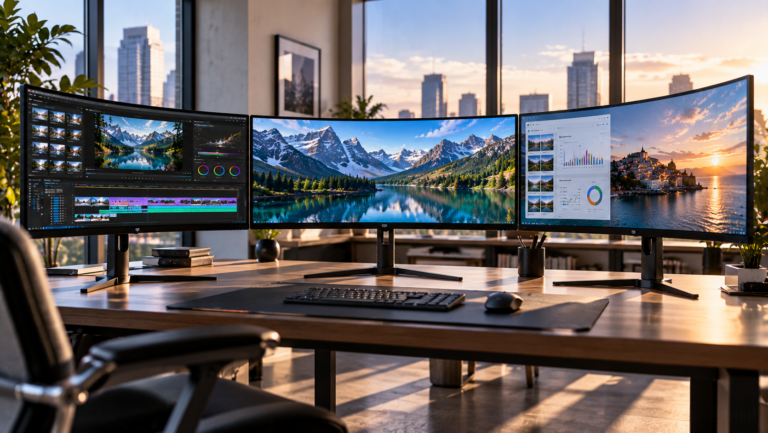
A 34-inch ultrawide monitor can solve several desktop problems at once, but only if its specifications are balanced around the work actually performed in front of it. Extra horizontal space has limited value if text density is poor. USB-C is less useful when charging power is inadequate. A high refresh rate means little to office users if achieving it requires sacrificing the connections they use every morning.
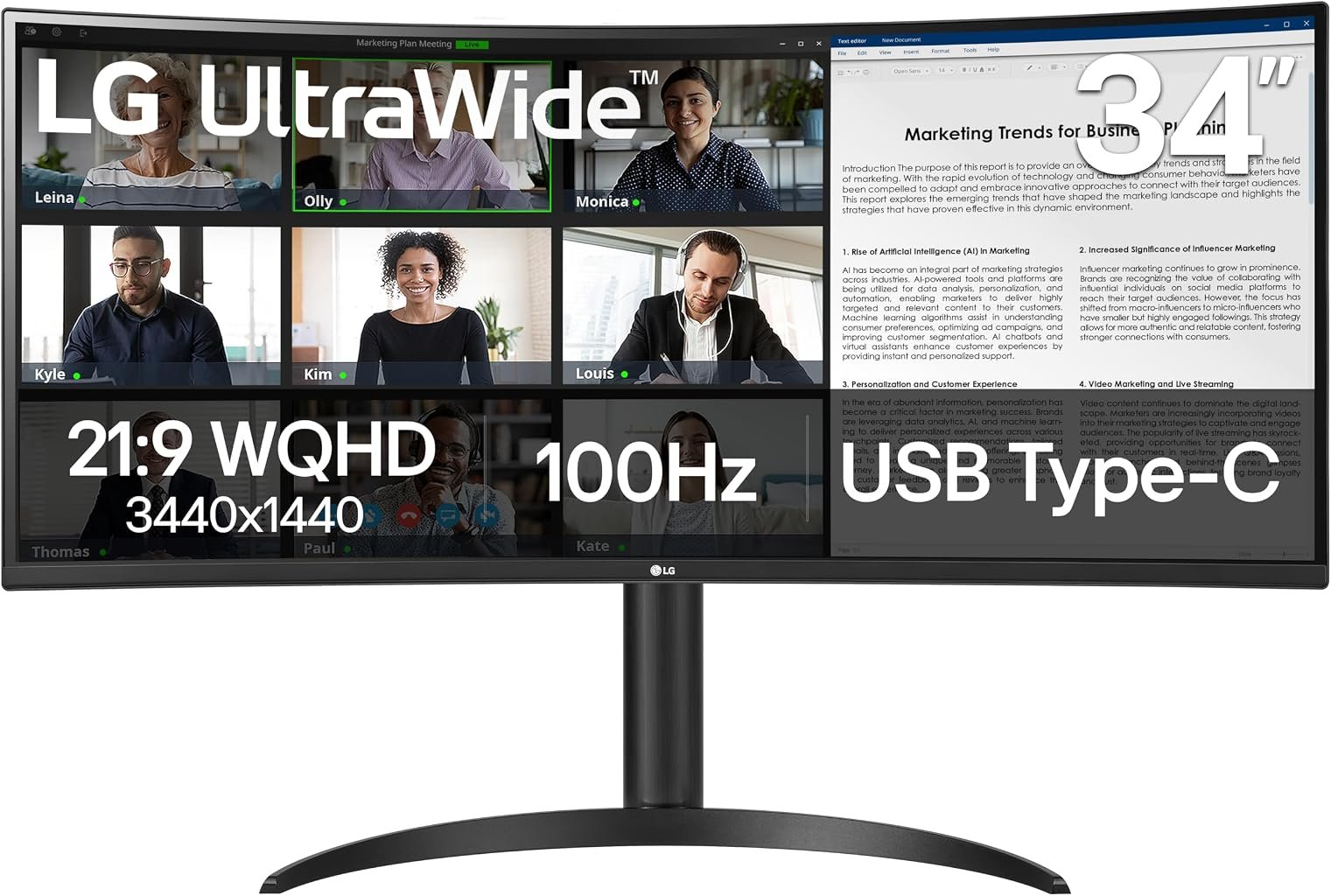
The LG 34WR55QK-B takes a measured approach to those competing demands. It combines a 34-inch 3440 × 1440 VA panel with a 100Hz refresh rate, 1800R curvature, 99% sRGB coverage, HDR10 support and USB-C carrying data, video and up to 65W of power. LG’s official 34WR55QK-B specifications document those characteristics alongside DisplayPort 1.4, two HDMI inputs and two downstream USB 3.0 ports.
That specification set explains the monitor’s identity. This LG 34WR55QK-B UltraWide Curved Monitor review finds a display aimed principally at productivity and mixed home use rather than competitive gaming. It offers enough speed to move beyond the traditional 60Hz office experience, enough connectivity to simplify a laptop desk and enough native contrast to make the VA panel useful for media after work.
Our score is 8.72/10. Customer Sentiment is also 8.72, Buyer Confidence reaches 9.13 and Value stands at 8.40. At the $344.99 reference price, those figures describe a monitor whose appeal comes from balance rather than a single unusual specification.
The 3440 × 1440 Resolution Is the Foundation
The 34WR55QK-B displays 3440 × 1440 pixels in a 21:9 aspect ratio. That produces 4,953,600 pixels across the panel.
For comparison, standard 2560 × 1440 QHD contains 3,686,400 pixels. The ultrawide format therefore displays roughly 34% more pixels, with the extra working area concentrated horizontally.
That is a meaningful difference for productivity because desktop work is often constrained by width rather than height. A conventional QHD screen can display a large document comfortably, but placing two substantial applications beside each other requires compromise. At 3440 pixels across, a browser can remain open next to a document, two spreadsheets can share the screen, or a development environment can sit alongside reference material.
The LG panel measures 34 inches diagonally, and the manufacturer specifies a pixel pitch of 0.2318mm. The resulting density sits in a useful range for desktop use: finer than a large 1080p display without forcing the aggressive operating-system scaling that can become desirable on smaller 4K monitors.
This balance explains why 3440 × 1440 remains common among the best 34 inch ultrawide monitors. The format expands usable workspace substantially while keeping graphics demands below 4K.
A 3840 × 2160 4K display contains 8,294,400 pixels. The LG’s 4.95 million pixels represent roughly 60% of that rendering workload. For ordinary office applications the distinction is rarely consequential to modern graphics hardware, but it matters more when games enter the equation.
An 1800R Curve Keeps the Geometry Restrained
LG uses an 1800R curvature rather than the much tighter 800R or 1000R geometry found on some gaming and productivity ultrawides.
The number describes the radius of the theoretical circle formed by extending the panel’s curve. A smaller number corresponds to a tighter curve, so 1800R is comparatively gentle.
That decision fits the 34WR55QK-B’s work-first personality.
Curvature on a wide monitor has a practical purpose. When a user sits centrally, turning the outer portions of the display inward can reduce the geometric difference between looking toward the center and looking toward either edge. On a 34-inch 21:9 panel, the effect is noticeable without making the screen feel unusually enclosed.
The gentler curve also makes the monitor less visually assertive during document and spreadsheet work. Straight horizontal lines still follow the physical curvature of the display, but the effect is less pronounced than on aggressively curved gaming hardware.
For a desk shared occasionally with another viewer, 1800R is also less restrictive than very tight curvature. The ideal viewing position remains near the center, but the monitor does not wrap as aggressively around one person’s seating position.
This is a sensible example of physical design following use case rather than spectacle.
VA Panel Technology Brings a 3000:1 Contrast Specification
LG specifies a typical native contrast ratio of 3000:1 and typical brightness of 300 cd/m². The panel uses VA technology and has an anti-glare surface treatment.
Those numbers establish the monitor’s visual priorities.
VA LCD panels are commonly selected when stronger native contrast is desirable. A 3000:1 specification means the relationship between the monitor’s specified white and black luminance is substantially wider than the roughly 1000:1 native contrast specification common to many conventional IPS desktop monitors.
That can help dark films, photographs and games appear less washed out in dim environments. Black areas remain dependent on an LCD backlight, however, so the result should not be confused with OLED.
OLED pixels emit their own light and can effectively switch off individually. The 34WR55QK-B instead controls light from a backlight through its liquid-crystal layer. The engineering difference is fundamental, especially in very dark scenes.
The trade also involves viewing behavior. IPS remains attractive where broad off-axis image consistency is a priority. LG specifies 178-degree viewing angles for the 34WR55QK-B, but a centrally positioned user remains the natural audience for a curved VA display.
For a single-person workstation, that is a reasonable exchange.
Color Coverage Is Well Matched to General Productivity
LG specifies 99% typical sRGB coverage under CIE 1931 and identifies the monitor as factory calibrated. The panel operates at 8-bit color depth and displays 16.7 million colors.
The sRGB specification matters because that color space remains deeply embedded in ordinary computer use, including web graphics and a large volume of desktop content.
Ninety-nine percent sRGB coverage is therefore more relevant to the intended audience than an enormous color-gamut claim would necessarily be. It aligns with mainstream photo work, presentation design, web content and general office applications.
Factory calibration is also a welcome inclusion, though it should not be interpreted as a guarantee that every professional color workflow can dispense with measurement and profiling. Professional print matching, grading and other color-critical tasks may require dedicated calibration hardware, controlled lighting and displays designed around tighter verification requirements.
The 34WR55QK-B is better understood as a general-purpose productivity monitor with sensible color specifications than as a specialist reference display.
That distinction protects buyers from paying attention to the wrong metric.
HDR10 Compatibility Needs Proper Context
LG lists HDR10 support and an HDR Effect feature. Those capabilities allow the monitor to work with HDR material, but HDR compatibility alone does not describe the full dynamic performance of a display.
This is where industry standards help separate signal compatibility from measured display capability. VESA’s DisplayHDR framework evaluates factors such as luminance, color and contrast rather than treating acceptance of an HDR signal as a complete performance description.
The LG’s 300-nit typical brightness specification establishes realistic expectations. This is not hardware built around extreme HDR luminance.
Its more meaningful strength is the VA panel’s 3000:1 typical native contrast. For ordinary media consumption, that can be more relevant than the HDR10 label alone.
Buyers specifically seeking dramatic HDR highlights, sophisticated local dimming or OLED black levels should look toward displays designed around those priorities. For the 34WR55QK-B, HDR compatibility is an additional media feature rather than the center of the product.
A 100Hz Refresh Rate Changes Everyday Motion
The 34WR55QK-B runs at up to 100Hz at its native 3440 × 1440 resolution. LG confirms that the USB-C connection can also carry the native resolution at 100Hz.
The difference from a 60Hz office display is mathematically straightforward.
At 60Hz, a new refresh occurs every 16.67 milliseconds. At 100Hz, that interval falls to 10 milliseconds.
That difference is visible well beyond games. Cursor movement can appear smoother, scrolling becomes easier to follow visually and application windows move across the broad desktop with greater fluidity.
On an ultrawide, those changes matter because users routinely move visual elements over substantial distances. A mouse pointer crossing 3440 horizontal pixels has considerably farther to travel than it does on a typical laptop screen.
A 100Hz ceiling also establishes a sensible middle position. The monitor is faster than traditional productivity hardware without moving into the 180Hz or 240Hz category increasingly associated with dedicated gaming displays.
That limits its appeal for competitive players chasing very high frame rates. For office work, casual games, strategy titles and slower single-player experiences, 100Hz is far easier to defend.
The 5ms Response Specification Reinforces Its Work-First Character
LG specifies a 5ms gray-to-gray response time.
That figure is not aggressive by current gaming-monitor standards. Dedicated gaming displays frequently advertise 1ms or lower response specifications, while OLED monitors can quote figures measured in hundredths of a millisecond.
Yet the comparison needs context.
Refresh rate and pixel response are related but different measurements. Refresh rate describes how frequently the monitor can begin displaying a new frame. Pixel response describes how quickly pixels transition between states.
For productivity, a 5ms GtG specification paired with 100Hz operation is coherent. The monitor is not pretending to be competitive esports hardware.
LG also includes Dynamic Action Sync and Black Stabilizer. Those features give the display some gaming-oriented flexibility, but they do not alter its fundamental position in the market.
This is a productivity ultrawide that can game, rather than gaming hardware adapted reluctantly to office work.
USB-C Is the Feature That Makes the Desk Simpler
The 34WR55QK-B includes USB-C with video transmission, data and up to 65W of power delivery. LG states that the connection supports 3440 × 1440 at 100Hz.
That combination is more consequential than the connector itself.
A compatible notebook can send its display signal to the monitor, exchange USB data and receive power through one cable. Peripherals can remain connected to the monitor’s two downstream USB 3.0 ports.
The practical effect is fewer connections when a laptop arrives at the desk.
The engineering concept is established within the USB ecosystem. USB-IF’s Power Delivery documentation specifically identifies a monitor powering or charging a laptop while displaying its image as a USB Power Delivery use case. Current USB PD specifications can support far higher power levels, so the LG’s 65W implementation represents a product choice rather than the ceiling of the standard.
Sixty-five watts will suit many mainstream thin-and-light notebooks. It will not necessarily replace the charger for high-performance laptops that require more power under sustained load.
Buyers should therefore check their laptop’s power requirements before assuming that one USB-C cable can handle everything.
The Port Selection Covers More Than USB-C
LG equips the monitor with two HDMI inputs, one DisplayPort 1.4 connection, USB-C, two downstream USB 3.0 ports and a headphone output.
That selection allows the display to remain connected to several systems.
A work laptop can use USB-C while a desktop uses DisplayPort. Another device can remain attached through HDMI. This is particularly useful on desks where professional and personal computers share the same screen.
LG also lists automatic input switching, reducing some of the friction associated with moving between connected devices.
The monitor does not include built-in speakers in LG’s specification list. Users who expect monitor audio will need headphones or external speakers connected through the available audio output or directly to the source device.
That omission slightly weakens its all-in-one character, although dedicated speakers will generally offer more convincing sound than the small drivers built into many monitors.
Picture-by-Picture Makes Better Use of 21:9
LG lists 2PBP, or two-source Picture-by-Picture, among the monitor’s features.
This capability is particularly well matched to an ultrawide display. Instead of using all 3440 horizontal pixels for one source, the panel can divide its working area between two connected systems.
That can be useful for a work notebook and personal desktop, a desktop and test machine, or any workflow requiring simultaneous visibility from separate sources.
Picture-by-Picture does not automatically make one ultrawide superior to two physical monitors. Separate screens allow independent angles, orientations and application maximization. A single 34-inch panel instead removes the central bezel and reduces physical clutter.
The better arrangement follows the workflow.
For users choosing an ultrawide specifically to simplify a desk, PBP gives the 34WR55QK-B more flexibility than resolution alone would suggest.
The Stand Addresses a Common Ultrawide Weakness
LG supplies both height and tilt adjustment. The display also supports 100 × 100mm VESA mounting.
This matters because inexpensive ultrawides often reduce cost through basic stands that provide only tilt.
A 34-inch display is large enough that poor vertical positioning can become irritating quickly. Users should be able to place the screen so their normal viewing direction falls comfortably around the upper-middle area rather than forcing repeated neck movement.
LG lists dimensions of 809 × 568.3 × 260mm with the stand at its upper position and 809 × 458.3 × 260mm at its lower position. Weight with the stand is 6.9kg, dropping to 5kg without it.
Those measurements are also useful for buyers considering an arm. The 100 × 100mm mounting pattern is common, but any arm should still be rated for the display’s weight and physical width.
The 260mm stand depth deserves attention on shallow desks. Ultrawides benefit from adequate viewing distance, and the stand itself consumes part of that space.
Power Consumption Is Relatively Modest
LG specifies typical power consumption at 31W, maximum consumption at 38.4W and sleep consumption below 0.5W.
Those figures are easy to overlook, but monitors often remain powered for far longer each day than gaming PCs operate at maximum load.
At eight hours of use per working day, 31W corresponds to approximately 0.248 kWh before considering sleep periods or variation caused by brightness and content. Over 250 working days, that simple calculation amounts to roughly 62 kWh.
Actual consumption will vary with configuration and usage, so the calculation should be read as scale rather than an electricity-bill forecast.
The larger point is that a 34-inch ultrawide does not automatically imply enormous display power demand. The monitor’s own typical specification remains modest compared with many desktop computers.
The $344.99 Value Proposition
At the $344.99 reference price, our Value score is 8.40.
That is a relatively strong result because the monitor combines several features that might otherwise require separate hardware: ultrawide workspace, 100Hz refresh, USB-C charging and a USB hub.
Its value is strongest for notebook users.
Someone who connects exclusively through HDMI and never uses USB-C will receive less utility from the purchase. A laptop owner who uses USB-C for video, charging and peripherals every day is exploiting far more of the hardware.
The 65W charging limit is the largest qualification in that argument. Competing productivity monitors can offer 90W or more, which may better suit power-hungry notebooks.
The LG counters with a balanced specification set rather than maximum docking power. At $344.99, that is a defensible choice.
What the Editorial Scores Reveal
Our overall score of 8.72/10 is matched exactly by Customer Sentiment at 8.72.
That alignment reflects a product whose strengths are easy to identify: useful resolution, restrained curvature, 100Hz operation, VA contrast and practical USB-C connectivity.
Buyer Confidence rises further to 9.13. The monitor does not rely on unusual hardware or an experimental form factor. Its 3440 × 1440 resolution, 34-inch dimensions and USB-C-centered design fit an established productivity pattern.
Value at 8.40 is lower than the overall score but remains strong. That difference reflects the presence of cheaper ultrawides and the fact that 65W USB-C charging will not suit every notebook.
The scores therefore point in the same direction without pretending that the monitor is universally appropriate.
The 34WR55QK-B is strongest when its complete feature set is used.
Where the LG 34WR55QK-B Falls Short
The monitor’s limits are straightforward.
A 100Hz refresh ceiling makes it less suitable for competitive gamers than 165Hz, 180Hz or 240Hz alternatives.
The 5ms GtG specification similarly confirms that motion performance is not the central engineering priority.
HDR10 support should not be mistaken for high-end HDR performance. The 300-nit typical brightness figure establishes a more modest expectation.
USB-C power delivery stops at 65W. That is enough for many notebooks but below the requirements of some performance-focused laptops.
There are no integrated speakers, so buyers seeking an entirely self-contained audio-visual desktop need additional hardware.
Finally, VA technology carries different priorities from IPS and OLED. Users placing professional color consistency above native contrast may prefer a specialist IPS display, while buyers prioritizing black-level performance and extremely fast pixel transitions have reasons to consider OLED.
None of those limitations invalidates the monitor’s design. They identify its audience.
Who Should Buy the LG 34WR55QK-B?
The clearest buyer is someone working from a USB-C laptop who wants more horizontal space without constructing a complicated docking setup.
A writer can place research beside a document. A developer can divide code, browser and terminal windows. Spreadsheet users gain substantial horizontal room. Video editors can spread timelines farther across the panel.
Home users who divide the day between work and entertainment also fit the profile. The 100Hz refresh rate makes ordinary desktop movement smoother and gives games more headroom than a 60Hz productivity monitor.
The gentler 1800R curve should appeal to buyers who want the benefits of curvature without the pronounced geometry of 800R or 1000R designs.
Competitive gamers, HDR enthusiasts and owners of notebooks demanding well above 65W are less natural matches.
The decision ultimately rests on whether the monitor’s balanced specification set matches the desk rather than whether any one figure leads its category.
Final Considerations
The LG 34WR55QK-B succeeds through unusually coherent priorities.
Its 3440 × 1440 resolution creates nearly five million pixels of workspace across a 21:9 canvas. The 1800R curve is restrained enough for productivity. The VA panel brings a specified 3000:1 typical contrast ratio, while 99% sRGB coverage and factory calibration strengthen its everyday color credentials. A 100Hz refresh rate moves it comfortably beyond traditional 60Hz office displays.
USB-C is what ties those attributes together. One connection can carry 3440 × 1440 at 100Hz, transfer data and supply up to 65W to a compatible laptop. Two downstream USB ports help turn the display into a modest desktop hub, while HDMI and DisplayPort leave room for additional computers.
Its weaknesses are equally identifiable. The monitor is not built for 240Hz gaming, high-luminance HDR or notebooks that demand unusually high charging power. The absence of speakers also means it cannot eliminate every peripheral from the desk.
Our 8.72/10 score reflects the strength of the complete package rather than one dramatic specification. Customer Sentiment of 8.72 aligns with that assessment, Buyer Confidence of 9.13 reflects the clarity of its intended role, and Value of 8.40 recognizes that $344.99 is most defensible when USB-C and the ultrawide workspace are used regularly.
For the right desk, the 34WR55QK-B is not simply a larger monitor. It is a practical reorganization of the desktop: more horizontal room, fewer connections and smoother motion, delivered without pushing the buyer toward the price or specialized priorities of premium gaming hardware.