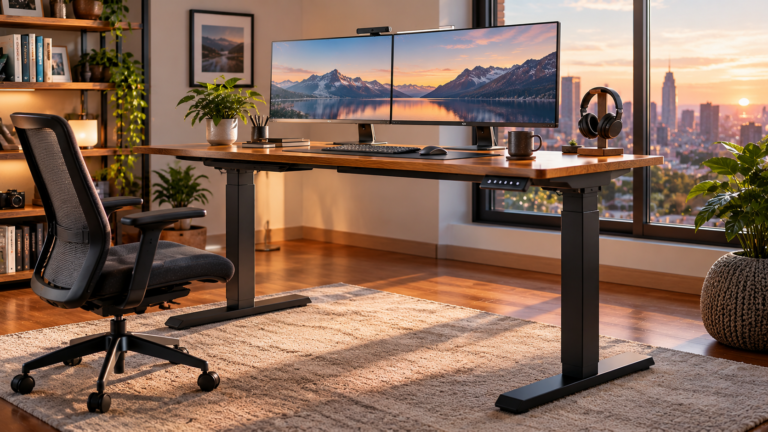
The choice between a large rectangular standing desk and an L-shaped standing desk looks deceptively simple. One is a long surface. The other bends around a corner. Yet that geometric difference affects almost everything that follows: monitor placement, reach distance, storage, cable routing, room layout, movement, equipment distribution, and even whether the desk feels spacious or simply oversized.
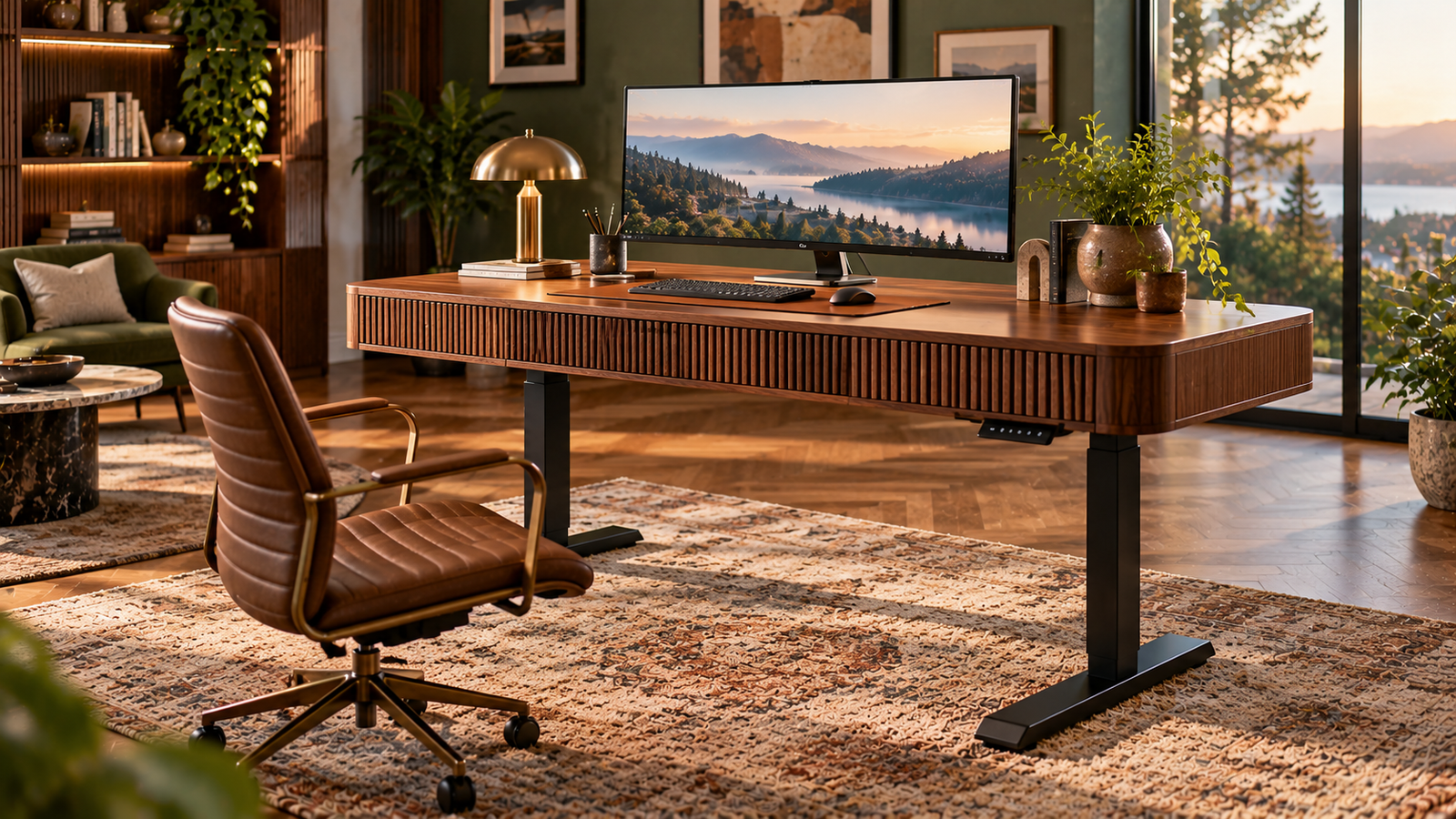
Large rectangular models such as a 71-by-30-inch desk or an 83-by-37-inch workstation concentrate working space along one broad plane. L-shaped desks distribute space across two connected directions. Neither arrangement is inherently more ergonomic. Neither guarantees better organization. More desktop area can solve genuine workspace problems, but it can also create longer reaches, more clutter, and a larger piece of furniture to manage.
The better layout is therefore determined less by raw surface area than by how work moves across that surface.
A worker using two or three monitors, a keyboard, and little paper may benefit from the uninterrupted width of a rectangular desk. Someone moving repeatedly between computer work, documents, notebooks, communications equipment, and reference material may find an L-shaped configuration more logical.
The distinction becomes clearer when the desk is treated as a working system rather than a piece of furniture measured only in inches.
Rectangular Desks Concentrate the Work
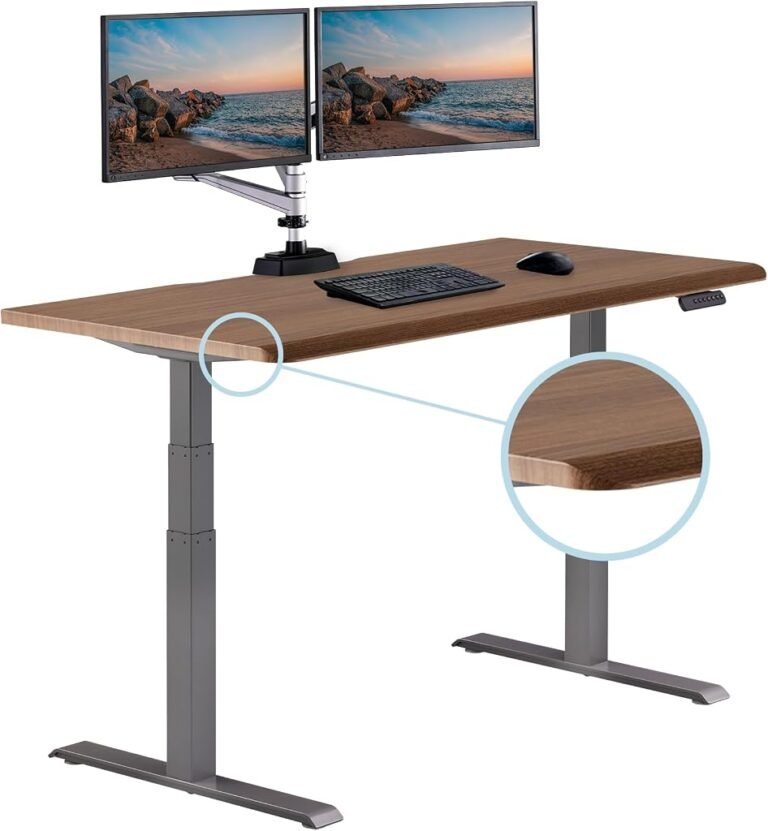
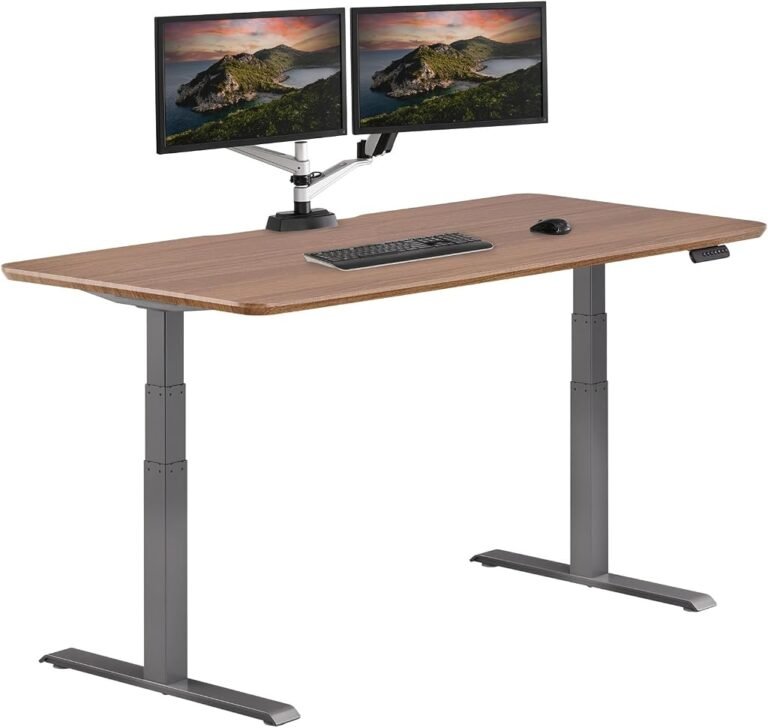
A large rectangular standing desk has one major organizational advantage: it establishes a clear front.
The user generally faces one direction. Monitors can be positioned around a central viewing area, the keyboard remains in front of the body, and peripheral equipment spreads laterally.
This simplicity matters.
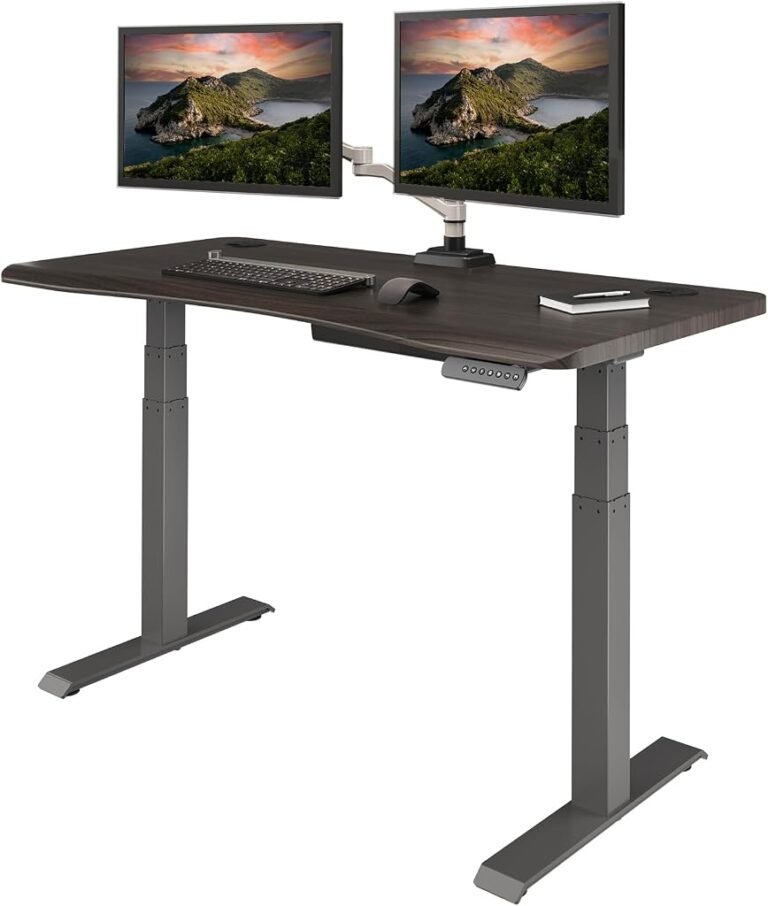
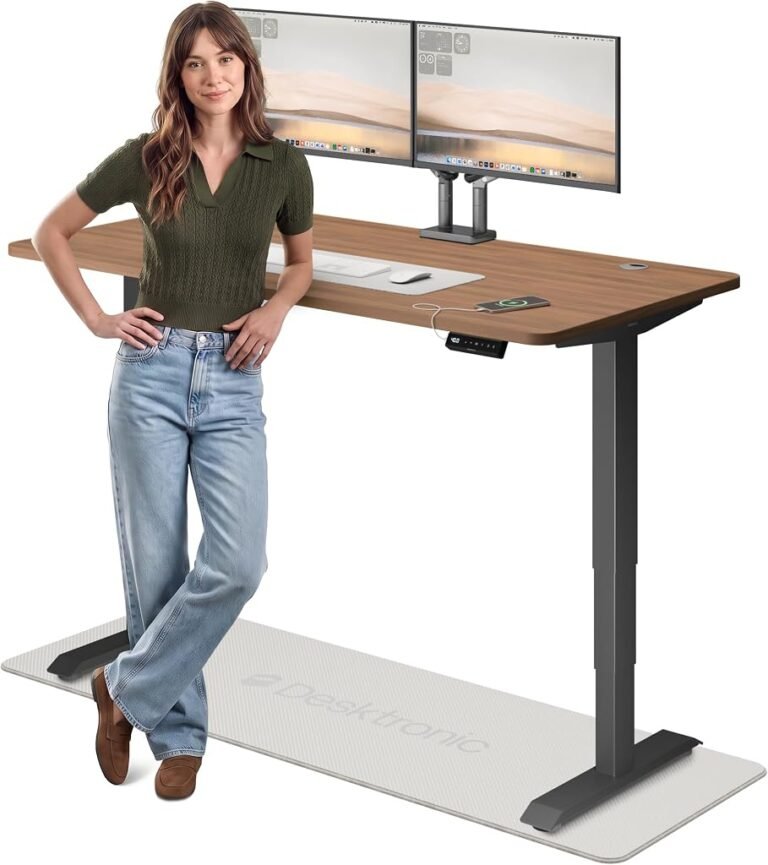
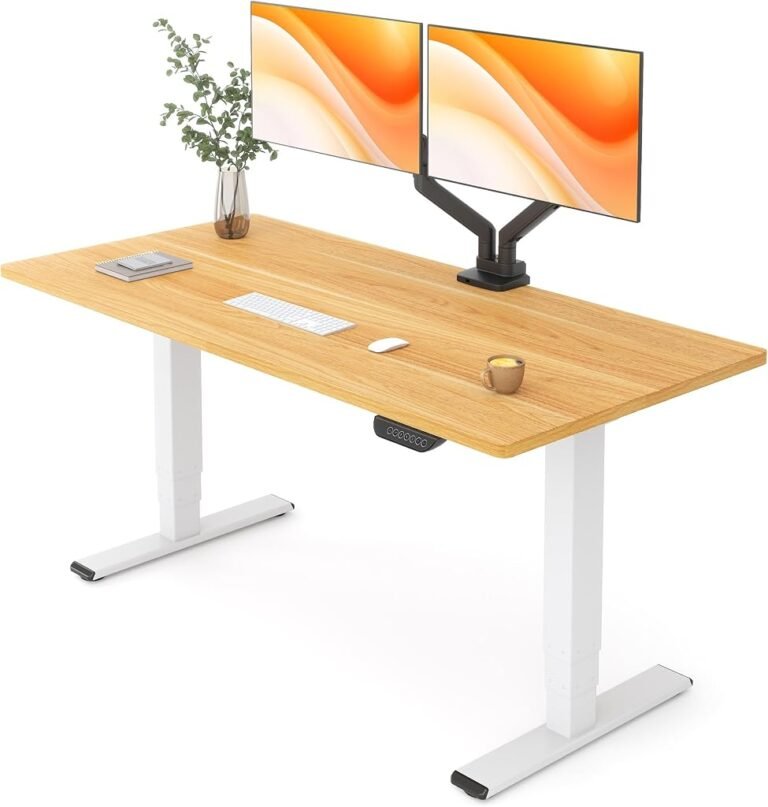
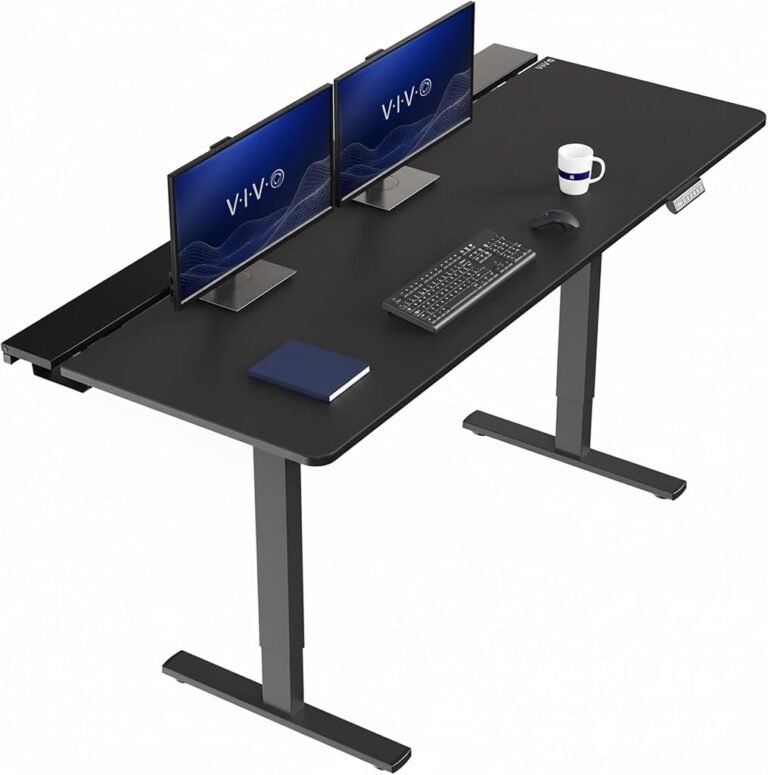
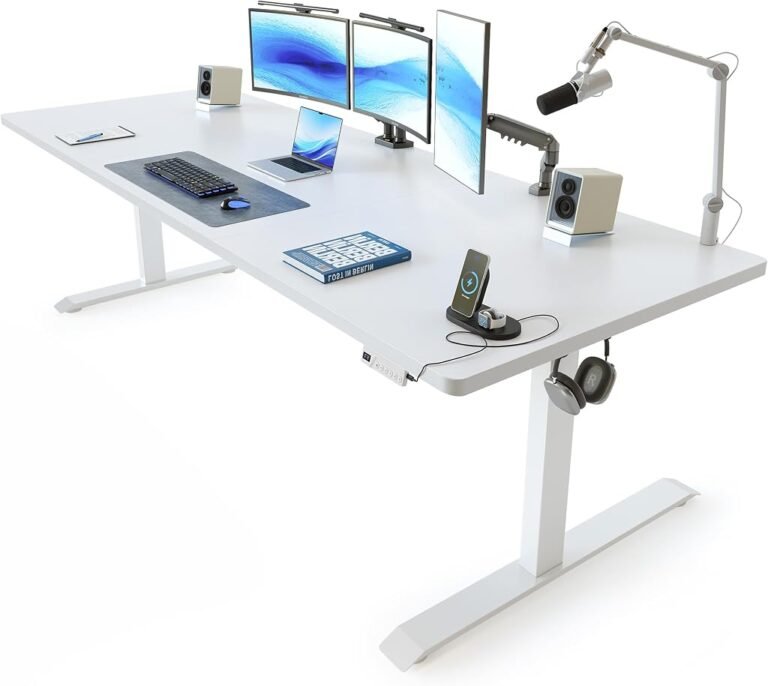
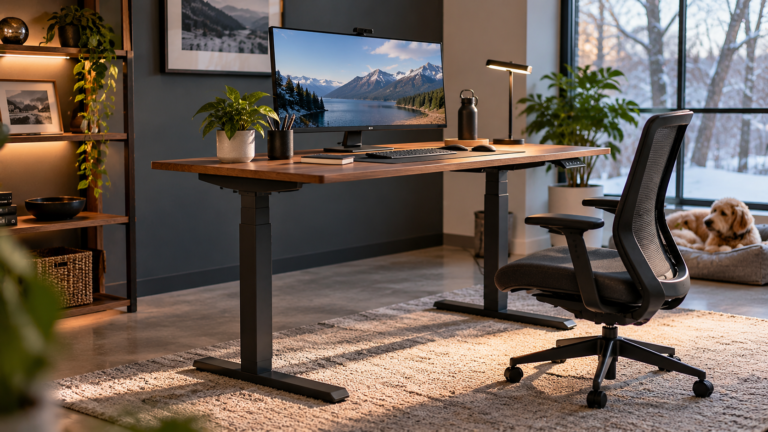
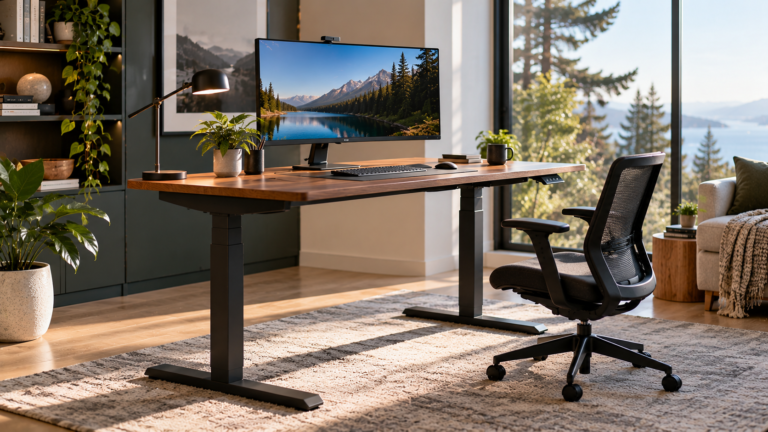
Consider two examples of genuinely large rectangular electric desks. A VIVO configuration measures 71 by 30 inches, while a FEZIBO model stretches to 83 by 37 inches with a 1-inch-thick desktop.
Those dimensions create substantial horizontal working areas without requiring the user to turn toward a second wing.
The 83-inch FEZIBO provides 12 more inches of nominal width than the 71-inch VIVO. Its 37-inch depth is also seven inches greater.
That extra depth can be useful when large displays, monitor stands, speakers, drawing equipment, or other hardware requires distance from the front edge.
Yet greater depth is not automatically more usable depth.
Frequently accessed equipment still needs to remain within comfortable reach.
The Occupational Safety and Health Administration’s workstation evaluation guidance emphasizes arranging workstations so frequently used components can be accessed without awkward reaching or posture.
A 37-inch-deep surface therefore offers flexibility, but the rear portion of the desk should not become the normal location for objects that require constant interaction.
L-Shaped Desks Divide Work Into Zones
The L-shaped desk takes the opposite approach.
Instead of concentrating work across one plane, it creates two connected surfaces.
That distinction can be remarkably useful when a job naturally divides into categories.
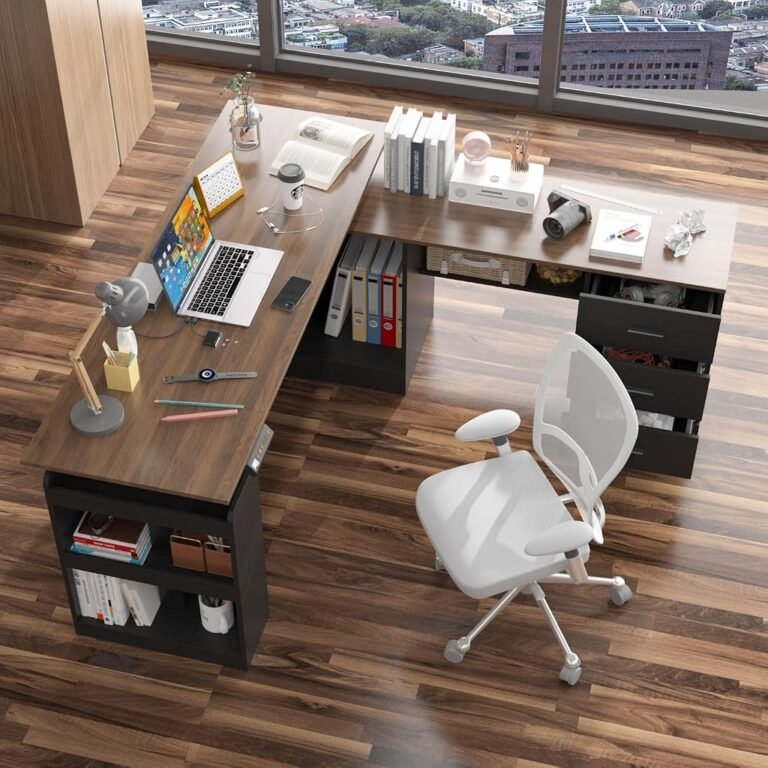
A primary wing might hold the computer, monitors, keyboard, and mouse. The secondary wing can accommodate paperwork, reference books, project materials, communications equipment, or another computer.
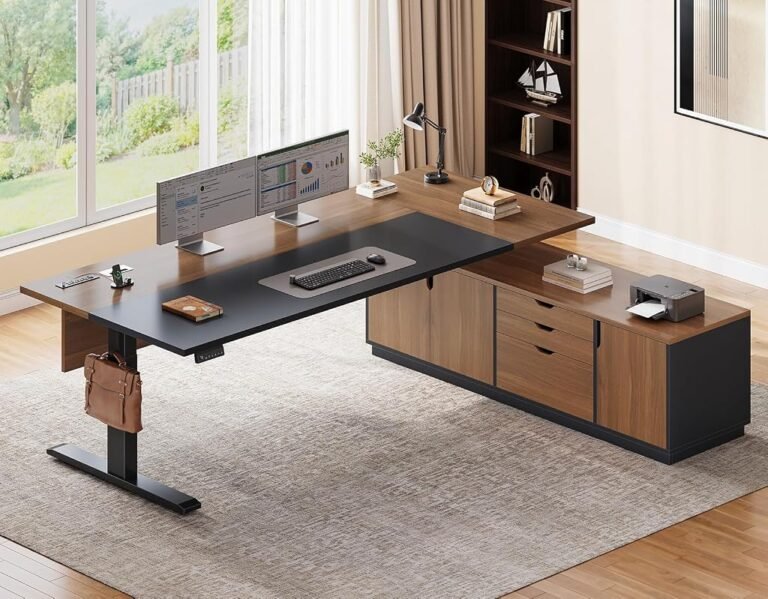
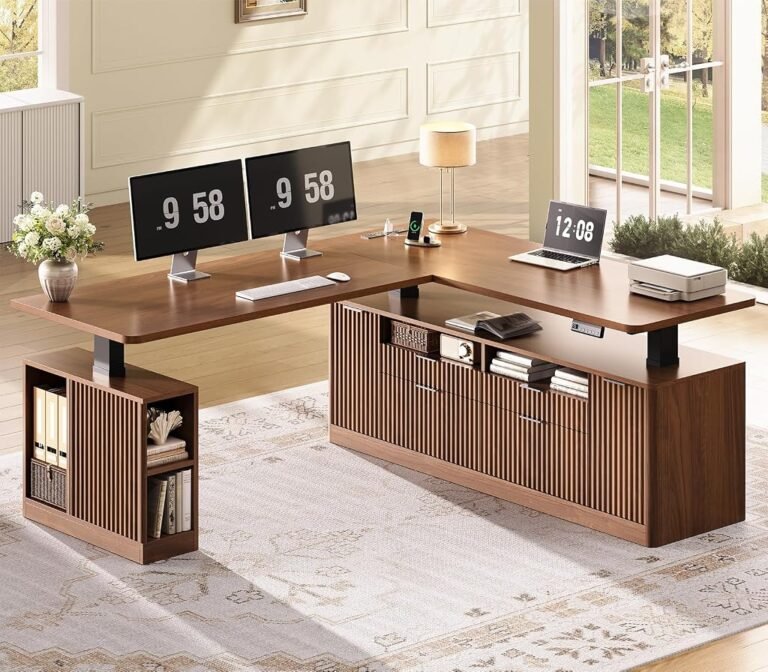
This is where products such as the 71-inch SEDETA Executive, the storage-oriented SEDETA Fluted, and the 63-by-63-inch MOUMON illustrate different versions of the same basic idea.
The SEDETA Executive emphasizes a broad L-shaped working format. The SEDETA Fluted incorporates four drawers. MOUMON combines drawers and shelves within a 63-by-63-inch configuration.
These are not merely different aesthetic approaches.
They represent different theories of organization.
The rectangular desk says: keep everything in front.
The L-shaped desk says: separate activities spatially.
The Question Is Not Which Desk Is Bigger
Comparing desktop dimensions can become misleading very quickly.
A rectangular desk measuring 83 inches wide is obviously long. A 63-by-63-inch L-shaped desk extends deeply in two directions. Yet those measurements do not reveal how much surface is comfortably accessible from one seated or standing position.
Usable space depends on reach.
A worker sitting at the center of a rectangular desk can move left and right while maintaining roughly the same orientation toward the workstation.
An L-shaped user may need to rotate the chair or body to work effectively on the second surface.
That rotation can be useful when it accompanies a genuine task transition.
For example, turning from computer work toward a separate document-review area can create a physical distinction between activities.
Repeatedly twisting every few seconds to access essential equipment is different.
The layout should follow workflow frequency.
Objects used constantly belong around the primary position. Objects used periodically can move to the secondary area.
Rectangular Desks Have an Advantage for Multi-Monitor Setups
Large rectangular desks are particularly convincing when displays dominate the workstation.
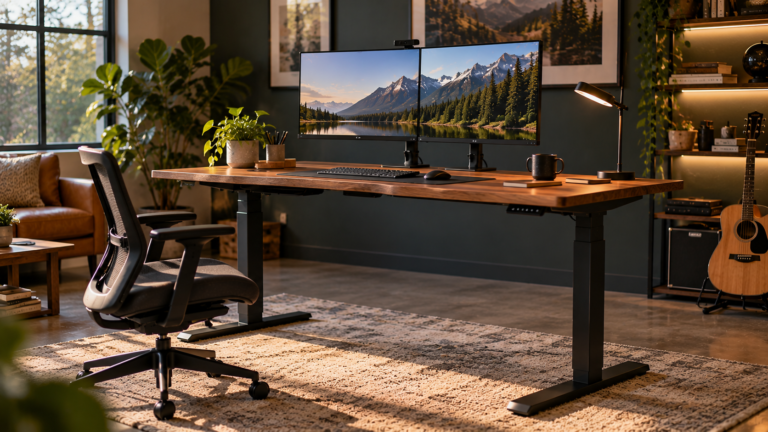
A 71-inch or 83-inch width provides substantial lateral space for monitors without requiring them to wrap around an internal corner.
Three-display setups, ultrawide monitors, speakers, laptops on stands, and other screen-heavy arrangements can benefit from this uninterrupted horizontal span.
The OSHA guidance for computer monitors addresses viewing distance, monitor height, screen placement, and the need to avoid awkward head positions.
A wide rectangular desk makes symmetrical monitor positioning relatively straightforward.
That does not mean every screen should be placed in a straight line.
The primary display should remain aligned with the user’s main working position. Secondary displays can be angled according to frequency of use.
An L-shaped desk can support multiple monitors too, but the corner introduces another decision: whether screens should follow one wing, span the corner, or be distributed between working zones.
More layout possibilities can be useful. They can also produce more opportunities for poor positioning.
L-Shaped Desks Have an Advantage for Mixed Work
The strongest case for an L-shaped desk appears when work is not exclusively digital.
Consider a professional who spends part of the day working at a computer and another part reviewing printed documents, sketching, writing notes, handling files, or using specialized equipment.
A rectangular desk can support all those activities, but they compete for the same linear surface.
An L-shaped desk can assign them separate physical locations.
The distinction reduces the need to repeatedly clear the keyboard area whenever paperwork appears.
That is a meaningful organizational benefit.
It can also help preserve a stable computer setup. Monitor, keyboard, mouse, and accessories remain in their established positions while temporary work moves to the secondary wing.
The L-shaped arrangement therefore works particularly well when the secondary surface has a defined purpose.
Without that purpose, the second wing often becomes storage by accident.
Storage Changes the Comparison
The geometry question becomes more complicated when drawers and shelves enter the discussion.
Large rectangular standing desks frequently emphasize open surface area. Storage can be added separately through mobile pedestals, cabinets, or shelving.
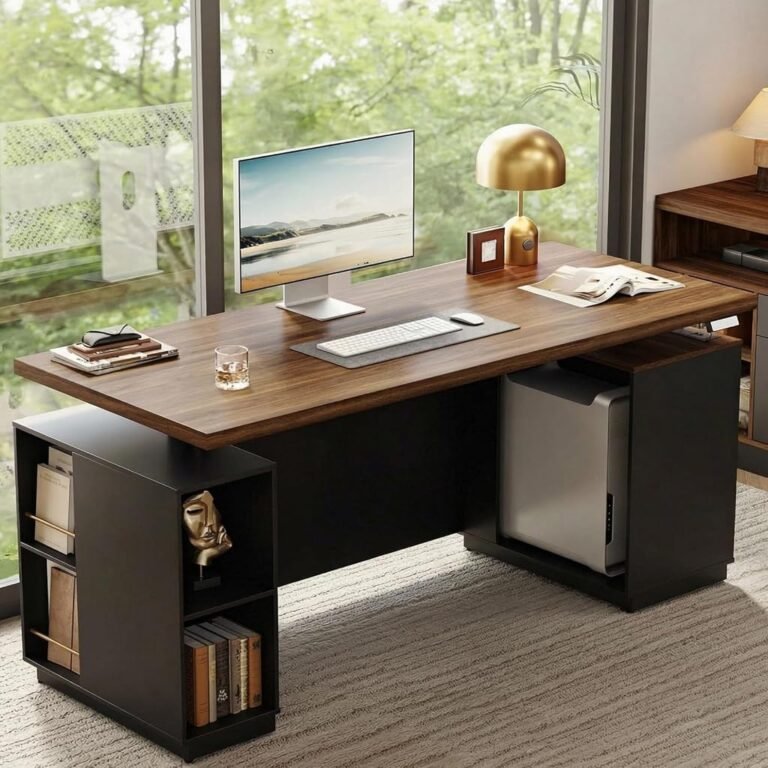
Some L-shaped executive desks integrate storage directly.
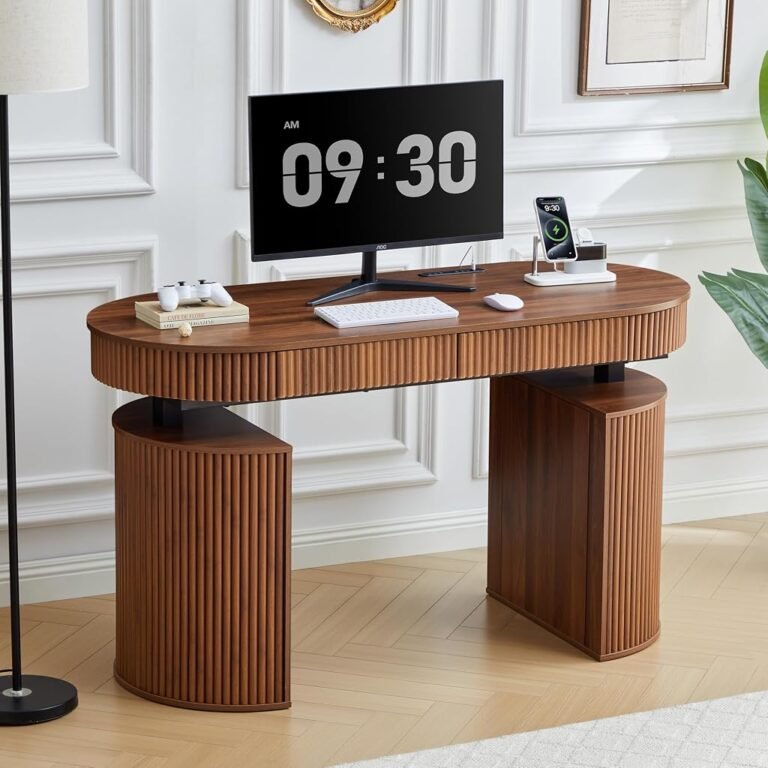
The SEDETA Fluted, for example, incorporates four drawers. MOUMON combines drawers and shelves.
Integrated storage can reduce the need for separate furniture and keep office supplies close to the workstation.
Yet storage introduces another ergonomic constraint.
Drawers, shelves, supports, and other components consume physical space that might otherwise remain available for legs and chair movement.
The OSHA guidance on keyboard workstations addresses the relationship between working height, input-device positioning, and adequate space beneath the work surface.
For storage-heavy desks, the location of drawers matters as much as their quantity.
A rectangular desk paired with a movable drawer unit may provide greater freedom to reposition storage.
An integrated L-shaped desk can create a cleaner all-in-one workstation but gives the user fewer options if the storage placement conflicts with preferred seating positions.
Room Geometry May Decide Before Ergonomics Does
Furniture does not exist independently from architecture.
A rectangular desk is generally easier to position against a single wall.
That makes it useful in bedrooms, narrow offices, multipurpose spaces, and rooms where circulation needs to remain simple.
An L-shaped desk requires two-dimensional planning.
The second wing may extend along an adjacent wall or project into the room. Doors, radiators, windows, cabinets, outlets, and walking paths can all affect whether the layout works.
The MOUMON’s documented 63-by-63-inch footprint illustrates the issue clearly.
A room must accommodate both dimensions, not merely a 63-inch wall.
The user also needs chair clearance inside the working area.
A desk can technically fit within the floor plan while still making the room uncomfortable to use.
Measure the Working Envelope
Before choosing either layout, measurements should account for:
- Desktop width and depth.
- Chair movement behind the primary working position.
- Drawer clearance where applicable.
- Door and cabinet opening paths.
- Nearby shelving.
- Electrical outlets.
- Window access.
- Space needed to enter and leave the workstation.
- Vertical clearance throughout the desk’s adjustment range.
The last point is easily overlooked.
A height-adjustable desk moves toward shelves, window frames, wall-mounted displays, and other objects as it rises.
The room must work with the desk at both sitting and standing heights.
Rectangular Desks Usually Simplify Cable Management
Cable management rarely receives enough attention before a standing desk is installed.
Large rectangular desks have a practical advantage here.
Most equipment is distributed along one plane, making it easier to create a central cable route underneath the surface.
A mounted power strip can move with the desk while a single power cable connects the workstation to the wall.
An L-shaped desk may distribute monitors, chargers, computers, speakers, and peripherals across two surfaces.
Cable runs become longer and may need to change direction.
Integrated drawers and shelves can create additional routing constraints.
The issue becomes more pronounced because the entire workstation moves vertically.
Cables must remain long enough at maximum height without hanging excessively at minimum height.
Good cable management therefore needs to be tested through the full adjustment cycle rather than judged while the desk is stationary.
Height Range Matters More Than Shape
A beautifully arranged desk is still poorly matched if it cannot reach the correct working height.
This is where buyers should temporarily ignore whether the desktop is rectangular or L-shaped.
The user’s body comes first.
The OSHA guidance on neutral computer-working positions describes working postures involving relaxed shoulders, supported feet, appropriate arm positioning, and comfortable alignment.
A desk’s adjustment range should make those positions achievable.
MOUMON, for example, states an adjustment range of 28.9 to 45.3 inches.
Those numbers can be compared with a user’s measured seated and standing requirements.
For any desk where the relevant range is not already known, it should be checked before purchase.
Shape cannot compensate for an unsuitable minimum or maximum height.
Large Rectangular Desks Can Use Space More Efficiently
The word “large” does not necessarily mean inefficient.
A rectangular desk may have a substantial footprint, yet its shape can make efficient use of a long wall.
A 71-by-30-inch workstation, for example, extends only 30 inches into the room before chair clearance is considered.
An L-shaped desk extends in two directions.
This can make rectangular layouts easier in narrower rooms.
The 71-by-30-inch VIVO is a useful illustration of this geometry. Its width provides significant working area while maintaining a conventional rectangular footprint.
At $359.99, it also sits within the same general price territory as larger executive L-shaped options.
Our assessment rates this VIVO configuration 8.36/10, with Customer Sentiment at 8.28, Buyer Confidence at 8.84, and Value at 8.15.
Those ratings reinforce a broader point: a straightforward rectangular layout can remain highly competitive when the primary requirement is usable working surface rather than integrated storage.
Very Large Rectangular Desks Push the Idea Further
The 83-by-37-inch FEZIBO demonstrates how far the rectangular concept can go.
At $399.99, its footprint is substantial, and the 1-inch-thick desktop gives the product a clearly defined physical proposition.
Our score is 8.75/10, with Customer Sentiment at 8.72, Buyer Confidence at 9.27, and Value at 8.4.
Those figures make it the strongest-rated example among the large rectangular and L-shaped products considered here.
That does not establish rectangular desks as categorically better.
Instead, it demonstrates what happens when a large rectangular workstation aligns closely with the needs of buyers who prioritize uninterrupted working area.
An 83-inch surface would be excessive for many rooms.
For a workstation carrying multiple monitors, speakers, computers, control equipment, or creative hardware, the same width may be entirely rational.
Scale only becomes useful when the work can justify it.
L-Shaped Desks Can Reduce the Need for Secondary Furniture
Where L-shaped desks recover ground is consolidation.
A storage-equipped L-shaped desk can potentially perform several jobs at once.
The primary wing functions as a computer workstation. The second wing becomes a project surface. Drawers hold supplies. Shelves accommodate reference material.
The result can be a self-contained office zone.
That arrangement is particularly attractive when a dedicated room has enough floor area but limited appetite for several disconnected furniture pieces.
The $389.99 SEDETA Fluted and $379.99 MOUMON illustrate this approach.
Their prices are comparable with large rectangular standing desks, but part of the value proposition lies in organization rather than surface dimensions alone.
A buyer should therefore compare complete room configurations rather than desk prices in isolation.
A Standing Desk Buying Guide Should Begin With Workflow
A useful standing desk buying guide should ask what happens during an ordinary working hour.
If most activity involves monitors, keyboard input, video calls, and digital tools, a large rectangular desk often provides the cleaner layout.
If work repeatedly alternates between computer tasks and physical material, an L-shaped desk can provide better separation.
The decision can be narrowed through several questions:
- Does the work require one dominant computer position? A rectangular desk is often easier to organize around a single center.
- Are two genuinely different working zones needed? An L-shaped configuration gains relevance.
- How many monitors are used? Wide rectangular surfaces can simplify multi-display positioning.
- Is integrated storage necessary? Storage-equipped L-shaped desks may reduce dependence on additional furniture.
- How narrow is the room? A rectangular footprint often uses long walls more efficiently.
- Will the second wing have a defined purpose? If not, an L-shaped desk may simply create more clutter.
- Does the height range fit the user? This requirement outranks desktop geometry.
- Can cables move safely through the entire adjustment range? Both layouts require planning, though L-shaped routing can be more involved.
These questions reveal why choosing by total desktop area alone is rarely sufficient.
Which Layout Better Supports Movement?
Neither shape guarantees more movement.
Electric adjustment changes desk height, but it does not determine behavior.
The National Institute for Occupational Safety and Health’s office-environment guidance addresses ergonomic concerns associated with awkward posture and prolonged static positioning.
The practical objective is variation.
A worker can sit for some tasks, stand for others, and periodically leave the workstation.
An L-shaped desk may encourage rotation between work zones, but that is not equivalent to meaningful physical activity.
A rectangular desk may keep everything directly accessible, but that convenience can also reduce reasons to move.
Furniture should therefore support movement without being mistaken for movement itself.
Final Considerations
Large rectangular and L-shaped standing desks solve different spatial problems.
The rectangular layout concentrates equipment along one uninterrupted surface. It generally simplifies monitor placement, cable routing, wall placement, and the creation of a single primary working position.
The L-shaped layout divides the workstation into connected zones. It becomes particularly effective when computer work must coexist with documents, reference material, secondary equipment, or integrated storage.
Large rectangular examples show how powerful uninterrupted surface area can be. A 71-by-30-inch format provides substantial width without extending across two walls, while an 83-by-37-inch desk creates an unusually broad workstation for equipment-heavy setups.
L-shaped examples answer a different need. A 71-inch executive configuration emphasizes working area, a four-drawer design adds enclosed organization, and a 63-by-63-inch desk with drawers and shelves can consolidate several office functions within one piece of furniture.
Neither geometry deserves automatic preference.
For multi-monitor and predominantly digital work, the large rectangular desk often provides the cleaner answer.
For mixed computer-and-document workflows, an L-shaped desk can create more useful separation.
For small or narrow rooms, rectangular geometry is generally easier to accommodate.
For dedicated offices where the second wing and integrated storage have defined purposes, the L-shaped format can justify its larger spatial commitment.
The final decision should begin with a floor plan and a normal workday rather than a product photograph.
Measure the room. Determine the primary seated and standing positions. Identify every item used repeatedly. Decide whether a genuine second work zone exists. Plan storage, monitors, and cable routes before choosing the desk.
Once those questions are answered, the debate between rectangular and L-shaped standing desks becomes considerably less mysterious.
The layout that works is the one that gives frequently used equipment the shortest sensible path, gives secondary tasks their own appropriate space, and leaves enough room for the worker to move rather than merely surrounding that worker with more desktop.