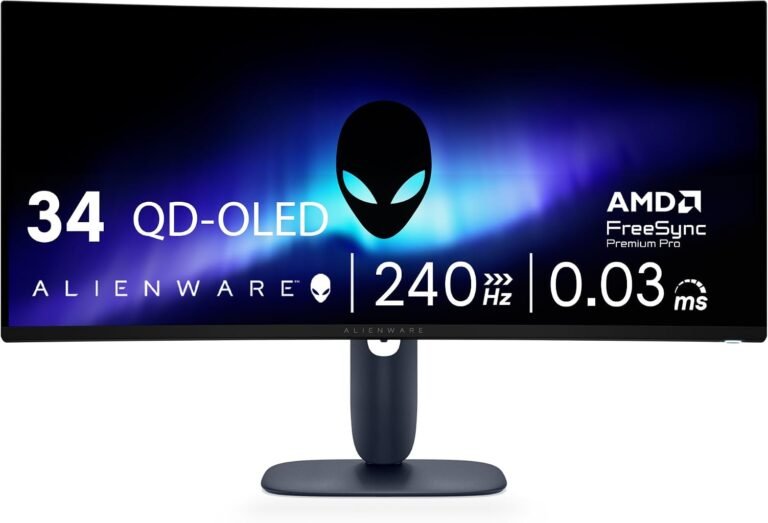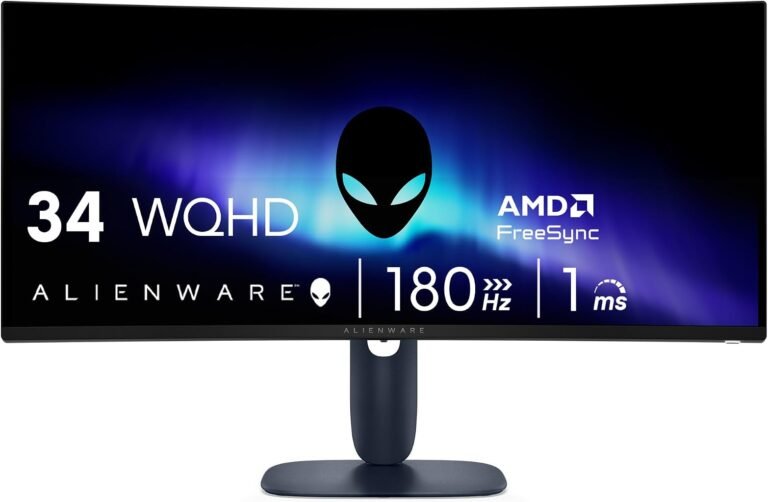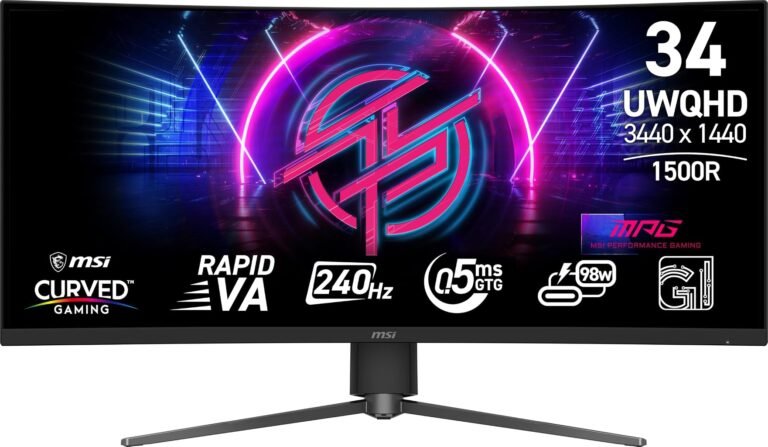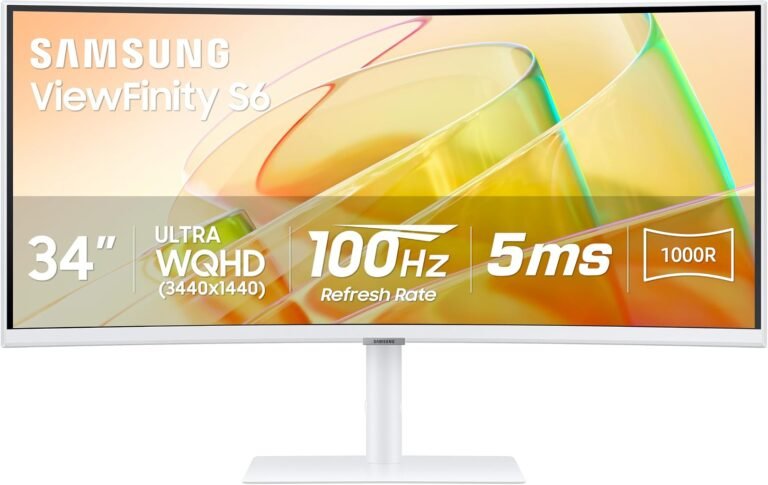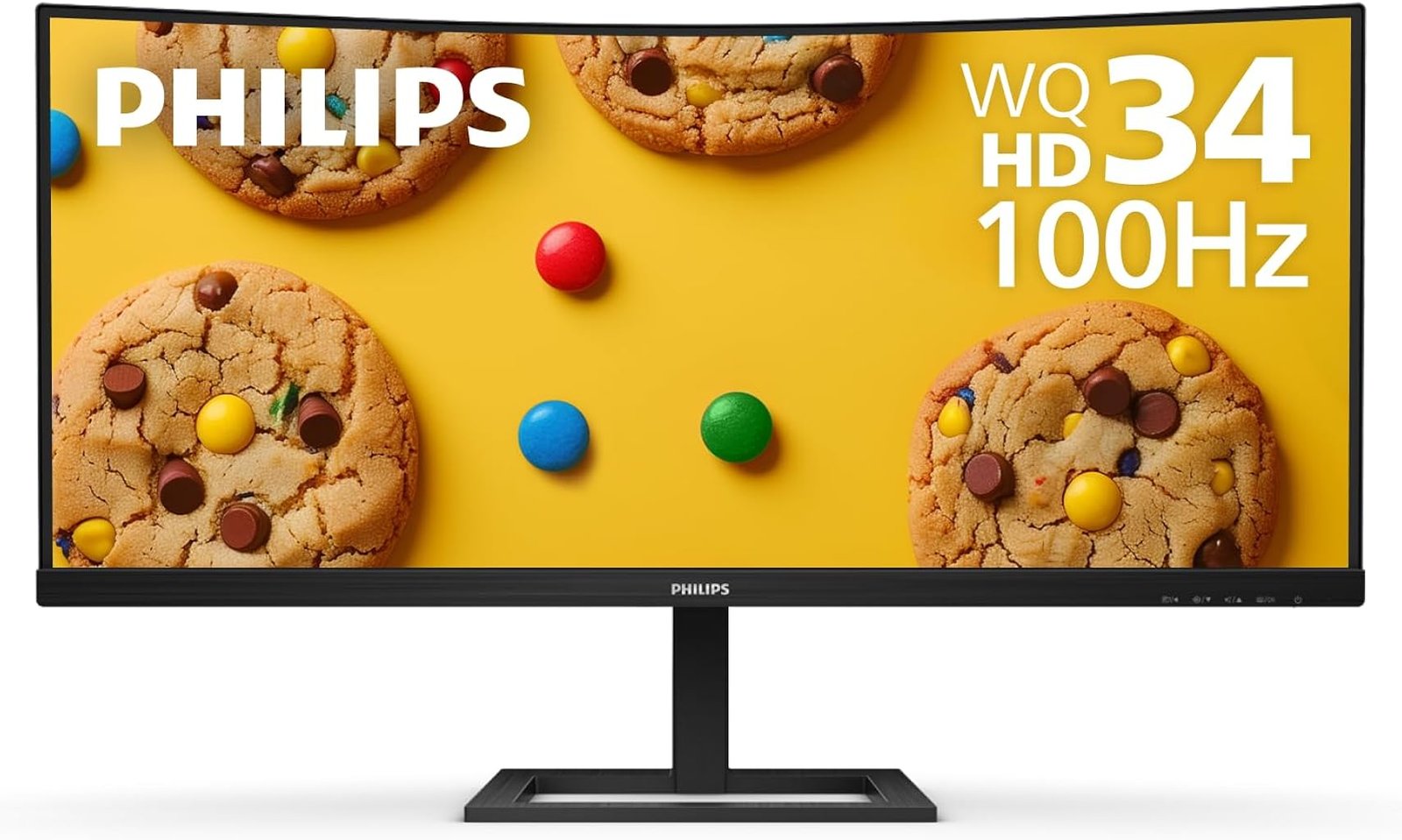
The Philips 346E2CUAE belongs to a class of monitors built around a deceptively simple idea: one large screen should be able to replace several pieces of desktop hardware. It combines a 34-inch curved 21:9 VA panel, 3440×1440 resolution, a 100Hz maximum refresh rate, USB-C connectivity with up to 65W Power Delivery, AMD FreeSync Premium, integrated speakers, a USB hub and MultiView support. That combination makes it less a narrowly defined gaming display than a hybrid monitor intended to move between office work, entertainment and gaming without demanding a change of screen.
Our score is 8.21/10. Customer Sentiment stands at 7.84, Buyer Confidence at 9.58 and Value at 7.91. The differences between those figures are revealing. Confidence is high because the monitor’s specifications, connectivity and physical characteristics are unusually well documented. Value and sentiment are lower because the 346E2CUAE makes deliberate compromises: 100Hz is smoother than 60Hz but well below contemporary high-refresh gaming monitors, its VA panel carries familiar LCD limitations, and USB-C charging at 65W will not satisfy every high-performance laptop.
At a reference price of $309.73, however, the Philips is not really trying to win a refresh-rate contest. It is selling something broader: screen area, connectivity and a simplified desk.
A 34-Inch Canvas With Nearly Five Million Pixels
The foundation is a 34-inch VA LCD with a 21:9 aspect ratio. Philips specifies a maximum resolution of 3440×1440 at 100Hz, a 1500R curvature and a pixel density of 110 pixels per inch. Its active viewing area measures 797.22 by 333.72 millimeters.
Those dimensions explain much of the monitor’s appeal.
A 3440×1440 image contains 4,953,600 pixels. Conventional 2560×1440 contains 3,686,400, so the ultrawide resolution provides roughly 34% more pixels, almost all of that expansion occurring horizontally. The result is not simply a larger version of a normal monitor. It is a different desktop geometry.
Spreadsheets can display additional columns. Video editors can stretch timelines farther across the screen. Researchers can position a document beside a browser. Developers can keep an editor, documentation and auxiliary tools visible without stacking windows on top of one another.
Philips explicitly positions the 21:9 format around this extra horizontal working area, citing uses including large spreadsheets and detailed professional applications.
That helps explain why searches for the best 34 inch ultrawide monitors often mix office displays and gaming monitors in the same comparison. At this size, the distinction becomes blurred. The same width that exposes more of a game’s environment also accommodates two substantial productivity windows.
The 1500R Curve Has a Practical Purpose
Curved displays sometimes attract more marketing language than geometry requires. The 346E2CUAE’s 1500R curvature is easier to understand mathematically.
The figure describes a curve based on a circle with a radius of 1,500 millimeters. On a 34-inch ultrawide, the effect draws the outer portions of the display inward rather than leaving them on a completely flat plane.
That makes considerably more sense on an approximately 80-centimeter-wide viewing surface than on a compact screen. The curve reduces the impression that the far edges are receding away from the seated viewer and encourages a centered viewing position.
Philips specifies 178-degree horizontal and vertical viewing angles at a contrast-ratio threshold greater than 10. Those figures should not be interpreted as meaning the image remains perceptually identical from every extreme angle. They describe the manufacturer’s measurement criterion. For normal desktop use, the more relevant point is that the monitor is designed for a central user sitting inside the arc of a large 21:9 panel.
This is not a screen intended for a room full of people watching from radically different positions. Its geometry makes the most sense from a desk chair.
VA Technology Defines the Image Character
The Philips uses a VA LCD panel with W-LED backlighting. Philips specifies typical brightness at 300 cd/m² and typical contrast at 3000:1, alongside 1.07 billion displayable colors through an 8-bit-plus-FRC implementation. The published typical color-gamut figures are 99.5% NTSC and 121.3% sRGB, with Philips specifying the measurement conventions used for those gamut figures.
The 3000:1 contrast specification is particularly relevant.
VA LCD panels are commonly chosen where stronger native contrast is desirable. Dark scenes can therefore have greater separation between black and illuminated areas than on many lower-contrast LCD alternatives. That characteristic suits films, darker games and general mixed-media use.
Yet the specification sheet should not be mistaken for a calibration report. A gamut area exceeding 100% sRGB does not mean the monitor reproduces every color with perfect accuracy, nor does it establish factory color error. Professional photographers, designers and video editors working to tightly controlled standards still need appropriate measurement and calibration procedures.
For ordinary productivity, entertainment and gaming, the wider gamut capability is more straightforward: the panel is not confined to a narrow color envelope.
The display also uses an anti-glare coating rated at 3H hardness with 25% haze. In a typical home office, that can be more consequential than another decorative gaming feature. Reflections from windows and room lighting can undermine an otherwise capable monitor remarkably quickly.
100Hz Sits in a Useful Middle Ground
The 346E2CUAE operates at up to 100Hz at its native 3440×1440 resolution.
At 60Hz, a new refresh occurs approximately every 16.67 milliseconds. At 100Hz, that interval falls to 10 milliseconds. The difference is readily relevant to cursor movement, scrolling, window animation and gaming.
The limitation is equally straightforward. Modern gaming displays routinely extend beyond 100Hz, and players accustomed to 144Hz, 165Hz, 240Hz or faster monitors should not interpret this Philips as a dedicated high-refresh esports display.
Its 100Hz specification makes more sense when viewed through the product’s hybrid identity.
A person spending eight hours moving between documents, browsers, communication software and creative applications can benefit from the increased fluidity without requiring a graphics processor to render competitive games at extremely high frame rates. A casual or mixed-use gamer also receives substantially more refresh headroom than a traditional 60Hz office monitor provides.
That is the dividing line. Competitive gaming specialists should look elsewhere. Users wanting one ultrawide for work during the day and gaming afterward have a more compelling reason to consider it.
FreeSync Premium Strengthens the Gaming Side
The monitor supports AMD FreeSync Premium.
Variable-refresh technology addresses a familiar display problem. A GPU does not necessarily produce frames at a perfectly fixed interval. A conventional fixed-refresh display, meanwhile, updates on its own schedule. When those schedules diverge, tearing and stuttering can become visible.
The underlying Adaptive-Sync concept was added to DisplayPort in 2014. VESA describes DisplayPort Adaptive-Sync as allowing a display to dynamically match a GPU’s rendering rate, frame by frame.
For the Philips, variable refresh arguably matters more than chasing the highest possible frame rate. A demanding game at 3440×1440 may move considerably below 100 fps depending on GPU performance and graphics settings. Keeping display refresh behavior aligned with fluctuating rendering can improve perceived fluidity under those conditions.
The distinction between supporting adaptive refresh and formal VESA AdaptiveSync certification should remain clear. VESA’s certification program uses more than 50 performance criteria, including refresh rate, flicker, gray-to-gray response, frame dropping and frame-rate jitter. A manufacturer’s FreeSync specification should therefore not be casually substituted for a separate VESA certification claim.
Response-Time Numbers Need Context
Philips specifies a typical gray-to-gray response time of 4ms and an MPRT figure of 1ms.
Those are not contradictory numbers because they describe different measurements.
Gray-to-gray measurements concern transitions between luminance states. MPRT, or Moving Picture Response Time, relates to perceived motion persistence. Philips explains that its MPRT mode coordinates the LED backlight with display refresh to reduce motion blur. The company also discloses a meaningful trade-off: activating MPRT can produce a noticeable brightness change, brightness cannot be independently adjusted while the feature is active, and the company recommends disabling the mode when the gaming function is not being used.
That disclosure is more useful than simply printing “1ms” on a specification list.
The appropriate expectation is therefore not that every pixel transition completes perfectly in one millisecond. It is that the monitor includes a motion-blur-reduction mode designed for gaming, with brightness consequences inherent to its operation.
Users sensitive to VA dark-transition behavior should still evaluate that characteristic independently. No single response-time number describes every transition a panel performs.
USB-C Is the Feature That Changes the Desk
Gaming specifications attract attention, but USB-C may be the most consequential part of the 346E2CUAE for daily ownership.
The monitor includes one USB-C connection supporting data, video through DisplayPort Alt Mode and USB Power Delivery 3.0 at up to 65W. It also provides four downstream USB 3.2 ports, one supporting BC 1.2 fast charging.
That architecture allows a compatible laptop to connect to the monitor using a single USB-C cable while simultaneously transmitting its display signal, accessing connected USB peripherals and receiving power.
The practical effect can be considerable. A laptop arriving at a desk no longer necessarily requires separate connections for charging, monitor output, keyboard, mouse and other USB hardware. The Philips can become the center of that arrangement.
There is an important compatibility requirement. Philips states that video over USB-C requires the connected computer to support USB-C DisplayPort Alt Mode, while charging requires compatibility with the relevant USB-C Power Delivery specification. A USB-C-shaped socket alone does not guarantee either capability.
The 65W charging ceiling also deserves attention. It is well suited to many thin-and-light notebooks and productivity laptops, but powerful mobile workstations and gaming laptops can require substantially more power. Such machines may still need their original charger during demanding workloads.
Connectivity Is Sensible Rather Than Excessive
Beyond USB-C, the Philips provides one DisplayPort 1.2 input and one HDMI 2.0 input, plus an audio output.
That gives the monitor three plausible video paths when USB-C DisplayPort Alt Mode is included.
The arrangement fits its hybrid purpose. A desktop computer can remain attached through DisplayPort, another source can use HDMI, and a work laptop can connect through USB-C.
Philips states that the monitor’s maximum resolution is supported through both HDMI and DisplayPort, while also advising that the graphics hardware must be capable of driving the display’s maximum resolution and refresh rate.
That last detail should not be overlooked with older computers, adapters and docking stations. A device can support 3440×1440 without necessarily delivering it at the monitor’s maximum refresh rate through every output configuration.
MultiView Makes 21:9 More Functional
Philips includes MultiView with picture-in-picture and picture-by-picture modes for two devices.
This is one of those features that sounds peripheral until the right workflow appears.
A user can display output from a desktop and laptop simultaneously. A work computer can share the panel with a personal machine. A secondary system can remain visible without requiring another physical monitor.
The 21:9 format is particularly suitable for this because there is substantially more horizontal space available than on a conventional 16:9 panel.
There are obvious limitations. Dividing one display between two sources does not create two physically independent monitors, and software-based window management remains more flexible when all applications originate from the same computer. Yet MultiView makes the hardware genuinely more adaptable in multi-device environments.
The Stand Is Better Equipped Than Many Basic Ultrawides
Physical ergonomics can determine whether a large monitor remains comfortable after several hours.
The 346E2CUAE provides 100mm of height adjustment and tilt from -5 to 20 degrees. It also supports a 100×100mm VESA mount.
Height adjustment is particularly useful on a 34-inch display. The upper edge of a large ultrawide sits considerably higher than that of a compact monitor, and fixed-height stands can force users to alter chair or desk position to compensate.
The monitor weighs 10.05kg with its stand and 7.83kg without it. Its dimensions with the stand at maximum height are 807×495×257mm.
Those numbers deserve attention before purchase. An 807mm-wide monitor consumes substantial desk width, and the 257mm depth of the assembled footprint affects how far the screen can sit from the user’s eyes on a shallow desk.
A monitor arm remains possible through the VESA mount, although any arm should be rated appropriately for the display’s weight.
Built-In Speakers Are Convenient, Not the Main Attraction
Philips integrates two 5W speakers.
Their presence strengthens the monitor’s all-purpose character. Integrated audio can handle video calls, system sounds, casual streaming and situations where keeping the desk uncluttered matters more than audio scale.
A monitor chassis is inherently constrained as a loudspeaker enclosure, however. Buyers prioritizing music, cinematic impact or spatial gaming audio will generally still prefer headphones or dedicated speakers.
The correct interpretation is convenience rather than replacement for a serious audio setup.
Flicker-Free and LowBlue Features Address Long Sessions
The monitor includes Philips Flicker-Free technology, LowBlue Mode and EasyRead.
The practical significance is straightforward. Large productivity monitors are often viewed for many hours at a time, making comfort-oriented controls more relevant than they might appear on a specification sheet.
Philips describes Flicker-Free as a brightness-regulation approach intended to reduce flicker associated with LED-backlit display control. LowBlue Mode alters the display output to reduce short-wavelength blue light.
These functions should not be treated as substitutes for sensible viewing habits, ambient lighting or breaks from prolonged near-screen work. They are display controls that allow the image to be adjusted for different environments and preferences.
Power Consumption and Physical Longevity
Philips specifies typical operating power consumption at 49.7W, standby consumption at 0.5W and off-mode consumption at 0.3W. The power supply is internal and accepts 100-240V AC at 50-60Hz.
The published mean time between failures is 50,000 hours, excluding the backlight. MTBF should not be interpreted as a promise that an individual monitor will operate for exactly that number of hours; it is a reliability statistic used across populations of products.
Philips also specifies mercury-free construction, PVC/BFR-free housing and 100% recyclable packaging material. Those attributes will not determine image quality, but they provide useful context for buyers assessing the physical product beyond headline display specifications.
Reading the Editorial Scores
Our 8.21/10 score reflects a monitor whose greatest strength is balance rather than dominance in one performance category.
The 9.58 Buyer Confidence rating is the highest component because the 346E2CUAE is unusually transparent in technical documentation. Panel type, brightness, contrast, response characteristics, color gamut, connectivity, USB Power Delivery, stand adjustment, dimensions, power consumption and even the operating behavior of MPRT are documented directly by Philips. That reduces ambiguity about what the buyer is actually purchasing.
Customer Sentiment at 7.84 sits lower because the design inevitably creates competing expectations. A gamer can reasonably wish that 100Hz were faster. A laptop user may want more than 65W charging. A color professional may prefer a display centered on measured color accuracy. A buyer seeking premium HDR performance will find that the monitor’s central strengths lie elsewhere.
Value receives 7.91. At $309.73, the Philips combines substantial screen area with USB-C docking functionality, four downstream USB ports, height adjustment, integrated audio and gaming-oriented variable refresh. That is a useful hardware package, but the value judgment depends on actually using those features. Someone connecting a single desktop through DisplayPort receives less benefit from the USB-C hub architecture than a laptop owner moving between mobile and desk work.
The score spread therefore captures the product accurately: technically coherent, broadly capable, but not universally optimized.
Who Should Consider the Philips 346E2CUAE?
The monitor makes the strongest case for mixed-use buyers rather than specialists.
Suitable users include:
- Laptop owners who can exploit USB-C video, data and up to 65W charging through one connection.
- Office users who benefit from the horizontal workspace of 3440×1440.
- Home users combining productivity, streaming and moderate gaming on one screen.
- PC gamers who prioritize ultrawide geometry and FreeSync Premium over extremely high refresh rates.
- Multi-computer users who can make practical use of MultiView.
- Buyers who value height adjustment and VESA compatibility on a large ultrawide.
Its weaker matches are equally identifiable. Competitive players targeting very high frame rates will be better served by a 144Hz, 165Hz, 240Hz or faster gaming display. Professional color work demands more attention to measured accuracy and calibration. Users with high-power laptops should verify whether 65W charging is adequate before expecting the monitor to replace the laptop’s power adapter.
The Productivity Argument Is Stronger Than the Gaming Label
The most interesting aspect of the Philips 346E2CUAE is that its gaming features do not define it.
FreeSync Premium, 100Hz operation and MPRT blur reduction expand what the monitor can do after working hours. They do not fundamentally change its identity. The architecture is centered on a wide desktop, USB-C consolidation and multiple-source flexibility.
That may actually make it more durable as a purchase.
Gaming specifications age quickly. Refresh rates have risen dramatically, and dedicated gaming monitors increasingly compete on response behavior, HDR hardware and ever-higher frequency figures. Productivity geometry changes more slowly. A 3440×1440 desktop remains spacious regardless of whether another monitor launches with a faster refresh rate.
USB-C strengthens that argument further. A monitor that also functions as a basic laptop docking point can remove hardware from a desk rather than merely adding another device to it.
The 346E2CUAE consequently makes more sense when evaluated as infrastructure than spectacle.
Final Considerations
The Philips 346E2CUAE earns its 8.21/10 score through a carefully balanced combination of screen space, connectivity and moderate gaming performance.
Its 34-inch 3440×1440 VA panel provides nearly five million pixels across a 21:9 canvas, while the 1500R curvature keeps that width visually manageable from a central seating position. A 3000:1 typical contrast specification suits mixed media, 100Hz operation improves fluidity over conventional 60Hz monitors, and FreeSync Premium gives gaming a more serious foundation than the monitor’s office-friendly appearance might suggest.
The stronger argument, however, is built behind the screen. USB-C can carry video and data while delivering up to 65W of power. Four downstream USB ports expand peripheral connectivity. DisplayPort and HDMI accommodate additional sources. MultiView can display two devices simultaneously. Two 5W speakers reduce the need for separate audio hardware in basic setups. A height-adjustable stand addresses a practical ergonomic weakness found on many inexpensive large monitors.
There are real boundaries. One hundred hertz no longer qualifies as an especially high refresh rate for dedicated gaming hardware. Sixty-five-watt USB-C charging cannot fully power every performance laptop. MPRT blur reduction carries brightness consequences. VA technology brings its own motion characteristics, and buyers seeking sophisticated HDR reproduction should focus on displays engineered explicitly around that objective.
Those constraints explain why Value at 7.91 and Customer Sentiment at 7.84 remain below the 9.58 Buyer Confidence rating. The monitor is easier to trust than it is to recommend indiscriminately.
For the appropriate buyer, that distinction works in its favor. The Philips 346E2CUAE does not need to pretend to be an esports monitor, professional reference display and premium HDR television simultaneously. Its purpose is more grounded: put a wide 3440×1440 workspace on a desk, make laptop connectivity substantially cleaner, provide enough refresh-rate headroom for fluid everyday use and gaming, and leave enough adjustment and connectivity to accommodate changing work patterns.
Among the best 34 inch ultrawide monitors, the products that endure are not necessarily those with the largest single specification. They are the ones whose compromises correspond with what their owners actually do for hours every day. The Philips 346E2CUAE makes that calculation with unusual clarity.