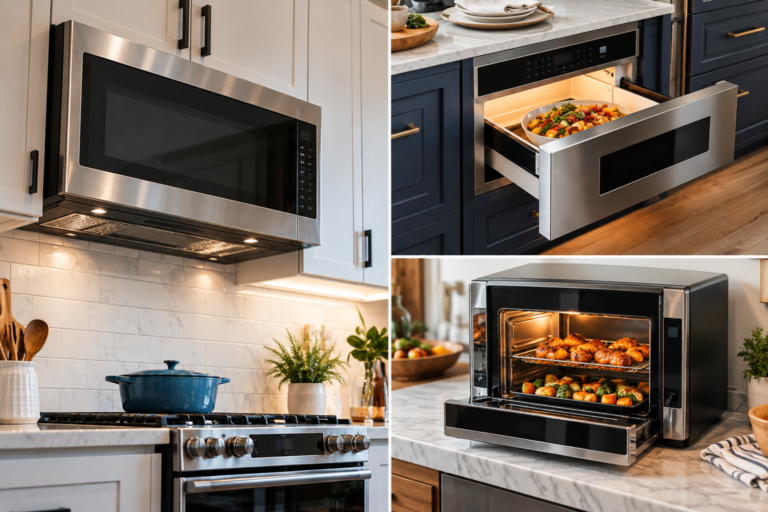
A microwave can fail in two particularly confusing ways. In the first, the appliance appears alive: the display illuminates, the fan runs, the turntable rotates, and the timer counts down, yet the food emerges almost exactly as cold as it entered. In the second, a microwave drawer refuses to open or close even though the appliance appears to have power.
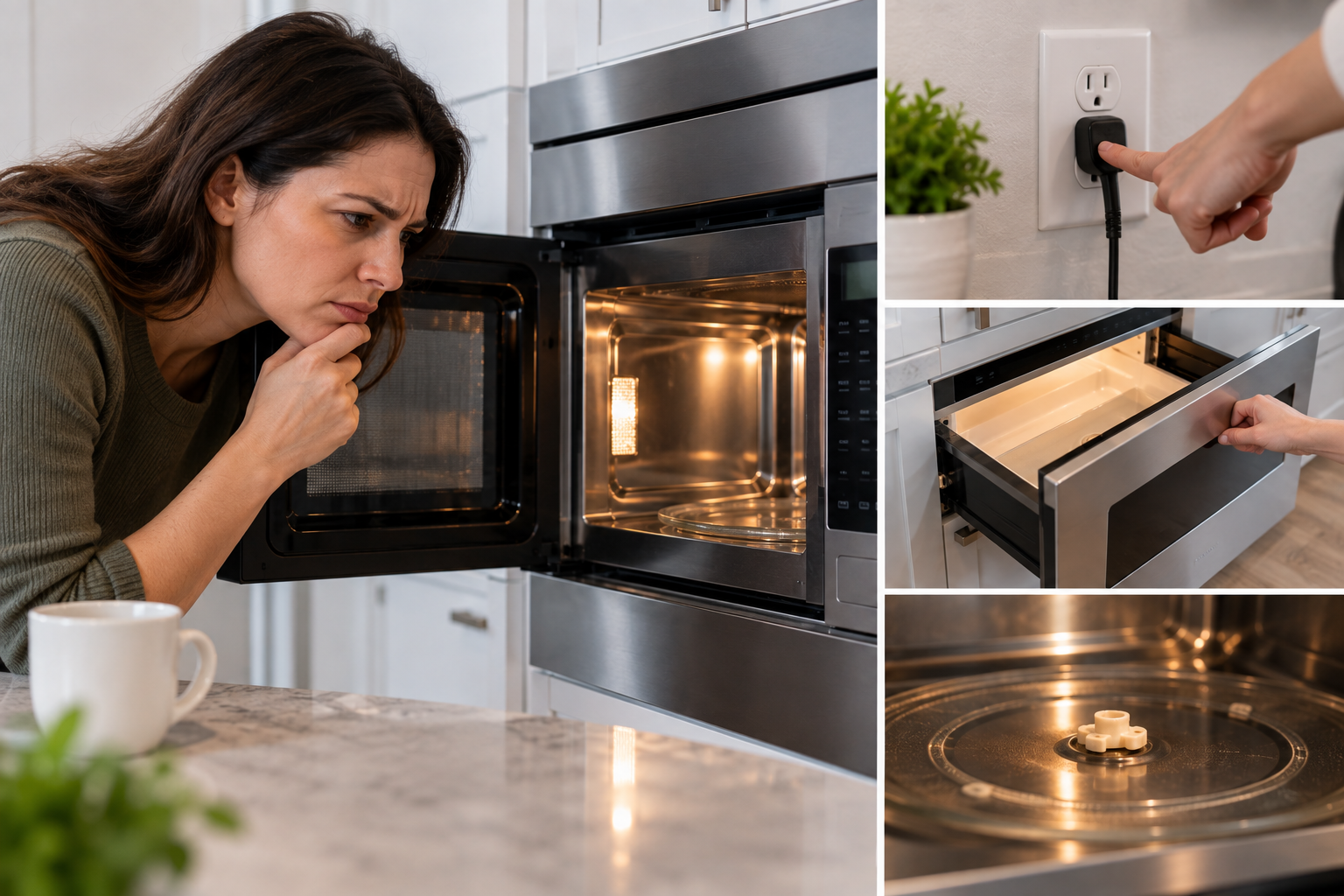
Neither symptom automatically means the microwave is finished.
Modern microwaves contain operating modes, safety interlocks, electronic controls and, in drawer designs, powered opening mechanisms that can produce symptoms resembling major component failure. A control lock can make a functioning appliance seem unresponsive. Demo mode can allow lights, fans and a turntable to operate without generating microwave energy. A dish positioned incorrectly can interfere with a door. A drawer can be obstructed by something as minor as packaging material or food debris.
The sensible troubleshooting strategy therefore moves from external, reversible causes toward faults requiring professional diagnosis.
That boundary matters. Microwave ovens contain high-voltage circuitry that should not become a household troubleshooting project. GE Appliances states in its guidance for a microwave that runs without heating: “There is an internal high voltage capacitor which can hold a high voltage charge even after the Microwave has been unplugged.”
That warning establishes the limits of safe diagnosis. Checking settings, power, obstructions, doors and operating modes is reasonable. Removing the cabinet to test a capacitor, magnetron or high-voltage diode is another category of work entirely.
First Identify What the Microwave Is Actually Doing
“Not working” is too broad to be diagnostically useful.
The first check is to separate the symptom into one of several categories:
- The microwave has no display, lights or response.
- It has power but will not start.
- It starts and appears to run but does not heat.
- It heats, but much more slowly than expected.
- A microwave drawer has power but will not open.
- The drawer opens but will not close normally.
- The display shows a lock, door message or error code.
- The appliance behaves abnormally, such as operating unexpectedly or producing unusual electrical odors or arcing.
These distinctions matter because the likely causes are different.
A completely dark microwave points first toward its power supply. A running but nonheating microwave points toward settings, door recognition or internal heating circuitry. An immobile microwave drawer introduces control-lock, obstruction and drawer-drive questions.
Troubleshooting becomes considerably faster once the symptom is described precisely.
Check 1: Confirm That the Appliance Has Reliable Power
If the microwave is completely unresponsive, start outside the appliance.
For a plug-connected microwave, confirm that the power cord is properly connected. Check the household circuit breaker or fuse. Built-in appliances can make outlet access difficult, so their installation and owner’s manuals should guide any power checks.
Whirlpool’s current built-in microwave troubleshooting guidance recommends verifying that the cord is connected to an operational outlet and checking whether the circuit breaker has tripped or a fuse has blown.
Repeated breaker trips are different from a single interruption. Continually resetting a breaker without investigating why it trips can conceal an electrical problem elsewhere in the circuit or appliance.
Alternative power sources deserve separate attention. This is particularly relevant in RVs, boats, backup-power arrangements and homes using generators or inverters.
That creates a deceptive symptom: the microwave looks operational but does not cook normally.
Check 2: Make Sure the Timer Is Not Masquerading as a Cooking Cycle
One of the least dramatic causes of a “running” microwave that does not heat is also one of the easiest to overlook: the timer.
A kitchen timer can count down on the display without initiating microwave cooking. GE specifically advises checking that the Timer function was not inadvertently selected when diagnosing a microwave that appears to run but does not heat.
Cancel the current operation. Select an ordinary microwave cooking cycle manually, choose full power, and start it again.
This simple distinction is particularly useful on appliances with multifunction control panels, where timer, convection, microwave and combination modes may share the same display.
The lesson extends beyond troubleshooting. A microwave buying guide should consider interface clarity alongside capacity and wattage. A control panel that makes operating modes easy to distinguish can prevent mistakes that resemble equipment failures.
Check 3: Look for Demo Mode
Demo mode is a more convincing impersonation of failure.
It exists so a microwave can demonstrate its controls without actually generating microwave energy. Depending on the model, the display, light, fan and turntable can behave normally.
Whirlpool explains that in Demo Mode, functions can be entered without activating the magnetron. On applicable models, the light can illuminate, the fan can operate and the turntable can rotate while the appliance does not heat.
That combination can lead an owner directly toward the assumption of a failed magnetron when the real problem is a setting.
Consult the owner’s manual for the exact procedure to identify and disable Demo mode. The method varies by manufacturer and model, so generic button combinations should not be guessed.
Demo mode deserves particular suspicion after installation, a power interruption, control-panel experimentation or service work.
Check 4: Verify the Power Level
Not every heating complaint is a complete absence of heat.
Microwaves commonly provide multiple power settings. A unit accidentally left at a low setting can make a normal heating task take much longer than expected.
Whirlpool identifies an incorrectly low power level as one potential explanation for slow heating.
Reset the microwave to full power and conduct a controlled test rather than relying on an irregular food item.
A mug of water is more useful diagnostically than a frozen casserole because the temperature change is easy to recognize and the test is repeatable.
Check 5: Perform a Simple Water-Heating Test
A controlled test separates perception from actual heating performance.
Whirlpool’s troubleshooting procedure for certain microwave models specifies placing one cup, or 250 mL, of water on the turntable and operating the microwave for one minute on the HI setting at 100% power. A detectable temperature increase indicates that the microwave is heating.
The test should use a microwave-safe container and should not be extended unnecessarily.
This is not a laboratory measurement of microwave output. It is a practical diagnostic check: did the appliance materially heat the water or not?
If the water becomes clearly warmer, the heating system is functioning at some level and the original complaint may involve power settings, cooking time, food quantity or another operating condition.
If the microwave runs through the test while the water remains essentially unchanged, the investigation moves toward door recognition or an internal fault.
Check 6: Inspect the Door Before Suspecting the Magnetron
Microwave doors contain more engineering than their appearance suggests.
A microwave is designed not to generate microwave energy unless its safety interlock system recognizes the door as properly closed. A door can appear shut to a person while failing to satisfy that mechanism.
Remove the food and cookware and inspect the opening.
Look for:
- Oversized plates or dishes pressing against the door
- A cooking rack positioned incorrectly
- Packaging or shipping material
- Food debris around closing surfaces
- An obviously damaged latch
- A door that does not sit normally when closed
Whirlpool likewise identifies packing material, oversized bakeware and a displaced cooking rack as items that can interfere with proper door closure.
Do not defeat, bypass or manipulate the safety interlocks in an attempt to make the microwave operate. A door-recognition fault that persists after obvious obstructions have been removed belongs with qualified service.
Check 7: Understand the Mysterious “DOOR” Message
Some microwaves deliberately require evidence that the door has recently been opened.
Whirlpool documents models that display “DOOR” or an equivalent message if the door has remained closed for about five minutes without the microwave being started. The behavior is intended to reduce unintended operation. Opening and closing the door resets that condition.
This can look like a failed latch or control board when nothing is broken.
Open the door completely, close it firmly and try the cycle again.
If the door message remains after normal opening and closing, consult the model’s manual. A persistent message can indicate that the appliance is not detecting door movement correctly.
Check 8: Rule Out Control Lock
A control lock is another intentional safety feature that frequently masquerades as failure.
Depending on the model, the display may show “LOC,” “L,” a padlock symbol or another indicator. Whirlpool explains that Control Lock disables control-panel pads to help prevent unintended microwave operation.
Unlocking procedures differ among models. Some require holding a specific button for several seconds; others use a settings menu.
This check becomes especially relevant with microwave drawers because a lock can affect opening controls as well as cooking commands.
Sharp’s drawer guidance notes that some models can be locked with the drawer in either the open or closed position.
Before assuming that a drawer motor has failed, inspect the display for a lock indication and follow the owner’s manual to disable it.
Check 9: If the Microwave Drawer Will Not Open, Start With the Controls
A powered microwave drawer introduces a problem that a conventional hinged door does not have: the opening system itself can stop responding.
The diagnostic sequence should remain conservative.
First, confirm that the appliance has power. Next, verify that Control Lock is disabled. Then inspect the display for error messages.
Sharp’s current troubleshooting guidance recommends a power reset, an obstruction check and verification of Control Lock when a Microwave Drawer will not open or close correctly. If those checks do not restore operation, the company identifies a possible motor or sensor problem and recommends professional service.
The power reset itself is straightforward when the manufacturer’s instructions permit it: disconnect power, wait for the specified period and restore power.
Do not turn a failed automatic drawer into a test of physical strength.
Check 10: Inspect the Drawer for Obstructions
A drawer has to travel through a defined path. Small objects can interfere with that movement.
Look around the accessible edges for packaging, utensils, food debris or another item physically blocking travel. Do not insert tools deeply into the drawer mechanism.
If the drawer begins to move and then stops, resistance should be treated as information rather than an invitation to pull harder.
Sharp’s operating instructions for the SMD2470AS/SMD3070AS family say to use the OPEN/CLOSE control for normal operation and warn against manually pushing or pulling the drawer except during an emergency such as a power failure. If manual movement is necessary, the manual says it should be done slowly.
Older or different drawer models can have different instructions. That is why the model number matters.
Check 11: Touchless Drawer Opening Has Its Own Failure Modes
Some microwave drawers include touchless or gesture-based opening.
A nonresponsive gesture sensor does not necessarily mean the drawer motor is defective.
Sharp’s SMD2489ES documentation states that its Easy Wave Open function is off by default when the unit is plugged in. It also states that the function is disabled when Control Lock is active.
That creates several distinct possibilities:
The drawer may open from its button but not from a gesture because the touchless feature is disabled. The control lock may be active. The gesture may be made outside the sensor area. Or the appliance may have a genuine sensor or control problem.
Test the conventional OPEN/CLOSE control before diagnosing the entire drawer mechanism from a failed gesture.
Check 12: Power Failure Can Change Drawer Behavior
A power interruption can create confusing symptoms on electronically controlled drawers.
Sharp’s current Microwave Drawer manual states that if electrical power is interrupted, cooking programming and the time of day can be erased. After power returns, the display may prompt the user to clear and reset the clock.
A recent outage therefore belongs near the beginning of the diagnostic history.
Ask what happened immediately before the problem appeared. Was there a breaker trip? A storm? Installation work? A power outage? Was the appliance unplugged?
Sequence matters. An appliance that failed immediately after electrical interruption suggests a different starting point from one whose drawer gradually became noisy or mechanically reluctant over several months.
Check 13: Know When “Runs but Doesn’t Heat” Becomes a Service Problem
Once the obvious settings and door issues have been eliminated, a microwave that runs normally but produces no meaningful heat may have an internal component failure.
Potential internal causes include the magnetron, high-voltage diode, door-switch system or other circuitry. Whirlpool lists a defective magnetron, damaged high-voltage diode and door-switch problems among possible causes of nonheating.
Those component names are useful diagnostically but should not be interpreted as an invitation to open the appliance.
The microwave’s outer cover is a safety boundary.
GE explicitly declines to provide do-it-yourself microwave repair instructions because the internal high-voltage capacitor can retain a dangerous charge even after the microwave has been unplugged.
Once troubleshooting requires a meter inside the cabinet, the job has moved beyond ordinary user checks.
Check 14: Stop Immediately for Abnormal Electrical Behavior
Not every microwave fault deserves another test cycle.
Stop using the appliance if there is persistent arcing, smoke, an electrical burning smell, severe door damage, abnormal operation with the door open or another symptom suggesting an electrical or safety-system fault.
Repeatedly restarting a malfunctioning appliance rarely produces useful diagnostic information.
Similarly, a microwave that starts or heats unexpectedly should be disconnected from power when this can be done safely and referred for service. GE’s troubleshooting guidance for a microwave that appears to start on its own instructs owners to determine whether actual heating is occurring and, if it is, to unplug the microwave and contact service.
Unexpected operation deserves more caution than an ordinary failure to start.
Repair or Replace?
Once professional repair is required, economics enter the discussion.
The decision should consider the appliance’s age, original cost, installation type, availability of parts, repair estimate and replacement cost.
Built-in and drawer microwaves complicate this calculation because replacement is not merely a matter of buying another box. Cabinet dimensions, trim, ventilation and electrical requirements can constrain alternatives.
A conventional countertop microwave may be economically replaced after an expensive internal failure. A built-in drawer that precisely matches custom cabinetry presents a different equation.
That is another reason installation dimensions belong in any serious microwave buying guide. Repairability and replacement compatibility can matter years after cooking wattage has ceased to be interesting.
Before approving a repair, obtain the exact model number and ask whether the failed component is available, whether labor is included in the estimate and whether replacement would require cabinet or electrical modification.
A Sensible Troubleshooting Order
For a microwave that will not heat, the practical sequence is:
- Confirm reliable power.
- Cancel the current program and start a normal microwave cycle.
- Check Timer, Demo mode, Control Lock and power level.
- Verify that the door closes fully without interference.
- Perform the manufacturer’s recommended water-heating test.
- Check the display for door messages or error codes.
- Power-reset the appliance only according to manufacturer guidance.
- If it runs but still produces no heat, arrange professional service rather than opening the cabinet.
For a microwave drawer that will not open, start with power, Control Lock and display messages. Test the normal OPEN/CLOSE control. Check accessible areas for obstruction. Consider whether a recent power interruption changed the controls. Consult the model-specific manual before attempting manual movement.
This order matters because it resolves the cheapest and safest explanations first.
Final Considerations
A microwave that appears to run without heating is not automatically suffering from a failed magnetron, just as a microwave drawer that refuses to open does not automatically have a dead motor.
Controls can imitate component failures remarkably well.
Timer operation, Demo mode, low power settings, Control Lock, door-recognition safeguards and interrupted power can all create symptoms that look more serious than they are. Drawer models add another set of variables: powered movement, gesture controls, obstruction detection and model-specific emergency-opening procedures.
The diagnostic discipline is straightforward. Start outside the appliance and work inward only as far as the manufacturer permits.
Confirm power. Identify the exact symptom. Reset ordinary operating modes. Check the door. Remove physical obstructions. Test heating with a controlled amount of water when the manufacturer’s procedure supports that test. Read the display rather than ignoring it. Consult the manual before forcing a powered drawer.
Then stop.
The stopping point is as important as the first check. A microwave’s high-voltage system can retain hazardous electrical energy after the appliance has been disconnected, which is why major manufacturers direct internal heating-system faults toward professional service.
That distinction keeps troubleshooting useful rather than adventurous. The owner handles settings, power supply, cookware interference, locks and accessible obstructions. A qualified technician handles internal high-voltage components, failed switches requiring disassembly, drawer motors and electronic control faults.
Microwave troubleshooting works best when it is treated as elimination rather than guesswork. The display, door, operating mode and recent history of the appliance often reveal more than the sound of the fan or the rotation of the turntable.
And when those external checks have been exhausted, a microwave that still refuses to heat-or a drawer that still refuses to move-has already supplied the most useful diagnosis available without opening the cabinet: it is time for service.